display TOYOTA SUPRA 2023 Repair Manual
[x] Cancel search | Manufacturer: TOYOTA, Model Year: 2023, Model line: SUPRA, Model: TOYOTA SUPRA 2023Pages: 372, PDF Size: 6.32 MB
Page 150 of 372
1503-1. CONTROLS
called up in the instrument clus-
ter.
Via Toyota Supra Command:
1"My vehicle"
2 "System settings"
3 "Displays"
4 "Instrument panel"
5 "Onboard info"
6 Select the desired setting.
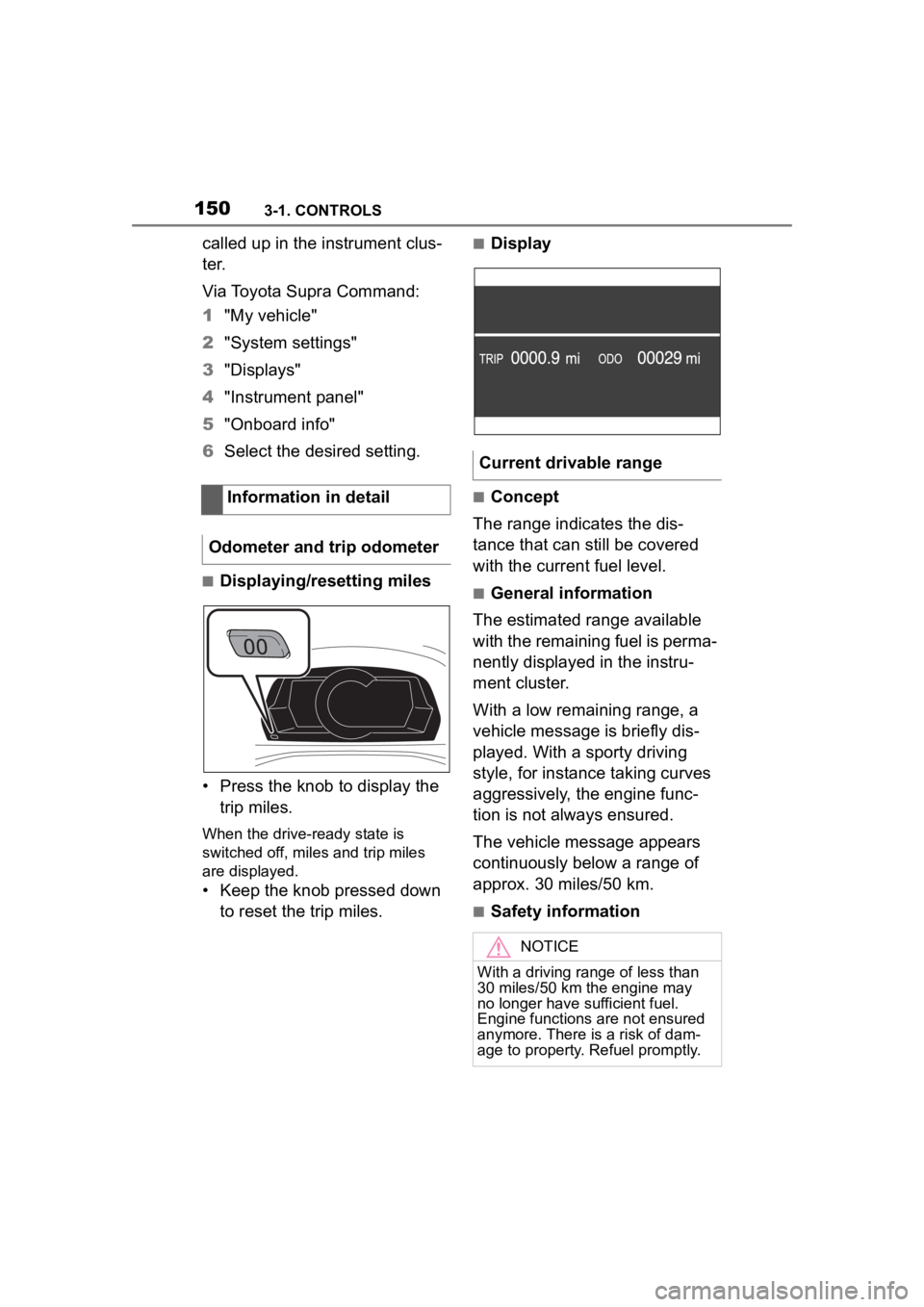
■Displaying/resetting miles
• Press the knob to display the trip miles.
When the drive-ready state is
switched off, miles and trip miles
are displayed.
• Keep the knob pressed down to reset the trip miles.
■Display
■Concept
The range indicates the dis-
tance that can still be covered
with the current fuel level.
■General information
The estimated range available
with the remaining fuel is perma-
nently displayed in the instru-
ment cluster.
With a low remaining range, a
vehicle message is briefly dis-
played. With a sporty driving
style, for instance taking curves
aggressively, the engine func-
tion is not always ensured.
The vehicle message appears
continuously below a range of
approx. 30 miles/50 km.
■Safety information
Information in detail
Odometer and trip odometer
Current drivable range
NOTICE
With a driving range of less than
30 miles/50 km the engine may
no longer have sufficient fuel.
Engine functions are not ensured
anymore. There is a risk of dam-
age to property. Refuel promptly.
Page 151 of 372
1513-1. CONTROLS
3
CONTROLS
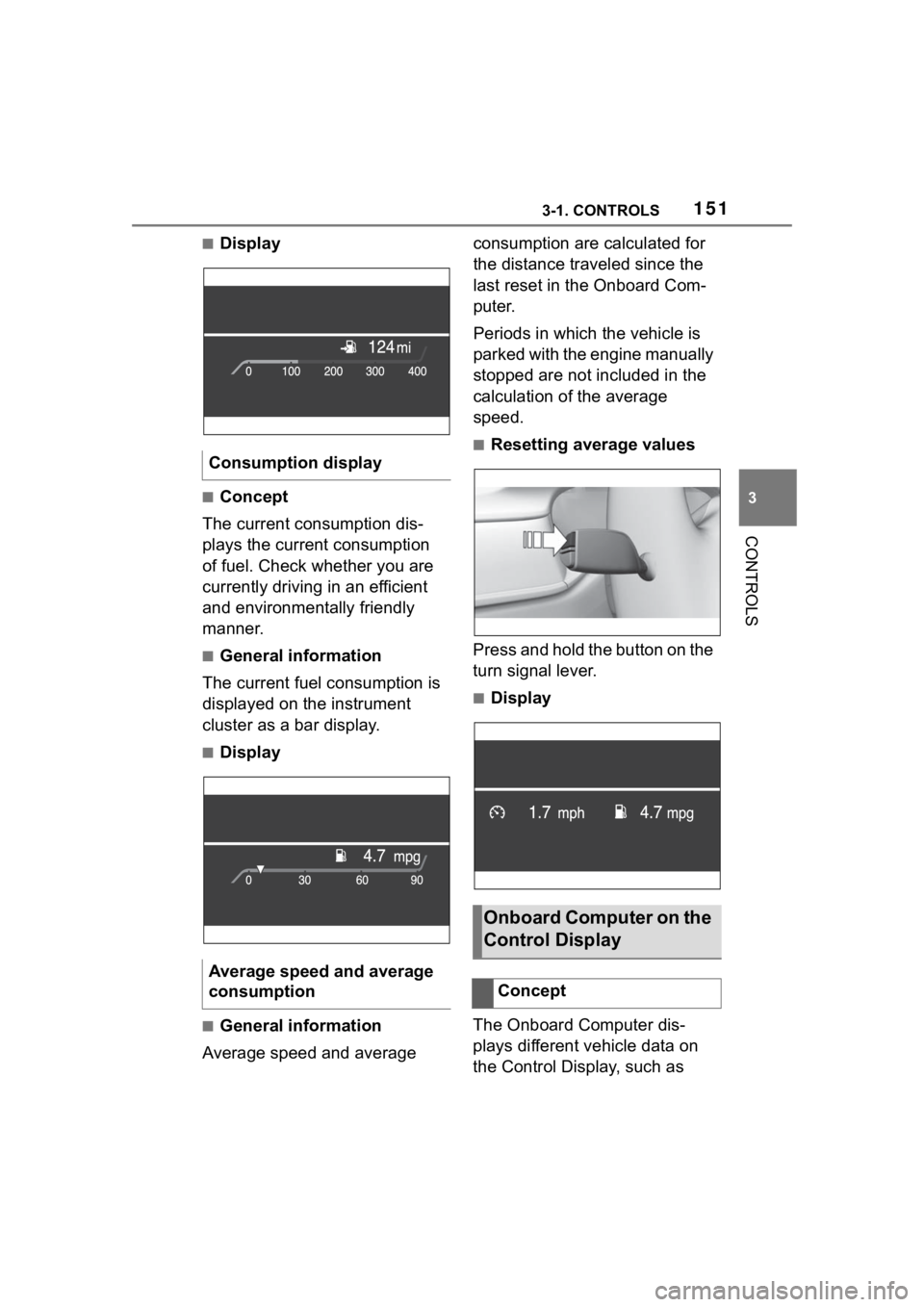
■Display
■Concept
The current consumption dis-
plays the current consumption
of fuel. Check whether you are
currently driving in an efficient
and environmentally friendly
manner.
■General information
The current fuel consumption is
displayed on the instrument
cluster as a bar display.
■Display
■General information
Average speed and average consumption are calculated for
the distance traveled since the
last reset in the Onboard Com-
puter.
Periods in which the vehicle is
parked with the engine manually
stopped are not included in the
calculation of the average
speed.
■Resetting average values
Press and hold the button on the
turn signal lever.
■Display
The Onboard Computer dis-
plays different vehicle data on
the Control Display, such as
Consumption display
Average speed and average
consumption
Onboard Computer on the
Control Display
Concept
Page 152 of 372
1523-1. CONTROLS
average values.
Two types of Onboard Com-
puter are available on the Con-
trol Display:
"Onboard info": average val-
ues, such as the consump-
tion, are displayed. The
values can be reset individu-
ally.
"Trip computer": the values
deliver an overview of a cer-
tain distance and can be reset
as often as necessary.
Via Toyota Supra Command:
1 "My Vehicle"
2 "Driving information"
3 "Onboard info" or "Trip com-
puter"
Via Toyota Supra Command:
1 "My Vehicle"
2 "Driving information"
3 "Onboard info"
4 "Consumption" or "Speed"
5 "OK" Via Toyota Supra Command:
1
"My Vehicle"
2 "Driving information"
3 "Trip computer"
4 Move the Controller to the
left, if needed.
• "Reset": all values are reset.
• "Automatic reset": all val- ues are reset approx. 4 hours
after the vehicle has come to
a standhill.
5 If necessary, "OK"
Depending on the vehicle speci-
fications, the current power out-
put and torque can be displayed
on the control display.
The following information is dis-
played:
Torque.
Power.
General information
Calling up the Onboard
Computer or trip computer
Resetting the Onboard
computerResetting the trip com-
puter
Sport displays
Concept
Display on the Control Dis-
play
Overview
Page 153 of 372
1533-1. CONTROLS
3
CONTROLS
Via Toyota Supra Command:
1"My vehicle"
2 "Sport displays"
A speed limit can be set that
when reached will cause a
warning to be issued.
The warning is repeated if the
vehicle speed exceeds the set
speed limit again, after it has
dropped below it by 3 mph/5
km/h.
Via Toyota Supra Command:
1 "My Vehicle"
2 "Vehicle settings"
3 "Speed warning"
4 "Warning at:"
5 Turn the Controller until the
desired speed is displayed.
6 Press the Controller.
Via Toyota Supra Command: 1
"My Vehicle"
2 "Vehicle settings"
3 "Speed warning"
4 "Speed warning"
Via Toyota Supra Command:
1 "My Vehicle"
2 "Vehicle settings"
3 "Speed warning"
4 "Select current speed"
The status can be displayed and
actions performed for several
systems.
Via Toyota Supra Command:
1 "My vehicle"
2 "Vehicle status"
"Tire Pressure Monitor":
Status of the Tire Pressure
Monitor, refer to page 287.
"Engine oil level": Elec-
tronic engine oil level check,
refer to page 302.
"Vehicle messages": Vehi-
Displays
Speed warning
Concept
General information
Configuring the speed
limit warning
Activating/deactivating the
speed warning
Setting your current speed
as the speed warning
Vehicle status
General information
Opening the vehicle status
Information at a glance
Page 154 of 372
1543-1. CONTROLS
cle messages are stored in
the background and can be
displayed on the Control Dis-
play. Displaying stored vehi-
cle messages, refer to page
140.
"Service required": Dis-
playing service notifications,
refer to page 147.
"Remote maintenance
Call": service request.
*: if equipped
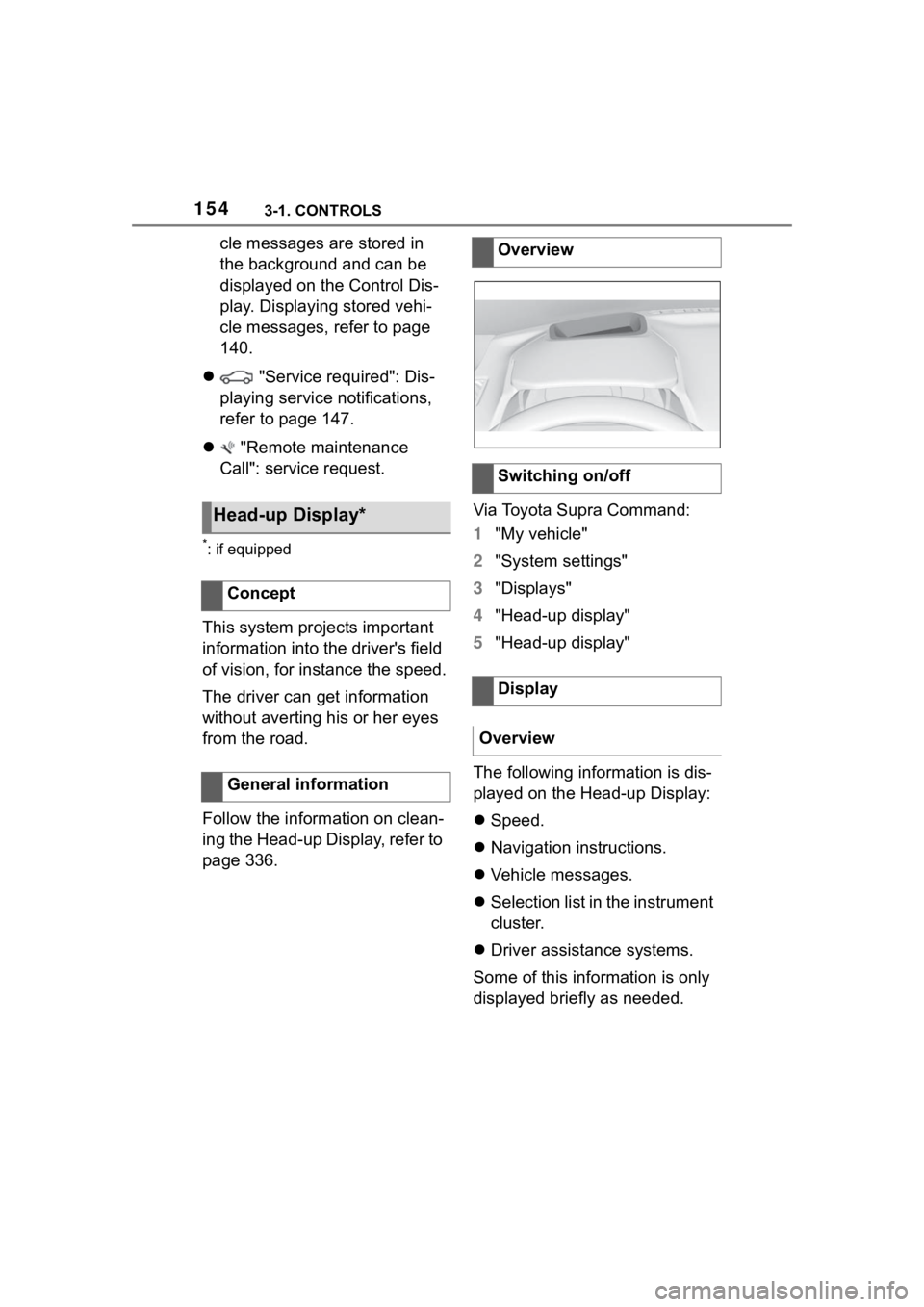
This system projects important
information into the driver's field
of vision, for instance the speed.
The driver can get information
without averting his or her eyes
from the road.
Follow the information on clean-
ing the Head-up Display, refer to
page 336. Via Toyota Supra Command:
1
"My vehicle"
2 "System settings"
3 "Displays"
4 "Head-up display"
5 "Head-up display"
The following information is dis-
played on the Head-up Display:
Speed.
Navigation instructions.
Vehicle messages.
Selection list in the instrument
cluster.
Driver assistance systems.
Some of this information is only
displayed briefly as needed.
Head-up Display*
Concept
General information
Overview
Switching on/off
Display
Overview
Page 155 of 372
1553-1. CONTROLS
3
CONTROLS
Various views are available for
the Head-up Display.
Via Toyota Supra Command:
1"My vehicle"
2 "System settings"
3 "Displays"
4 "Head-up display"
5 Select the desired setting.
The brightness adapts automati-
cally to the ambient brightness.
The basic setting can be
adjusted manually.
Via Toyota Supra Command:
1 "My vehicle"
2 "System settings"
3 "Displays"
4 "Head-up display"
5 "Brightness"
6 Turn the Controller until the
desired brightness is set.
7 Press the Controller.
When the low beams are
switched on, the brightness of
the Head-up Display can be
additionally influenced using the
instrument lighting.
Via Toyota Supra Command:
1 "My vehicle" 2
"System settings"
3 "Displays"
4 "Head-up display"
5 "Height"
6 Turn the Controller until the
desired height is reached.
7 Press the Controller.
The height of the Head-up Dis-
play can also be stored using
the memory function, refer to
page 111.
The Head-up Display view can
be rotated.
Via Toyota Supra Command:
1 "My vehicle"
2 "System settings"
3 "Displays"
4 "Head-up display"
5 "Rotation"
6 Turn the Controller until the
desired setting is selected.
7 Press the Controller.
The visibility of the displays in
the Head-up Display is influ-
enced by the following factors:
Seat position.
Objects on the protective
glass of the Head-up Display.
Dust or dirt on the protective
Selecting the view
Setting the brightness
Adjusting the height
Setting the rotation
Visibility of the display
Page 156 of 372
1563-1. CONTROLS
glass of the Head-up Display.
Windshield dirty on inside or
outside.
Sunglasses with certain polar-
ization filters.
Wet roads.
Unfavorable light conditions.
If the image is distorted, have
the basic settings checked by
your Toyota dealer.
The windshield is part of the
system.
The shape of the windshield
makes it possible to display a
precise image.
A film in the windshield prevents
double images from being gen-
erated.
For this reason, it is strongly
suggested to have the special
windshield replaced by your
Toyota dealer if necessary. This chapter describes all stan-
dard, country-specific and
optional features offered with
the series. It also describes fea-
tures and functions that are not
necessarily available in your
vehicle, e.g., due to the selected
options or country versions. This
also applies to safety-related
functions and systems. When
using these functions and sys-
tems, the applicable laws and
regulations must be observed.
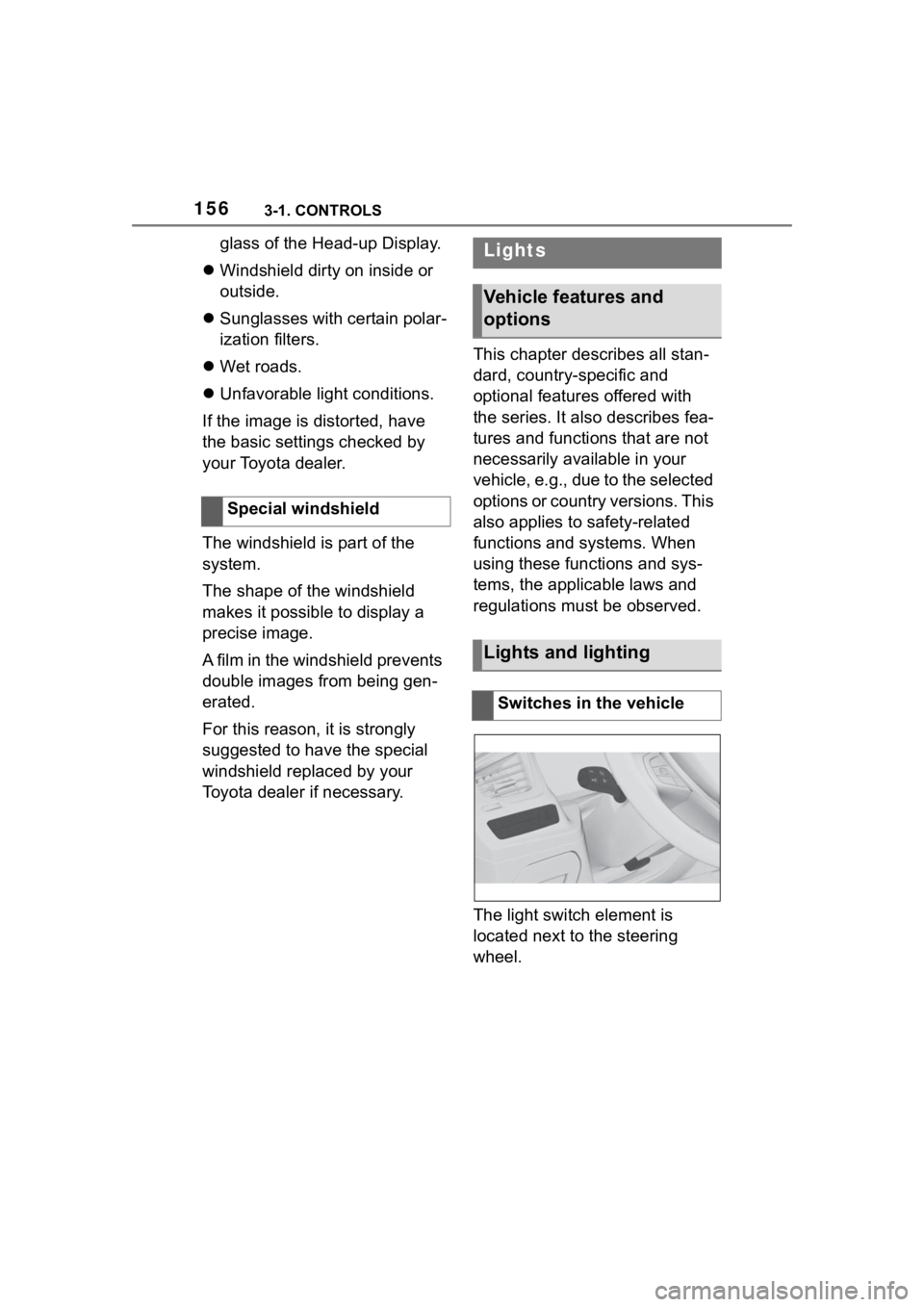
The light switch element is
located next to the steering
wheel.
Special windshieldLights
Vehicle features and
options
Lights and lighting
Switches in the vehicle
Page 161 of 372
1613-1. CONTROLS
3
CONTROLS
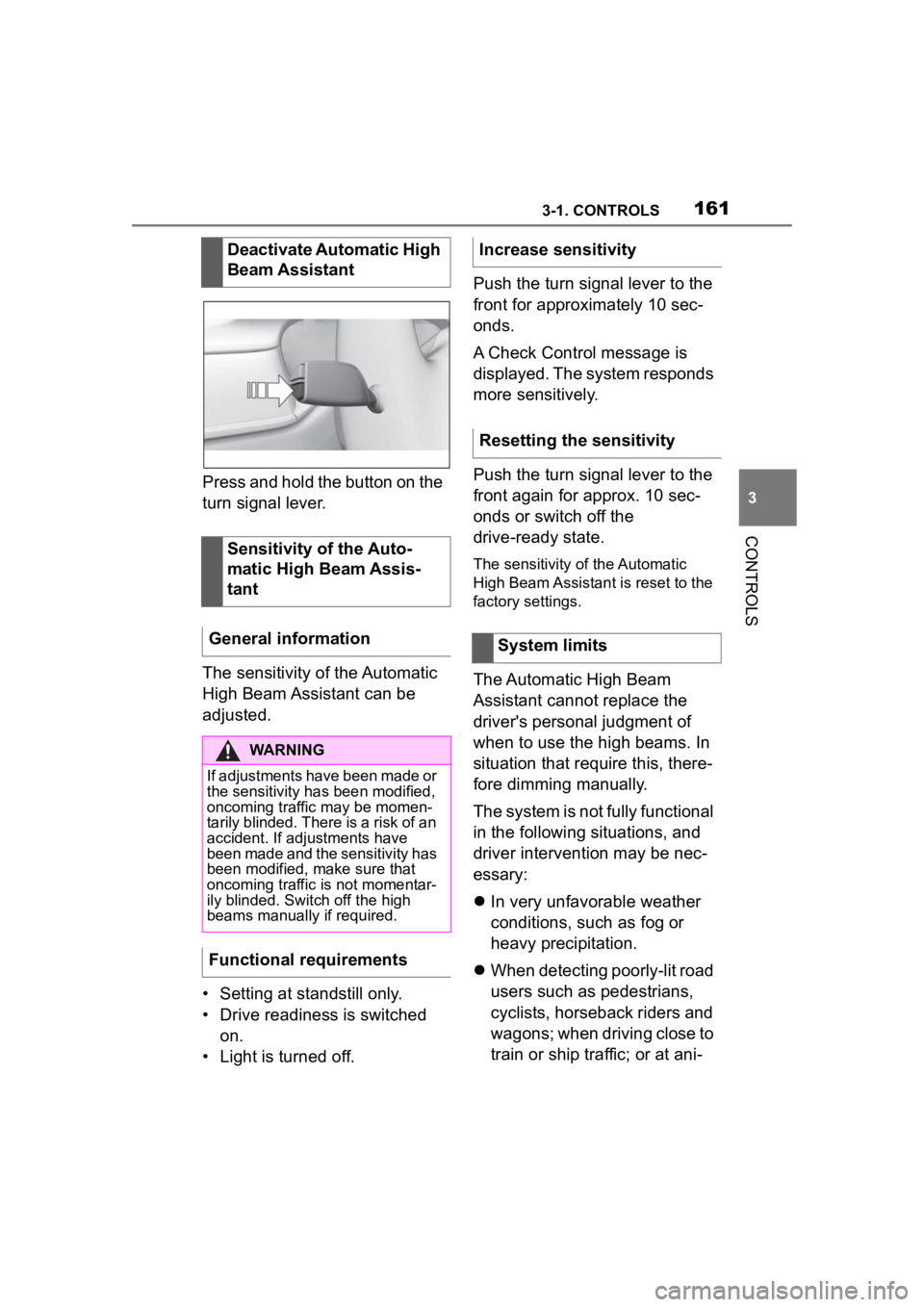
Press and hold the button on the
turn signal lever.
The sensitivity of the Automatic
High Beam Assistant can be
adjusted.
• Setting at standstill only.
• Drive readiness is switched on.
• Light is turned off. Push the turn signal lever to the
front for approximately 10 sec-
onds.
A Check Control message is
displayed. The system responds
more sensitively.
Push the turn signal lever to the
front again for approx. 10 sec-
onds or switch off the
drive-ready state.
The sensitivity of the Automatic
High Beam Assistant is reset to the
factory settings.
The Automatic High Beam
Assistant cannot replace the
driver's personal judgment of
when to use the high beams. In
situation that require this, there-
fore dimming manually.
The system is not fully functional
in the following situations, and
driver intervention may be nec-
essary:
In very unfavorable weather
conditions, such as fog or
heavy precipitation.
When detecting poorly-lit road
users such as pedestrians,
cyclists, horseback riders and
wagons; when driving close to
train or ship traffic; or at ani-
Deactivate Automatic High
Beam Assistant
Sensitivity of the Auto-
matic High Beam Assis-
tant
General information
WARNING
If adjustments have been made or
the sensitivity ha s been modified,
oncoming traffic may be momen-
tarily blinded. There is a risk of an
accident. If adjustments have
been made and the sensitivity has
been modified, make sure that
oncoming traffic is not momentar-
ily blinded. Switch off the high
beams manually if required.
Functional requirements
Increase sensitivity
Resetting the sensitivity
System limits
Page 166 of 372
1663-1. CONTROLS
Do not hang pieces of cloth-
ing, such as jackets, over the
backrests.
Never modify either the indi-
vidual components or the wir-
ing in the airbag system. This
also applies to steering wheel
covers, the dashboard, and
the seats.
Do not remove the airbag sys-
tem.
Even when you follow all
instructions very closely, injury
from contact with the airbags
cannot be fully ruled out in cer-
tain situations.
The ignition and inflation noise
may lead to short-term and, in
most cases, temporary hearing
impairment in sensitive occu-
pants.
Vehicle modifications for a per-
son with disabilities may affect
the air bag system; contact the
Toyota dealer for further infor-
mation.
Warnings and information on the
airbags are also found on the
sun visors. Functional readiness of
the airbag system
Safety information
WARNING
Individual components can be hot
after triggering of the airbag sys-
tem. There is a risk of injury. Do
not touch individual components.
WARNING
Improperly executed work can
lead to failure, malfunction or
unintentional triggering of the air-
bag system. In the case of a mal-
function, the airbag system might
not trigger as intended despite the
accident severity. There is a risk
of injuries or danger to life. Have
the airbag system checked,
repaired, dismantled and
scrapped by your Toyota dealer.
Display in the instrument
cluster
When drive-ready state is
switched on, the warning
light in the instrument
cluster lights up briefly and
thereby indicates the func-
tion readiness of the entire
airbag system and the belt
tensioners.
Malfunction
Warning light does not
come on when
drive-ready state is
switched on.
The warning light lights
up continuously.
Page 167 of 372
1673-1. CONTROLS
3
CONTROLS
Have the system checked.
The power that deploys the
driver's/front passenger airbags
depends on the position of the
driver's/front passenger seat.
To maintain the accuracy of this
function, calibrate the electrical
front seats as soon as a respec-
tive message appears on the
control display.
For further information:
Electrically adjustable seats,
see page P.101.
The airbags are not designed to
be used in place of the seat
belts.
The SRS front airbags and SRS
knee airbags are designed to
supplement the seat belts, not
be used in place of them, to
increase their effectiveness as
an occupant protection device.
SRS is an acronym for Supplemen-
tal Restraint System
In the event of a collision, the
seat belts restrain the occupants
in their seats, but if the impact of
the collision is especially
severe, there is danger of an
occupant’s head and chest con-
tacting the steering wheel, dash- board and windshield. In this
case, the SRS front airbags and
SRS knee airbags deploy
(inflate), instantly creating an air
cushion to help reduce the
impact on the occupants and
restrain them from contacting
the steering wheel, etc. with
their head, chest and knees.
The SRS front air bags and SRS
knee airbags deploy only when
an impact exceeding a certain
threshold is detected. In a colli-
sion, even if the impact is
severe enough to cause the
vehicle body to deform, the SRS
airbags may not deploy if the
impact of the collision is suffi-
ciently dispersed by the crash
structures of the vehicle body. If
the force of the collision does
not cause the airbags to deploy,
the seatbelts will protect the
occupants.
When an airbag deploys, as it
will inflate nearly instantly, it may
impact an occupant and cause
an injury, or the loud noise emit-
ted by ignition or deployment
may cause temporary partial
loss of hearing. Also, as an air-
bag and nearby parts will be
extremely hot after the airbag
deploys, touching them may
cause burns. For these reasons,
deployment of the airbags is not
entirely risk free. Therefore, in
order to reduce this risk, the air-
bags are designed to only
Setting the front seat posi-
tions
SRS front airbag/SRS knee
airbag