key TOYOTA YARIS GRMN 2017 Service Manual
[x] Cancel search | Manufacturer: TOYOTA, Model Year: 2017, Model line: YARIS GRMN, Model: TOYOTA YARIS GRMN 2017Pages: 404, PDF Size: 54.2 MB
Page 357 of 404
3577-2. Steps to take in an emergency
YARIS_GRMN_OM_Europe_OM52J40E
7
When trouble arises
Ensure that the shift lever is in N and depress the clutch pedal.
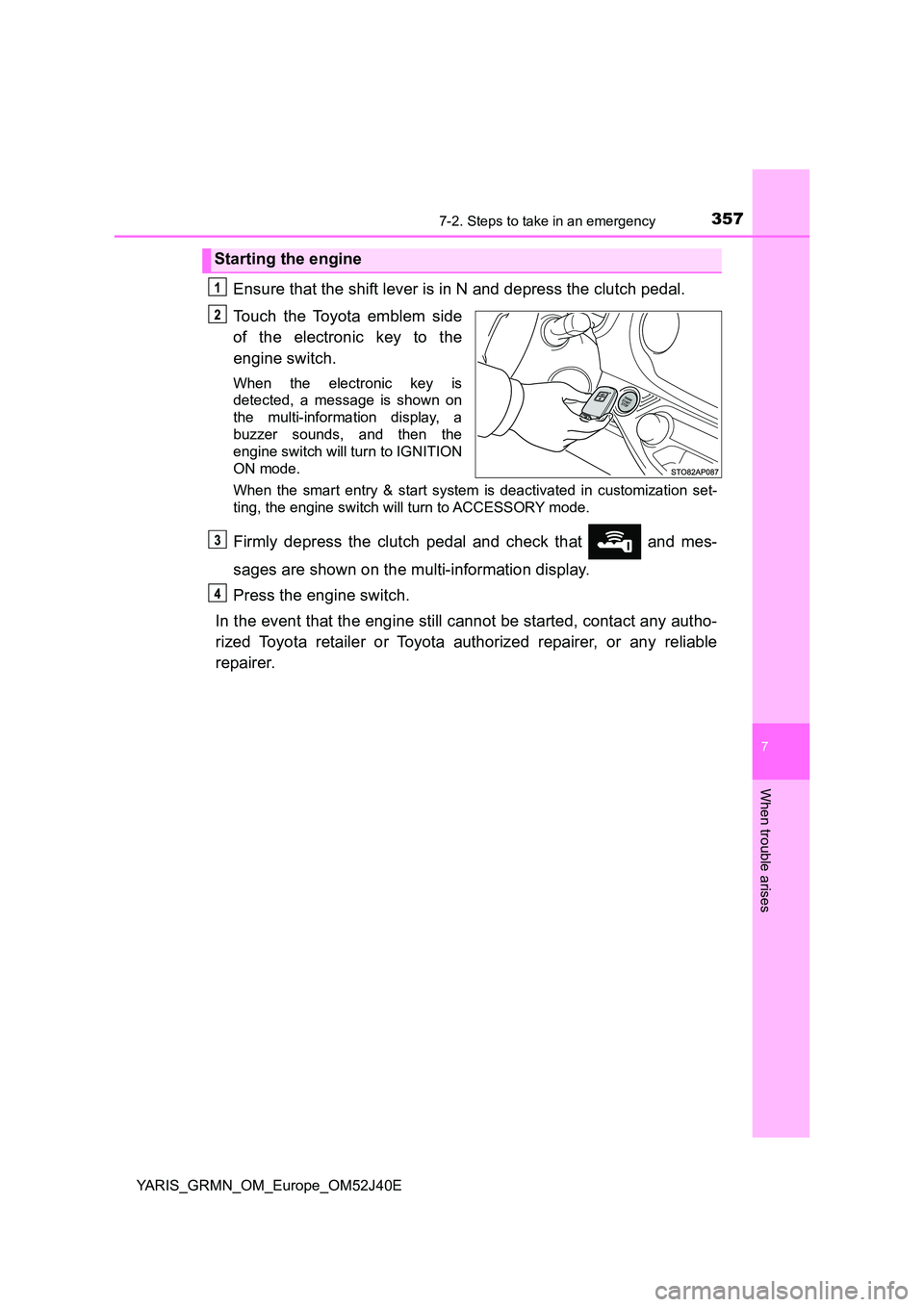
Touch the Toyota emblem side
of the electronic key to the
engine switch.
When the electronic key is
detected, a message is shown on
the multi-information display, a
buzzer sounds, and then the
engine switch will turn to IGNITION
ON mode.
When the smart entry & start system is deactivated in customization set-
ting, the engine switch will turn to ACCESSORY mode.
Firmly depress the clutch pedal and check that and mes-
sages are shown on the multi-information display.
Press the engine switch.
In the event that the engine still cannot be started, contact any autho-
rized Toyota retailer or Toyota authorized repairer, or any reliable
repairer.
Starting the engine
Page 358 of 404
3587-2. Steps to take in an emergency
YARIS_GRMN_OM_Europe_OM52J40E
■Stopping the engine
Shift the shift lever to N and press the engine switch as you normally do when
stopping the engine.
■ Replacing the key battery
As the above procedure is a temporary measure, it is recommended that the
electronic key battery be replaced immediately when the battery is depleted.
( P. 289)
■ Changing engine switch modes
Release the clutch pedal and press the engine switch in step above.
The engine does not start and modes will be changed each time the switch is
pressed. ( P. 188)
■ When the electronic key does not work properly
● Make sure that the smart entry & start system has not been deactivated in
the customization setting. If it is off, turn the function on.
(Customizable features: P. 380)
● Check if battery-saving mode is set. If it is set, cancel the function.
( P. 127)
Page 360 of 404
3607-2. Steps to take in an emergency
YARIS_GRMN_OM_Europe_OM52J40E
Start the engine of the second vehicle. Increase the engine speed
slightly and maintain it at that level for approximately 5 minutes to
recharge the battery of your vehicle.
Open and close any of the doors of your vehicle with the engine
switch off.
Maintain the engine speed of the second vehicle and turn the
engine switch to IGNITION ON mode, then start the vehicle’s
engine.
Once the vehicle’s engine has started, remove the jumper cables in
the exact reverse order from which they were connected.
Once the engine starts, have the vehicle inspected at any authorized
Toyota retailer or Toyota authorized repairer, or any reliable repairer
as soon as possible.
■ To prevent battery discharge
● Turn off the headlights and the audio system while the engine is stopped.
● Turn off any unnecessary electrical components when the vehicle is running
at a low speed for an extended period, such as in heavy traffic.
■ Charging the battery
The electricity stored in the battery will discharge gradually even when the
vehicle is not in use, due to natural discharge and the draining effects of cer-
tain electrical appliances. If the vehicle is left for a long time, the battery may
discharge, and the engine may be unable to start. (The battery recharges
automatically during driving.)
■ Precautions when the battery is discharged
● In some cases, it may not be possible to unlock the doors using the smart
entry & start system when the battery is discharged. Use the wireless
remote control or the mechanical key to lock or unlock the doors.
● The engine may not start on the first attempt after the battery has recharged
but will start normally after the second attempt. This is not a malfunction.
● The engine switch mode is memorized by the vehicle. When the battery is
reconnected, the system will return to the mode it was in before the battery
was discharged. Before disconnecting the battery, turn the engine switch off.
If you are unsure what mode the engine switch was in before the battery dis-
charged, be especially careful when reconnecting the battery.
Page 384 of 404
3848-2. Customization
YARIS_GRMN_OM_Europe_OM52J40E
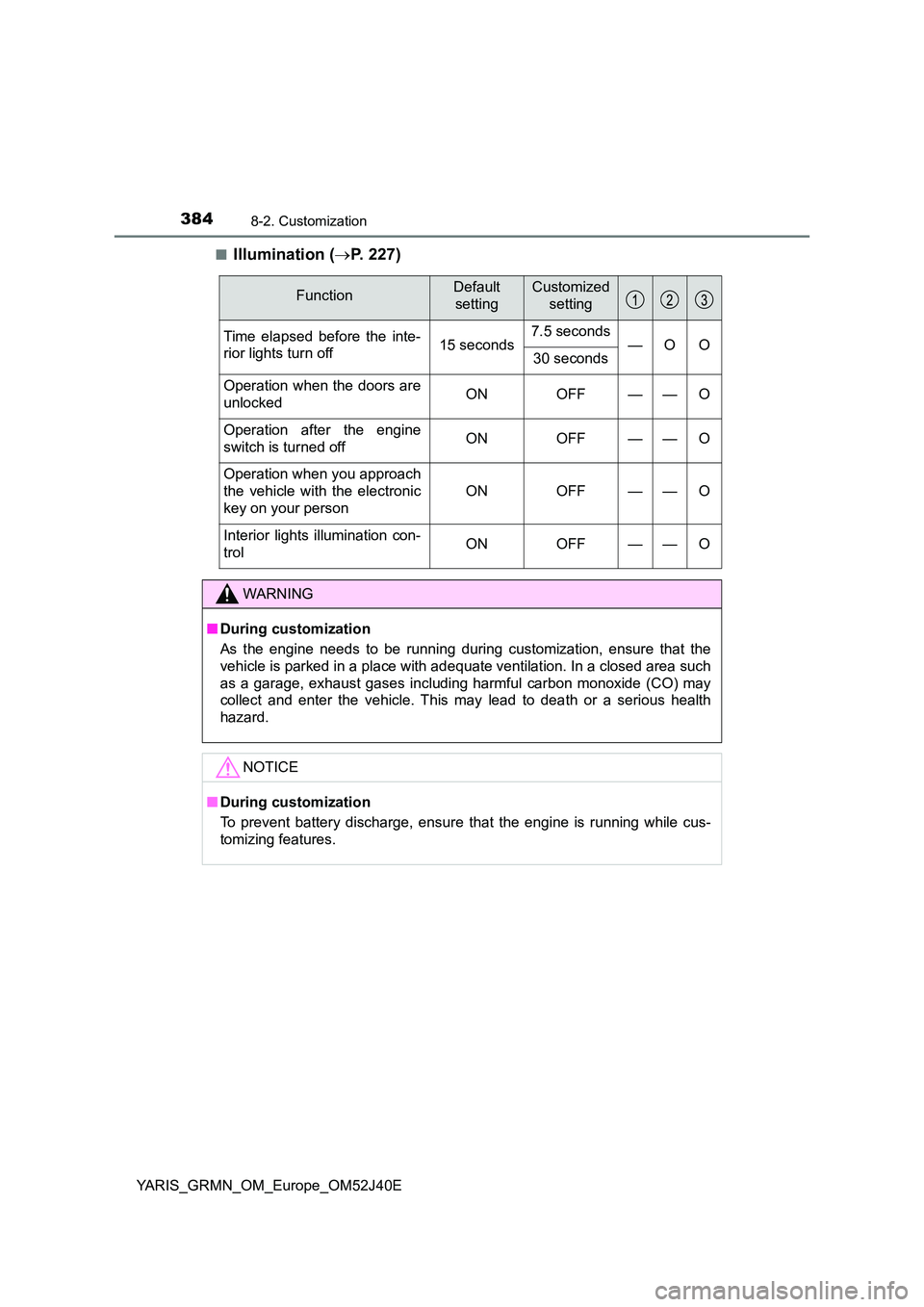
■Illumination ( P. 227)
FunctionDefault
setting
Customized
setting
Time elapsed before the inte-
rior lights turn off 15 seconds 7.5 seconds —O O 30 seconds
Operation when the doors are
unlocked ON OFF — — O
Operation after the engine
switch is turned off ON OFF — — O
Operation when you approach
the vehicle with the electronic
key on your person
ON OFF — — O
Interior lights illumination con-
trol ON OFF — — O
WARNING
■ During customization
As the engine needs to be running during customization, ensure that the
vehicle is parked in a place with adequate ventilation. In a closed area such
as a garage, exhaust gases including harmful carbon monoxide (CO) may
collect and enter the vehicle. This may lead to death or a serious health
hazard.
NOTICE
■ During customization
To prevent battery discharge, ensure that the engine is running while cus-
tomizing features.
Page 386 of 404
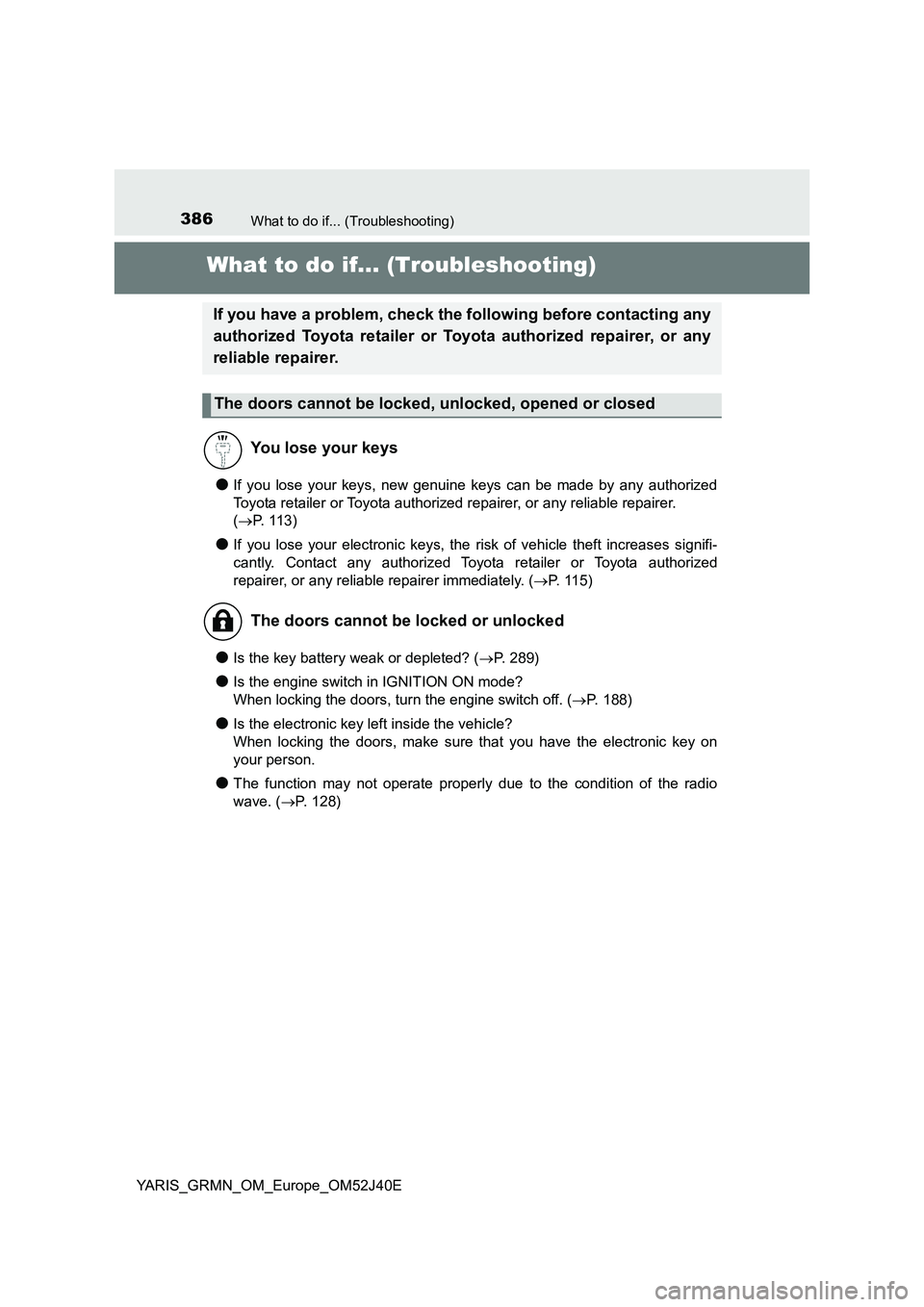
386What to do if... (Troubleshooting)
YARIS_GRMN_OM_Europe_OM52J40E
What to do if... (Troubleshooting)
●If you lose your keys, new genuine keys can be made by any authorized
Toyota retailer or Toyota authorized repairer, or any reliable repairer.
( P. 1 1 3 )
●If you lose your electronic keys, the risk of vehicle theft increases signifi-
cantly. Contact any authorized Toyota retailer or Toyota authorized
repairer, or any reliable repairer immediately. ( P. 115)
●Is the key battery weak or depleted? (P. 289)
●Is the engine switch in IGNITION ON mode?
When locking the doors, turn the engine switch off. ( P. 188)
●Is the electronic key left inside the vehicle?
When locking the doors, make sure that you have the electronic key on
your person.
●The function may not operate properly due to the condition of the radio
wave. ( P. 128)
If you have a problem, check the following before contacting any
authorized Toyota retailer or Toyota authorized repairer, or any
reliable repairer.
The doors cannot be locked, unlocked, opened or closed
You lose your keys
The doors cannot be locked or unlocked
Page 387 of 404
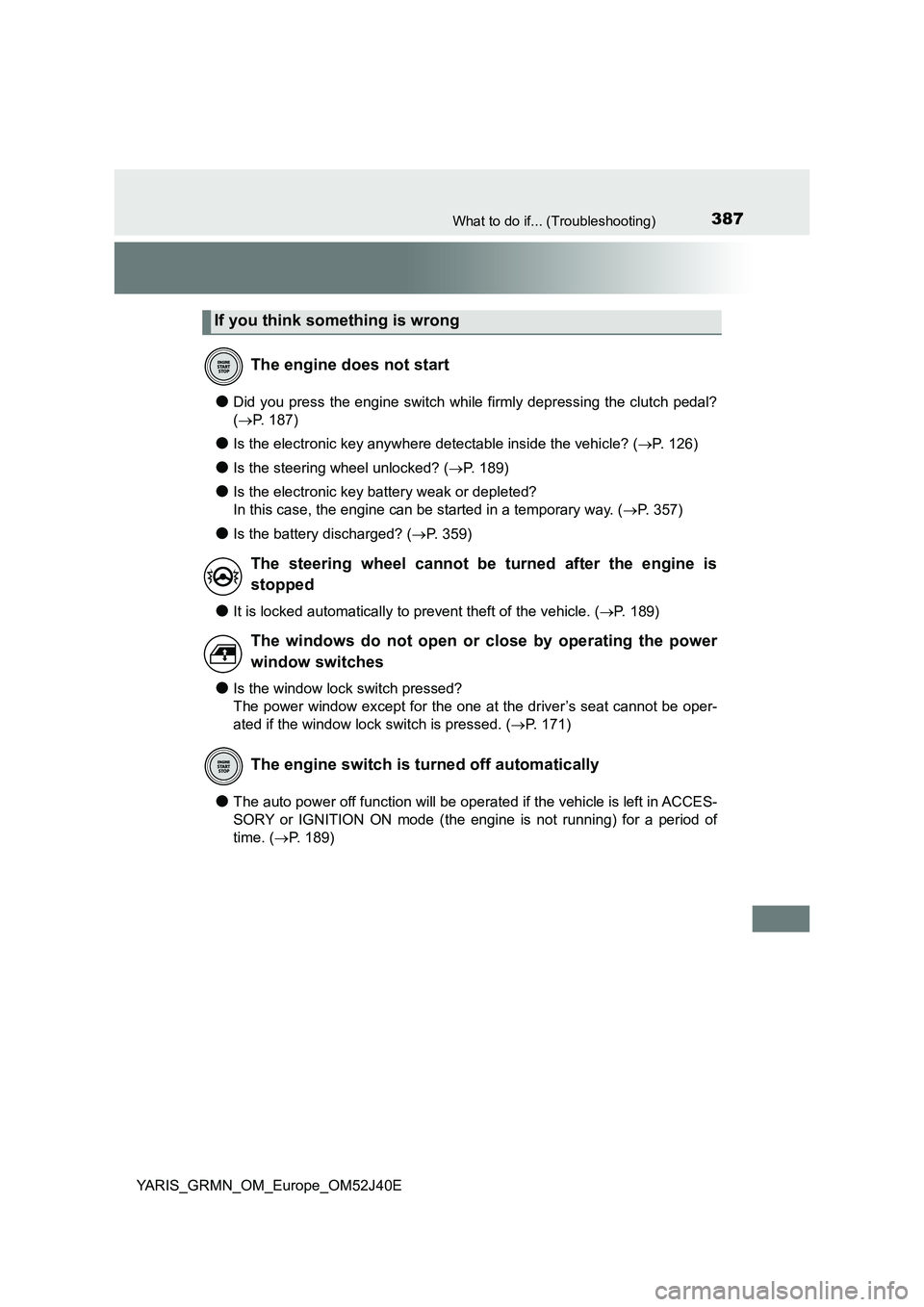
387What to do if... (Troubleshooting)
YARIS_GRMN_OM_Europe_OM52J40E
●Did you press the engine switch while firmly depressing the clutch pedal?
( P. 187)
●Is the electronic key anywhere detectable inside the vehicle? (P. 126)
●Is the steering wheel unlocked? (P. 189)
●Is the electronic key battery weak or depleted?
In this case, the engine can be started in a temporary way. ( P. 357)
●Is the battery discharged? (P. 359)
●It is locked automatically to prevent theft of the vehicle. (P. 189)
●Is the window lock switch pressed?
The power window except for the one at the driver’s seat cannot be oper-
ated if the window lock switch is pressed. ( P. 171)
●The auto power off function will be operated if the vehicle is left in ACCES-
SORY or IGNITION ON mode (the engine is not running) for a period of
time. ( P. 189)
If you think something is wrong
The engine does not start
The steering wheel cannot be turned after the engine is
stopped
The windows do not open or close by operating the power
window switches
The engine switch is turned off automatically
Page 388 of 404
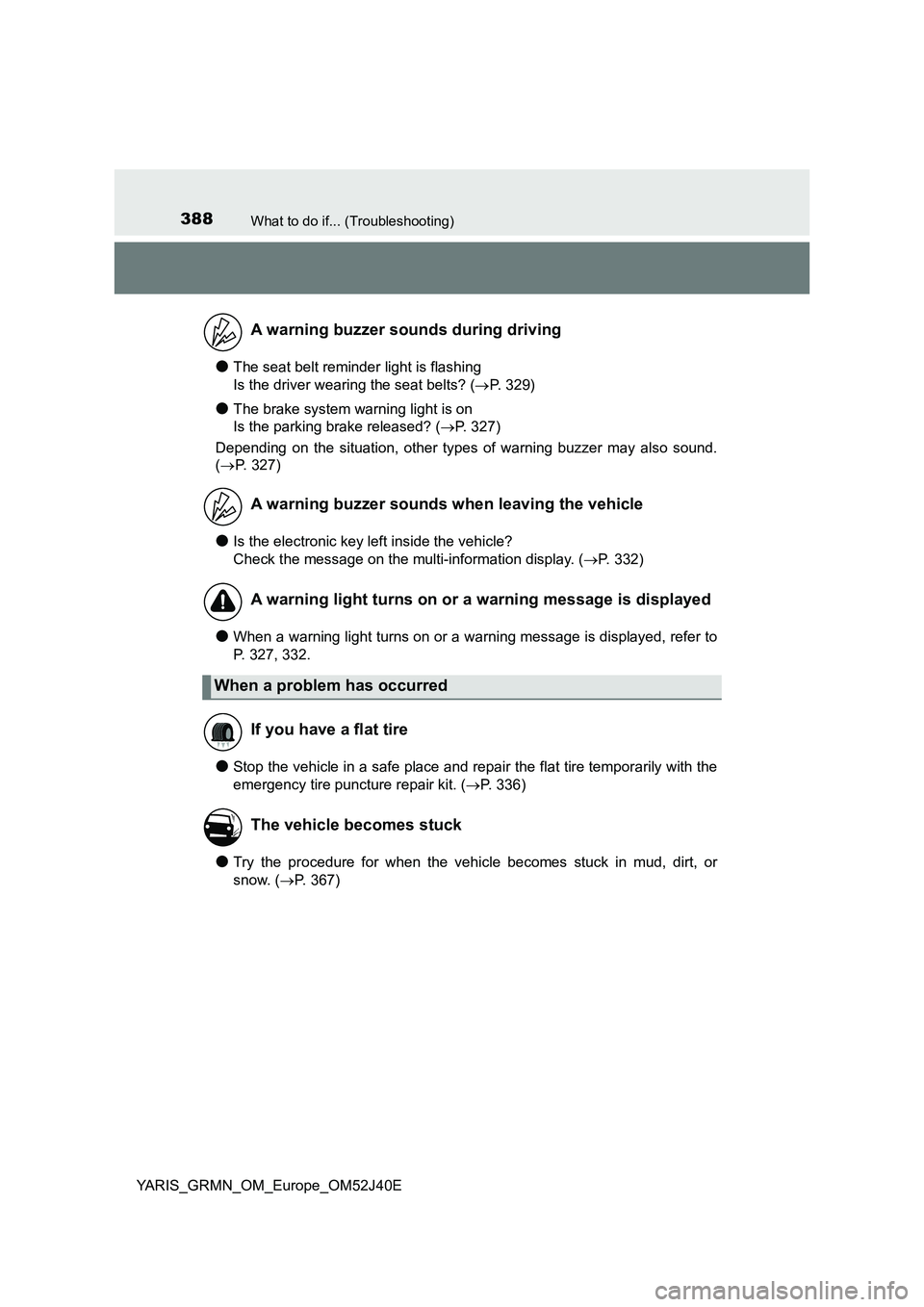
388What to do if... (Troubleshooting)
YARIS_GRMN_OM_Europe_OM52J40E
●The seat belt reminder light is flashing
Is the driver wearing the seat belts? ( P. 329)
●The brake system warning light is on
Is the parking brake released? ( P. 327)
Depending on the situation, other types of warning buzzer may also sound.
( P. 327)
●Is the electronic key left inside the vehicle?
Check the message on the multi-information display. ( P. 332)
●When a warning light turns on or a warning message is displayed, refer to
P. 327, 332.
●Stop the vehicle in a safe place and repair the flat tire temporarily with the
emergency tire puncture repair kit. ( P. 336)
●Try the procedure for when the vehicle becomes stuck in mud, dirt, or
snow. ( P. 367)
A warning buzzer sounds during driving
A warning buzzer sounds when leaving the vehicle
A warning light turns on or a warning message is displayed
When a problem has occurred
If you have a flat tire
The vehicle becomes stuck
Page 390 of 404
390Alphabetical index
YARIS_GRMN_OM_Europe_OM52J40E
Back door ................................. 120
Luggage compartment
light ..................................... 121
Back-up lights
Replacing light bulb............... 311
Wattage................................. 377
Battery ...................................... 267
If the vehicle battery is
discharged .......................... 359
Preparing and checking
before winter....................... 216
Replacing .............................. 361
Warning light ......................... 327
Bluetooth®*
Bottle holders........................... 232
Brake
Fluid ...................................... 376
Parking brake ........................ 195
Warning light ......................... 327
Brake assist.............................. 210
Break-in tips ............................ 177
Brightness control
Instrument cluster light
control................................... 98
Care................................... 242, 247
Aluminum wheels.................. 243
Exterior ................................. 242
Interior................................... 247
Seat belts .............................. 248
Chains....................................... 217
Child restraint system ............... 53
Fixed with a seat belt .............. 62
Fixed with an ISOFIX
rigid anchor........................... 69
Points to remember ................ 54
Riding with children................. 52
Types of child restraint
system installation
method ................................. 58
Using an anchor bracket ......... 75
Child safety ................................ 52
Airbag precautions .................. 39
Back door precautions .......... 122
Battery precautions ............... 268
Child restraint system ............. 53
How your child should wear
the seat belt.......................... 33
Installing child restraints ......... 58
Power window lock switch .... 171
Power window precautions ... 173
Removed key battery
precautions......................... 290
Seat belt precautions .............. 34
BC
Page 392 of 404
392Alphabetical index
YARIS_GRMN_OM_Europe_OM52J40E
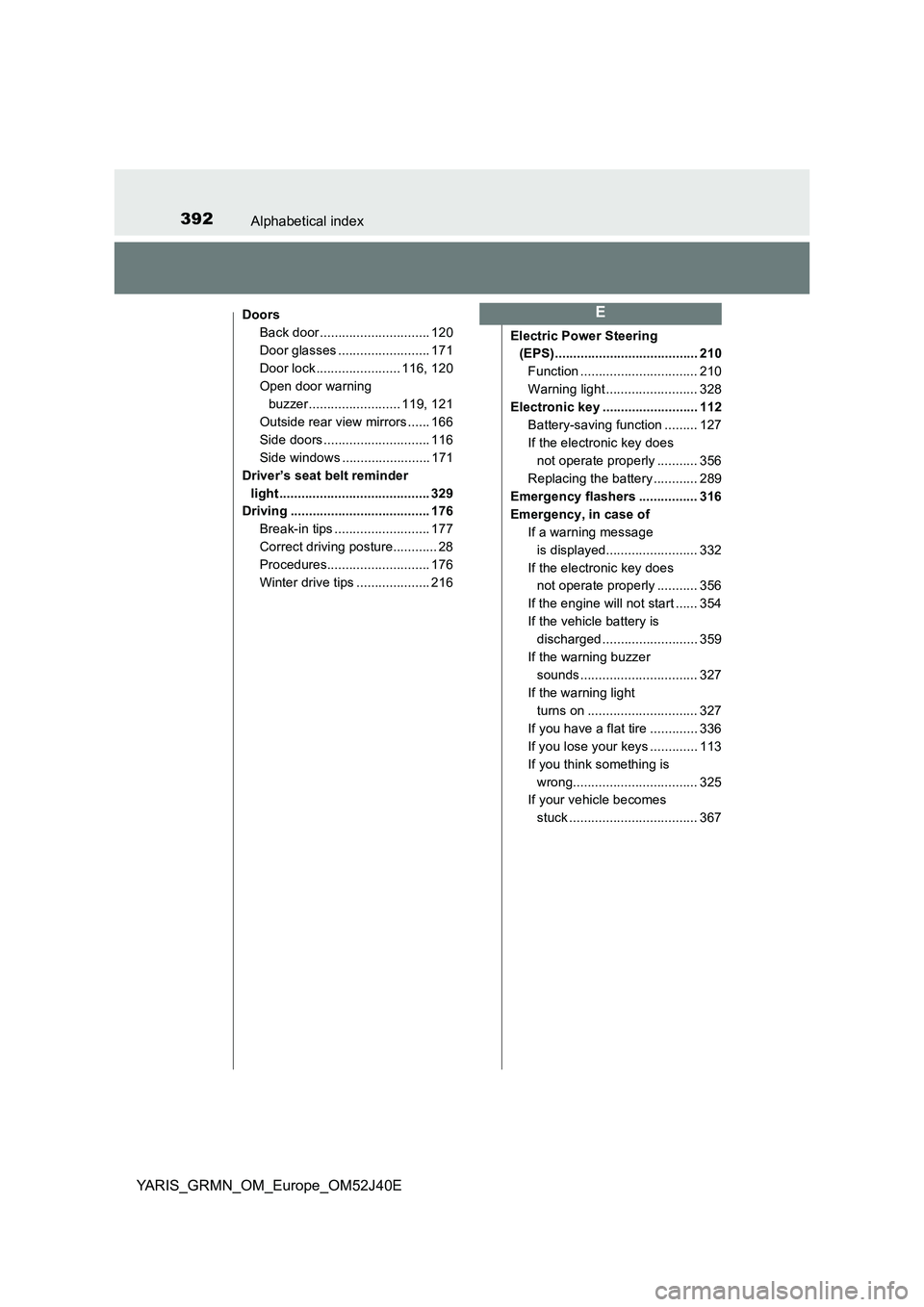
Doors
Back door .............................. 120
Door glasses ......................... 171
Door lock ....................... 116, 120
Open door warning
buzzer......................... 119, 121
Outside rear view mirrors ...... 166
Side doors ............................. 116
Side windows ........................ 171
Driver’s seat belt reminder
light ......................................... 329
Driving ...................................... 176
Break-in tips .......................... 177
Correct driving posture............ 28
Procedures............................ 176
Winter drive tips .................... 216
Electric Power Steering
(EPS)....................................... 210
Function ................................ 210
Warning light ......................... 328
Electronic key .......................... 112
Battery-saving function ......... 127
If the electronic key does
not operate properly ........... 356
Replacing the battery ............ 289
Emergency flashers ................ 316
Emergency, in case of
If a warning message
is displayed......................... 332
If the electronic key does
not operate properly ........... 356
If the engine will not start ...... 354
If the vehicle battery is
discharged .......................... 359
If the warning buzzer
sounds................................ 327
If the warning light
turns on .............................. 327
If you have a flat tire ............. 336
If you lose your keys ............. 113
If you think something is
wrong.................................. 325
If your vehicle becomes
stuck ................................... 367
E
Page 396 of 404
396Alphabetical index
YARIS_GRMN_OM_Europe_OM52J40E
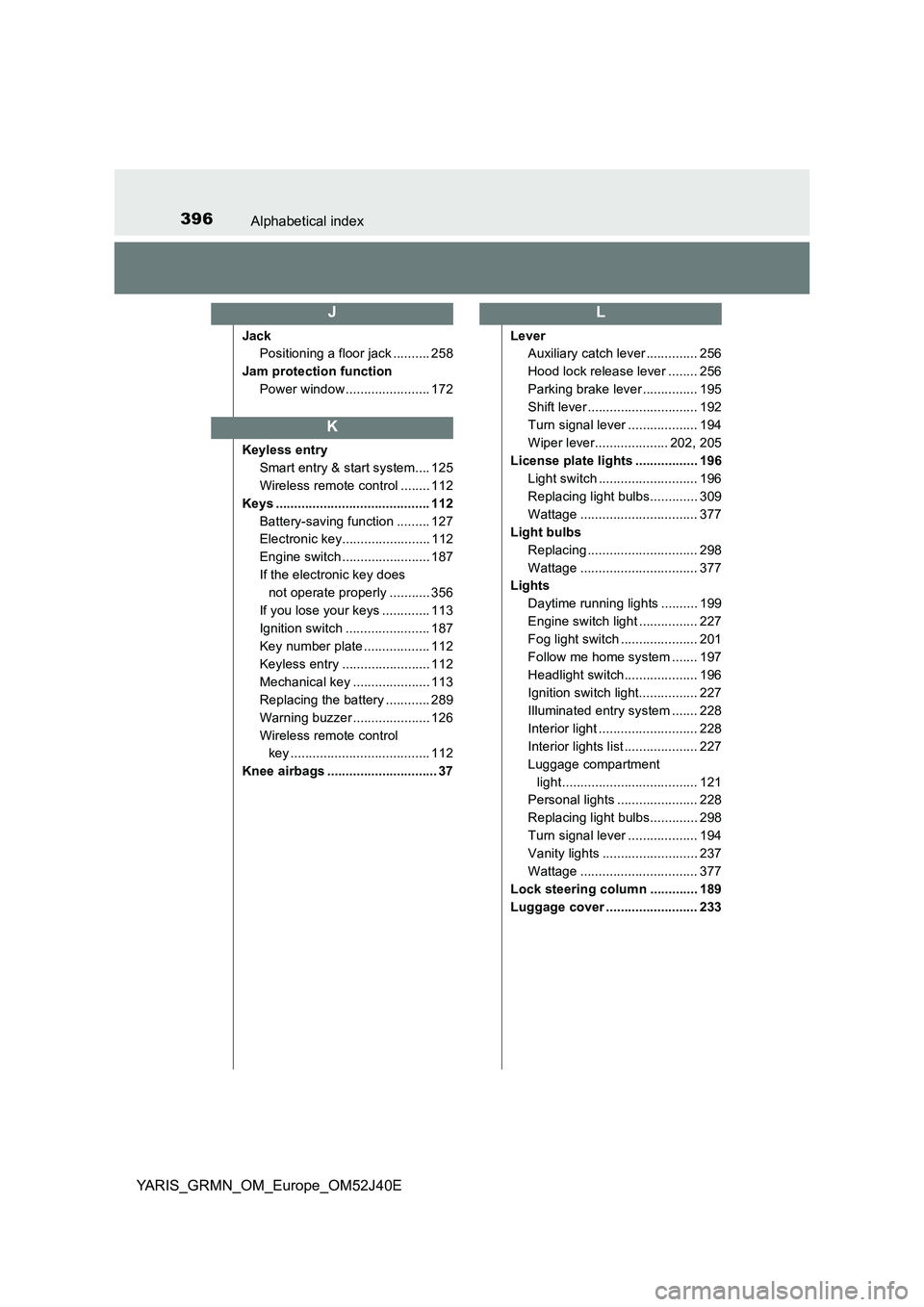
Jack
Positioning a floor jack .......... 258
Jam protection function
Power window ....................... 172
Keyless entry
Smart entry & start system.... 125
Wireless remote control ........ 112
Keys .......................................... 112
Battery-saving function ......... 127
Electronic key........................ 112
Engine switch ........................ 187
If the electronic key does
not operate properly ........... 356
If you lose your keys ............. 113
Ignition switch ....................... 187
Key number plate .................. 112
Keyless entry ........................ 112
Mechanical key ..................... 113
Replacing the battery ............ 289
Warning buzzer ..................... 126
Wireless remote control
key ...................................... 112
Knee airbags .............................. 37
Lever
Auxiliary catch lever .............. 256
Hood lock release lever ........ 256
Parking brake lever ............... 195
Shift lever .............................. 192
Turn signal lever ................... 194
Wiper lever.................... 202, 205
License plate lights ................. 196
Light switch ........................... 196
Replacing light bulbs............. 309
Wattage ................................ 377
Light bulbs
Replacing .............................. 298
Wattage ................................ 377
Lights
Daytime running lights .......... 199
Engine switch light ................ 227
Fog light switch ..................... 201
Follow me home system ....... 197
Headlight switch.................... 196
Ignition switch light................ 227
Illuminated entry system ....... 228
Interior light ........................... 228
Interior lights list .................... 227
Luggage compartment
light..................................... 121
Personal lights ...................... 228
Replacing light bulbs............. 298
Turn signal lever ................... 194
Vanity lights .......................... 237
Wattage ................................ 377
Lock steering column ............. 189
Luggage cover ......................... 233
J
K
L