media HYUNDAI ELANTRA 2021 Owner's Manual
[x] Cancel search | Manufacturer: HYUNDAI, Model Year: 2021, Model line: ELANTRA, Model: HYUNDAI ELANTRA 2021Pages: 570, PDF Size: 52.21 MB
Page 319 of 570
Driver assistance system
7-6
OCN7070030L
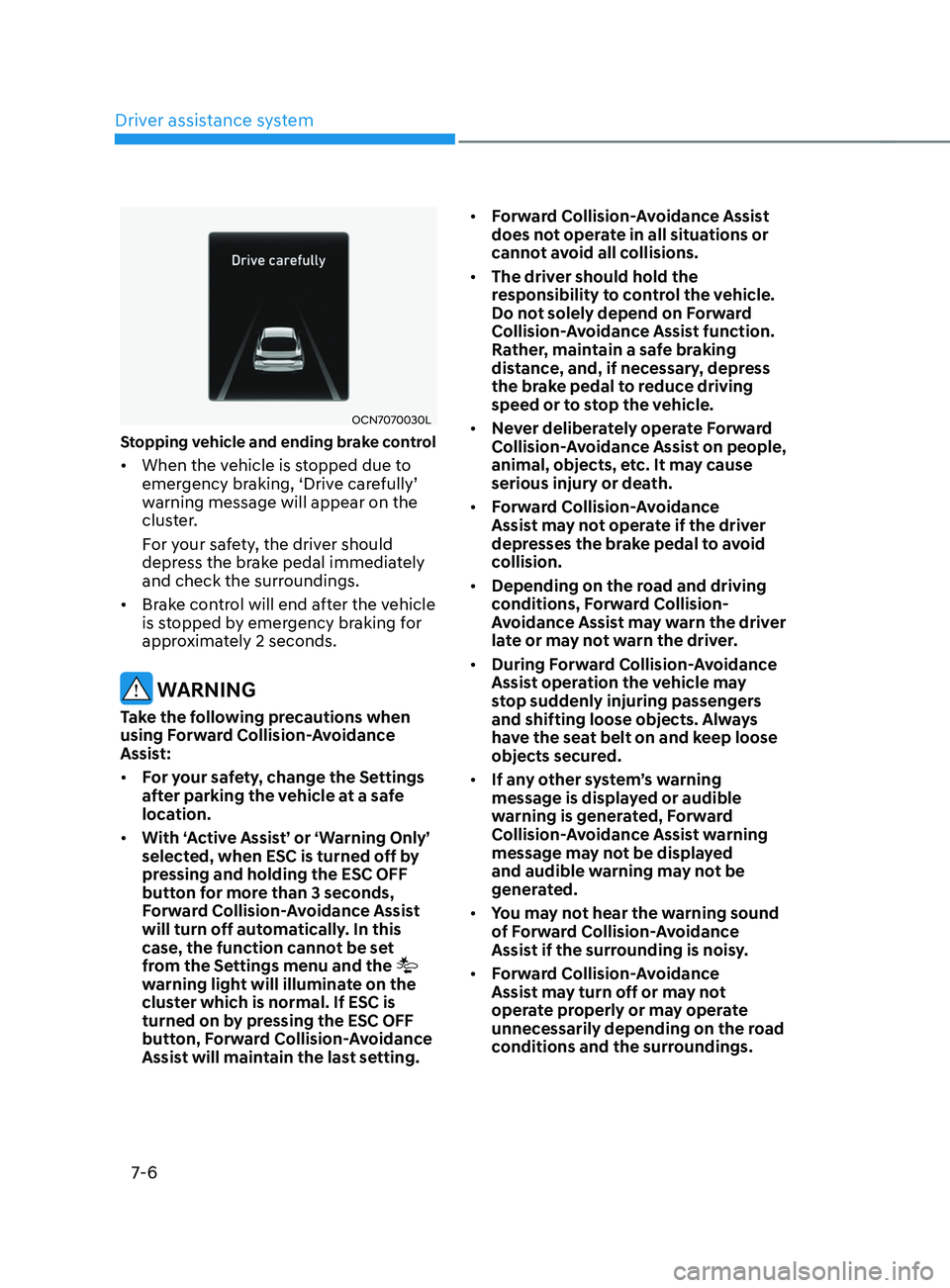
Stopping vehicle and ending brake control
• When the vehicle is stopped due to
emergency br
aking, ‘Driv e car efully’ warning message will appear on the
clus
ter.
For your safety, the driver should
depress the brake pedal immediately
and check the surroundings.
• Brake control will end after the vehicle
is stopped by emergency braking for
approximately 2 seconds.
WARNING
Take the following precautions when
using Forward Collision-Avoidance
Assist:
• For your safety, change the Settings
after parking the vehicle at a safe
location.
• With ‘Active Assist’ or ‘Warning Only’
selected, when ESC is turned off by
pressing and holding the ESC OFF
button for more than 3 seconds,
Forward Collision-Avoidance Assist
will turn off automatically. In this
case, the function cannot be set
from the Settings menu and the
warning light will illuminate on the
cluster which is normal. If ESC is
turned on by pressing the ESC OFF
button, Forward Collision-Avoidance
Assist will maintain the last setting. •
Forward Collision-Avoidance Assist
does not operate in all situations or
cannot avoid all collisions.
• The driver should hold the
responsibility to control the vehicle.
Do not solely depend on Forward
Collision-Avoidance Assist function.
Rather, maintain a safe braking
distance, and, if necessary, depress
the brake pedal to reduce driving
speed or to stop the vehicle.
• Never deliberately operate Forward
Collision-Avoidance Assist on people,
animal, objects, etc. It may cause
serious injury or death.
• Forward Collision-Avoidance
Assist may not operate if the driver
depresses the brake pedal to avoid
collision.
• Depending on the road and driving
conditions, Forward Collision-
Avoidance Assist may warn the driver
late or may not warn the driver.
• During Forward Collision-Avoidance
Assist operation the vehicle may
stop suddenly injuring passengers
and shifting loose objects. Always
have the seat belt on and keep loose
objects secured.
• If any other system’s warning
message is displayed or audible
warning is generated, Forward
Collision-Avoidance Assist warning
message may not be displayed
and audible warning may not be
generated.
• You may not hear the warning sound
of Forward Collision-Avoidance
Assist if the surrounding is noisy.
• Forward Collision-Avoidance
Assist may turn off or may not
operate properly or may operate
unnecessarily depending on the road
conditions and the surroundings.
Page 325 of 570
![HYUNDAI ELANTRA 2021 Owners Manual Driver assistance system
7-12
• Changing lanes
OADAS032[A] : Your vehicle,
[B] : Lane changing vehicle
When a vehicle moves into your lane
from an adjacent lane, it cannot
be detected by the sens](/img/35/41160/w960_41160-324.png "HYUNDAI ELANTRA 2021 Owners Manual Driver assistance system
7-12
• Changing lanes
OADAS032[A] : Your vehicle,
[B] : Lane changing vehicle
When a vehicle moves into your lane
from an adjacent lane, it cannot
be detected by the sens")
Driver assistance system
7-12
• Changing lanes
OADAS032[A] : Your vehicle,
[B] : Lane changing vehicle
When a vehicle moves into your lane
from an adjacent lane, it cannot
be detected by the sensor until it
is in the sensor's detection range.
Forward Collision-Avoidance Assist
may not immediately detect the
vehicle when the vehicle changes
lanes abruptly. In this case, you must
maintain a safe braking distance,
and if necessary, steer the vehicle
and depress the brake pedal to
reduce your driving speed in order to
maintain a safe distance.
OADAS033[A] : Your vehicle,
[B] : Lane changing vehicle,
[C] : Same lane vehicle
When a vehicle in front of you
merges out of the lane, Forward
Collision-Avoidance Assist may not
immediately detect the vehicle that
is now in front of you.
In this case, you must maintain a safe
braking distance, and if necessary,
steer the vehicle and depress the
brake pedal to reduce your driving
speed in order to maintain a safe
distance.
Page 332 of 570
07
7-19
OCN7070030L
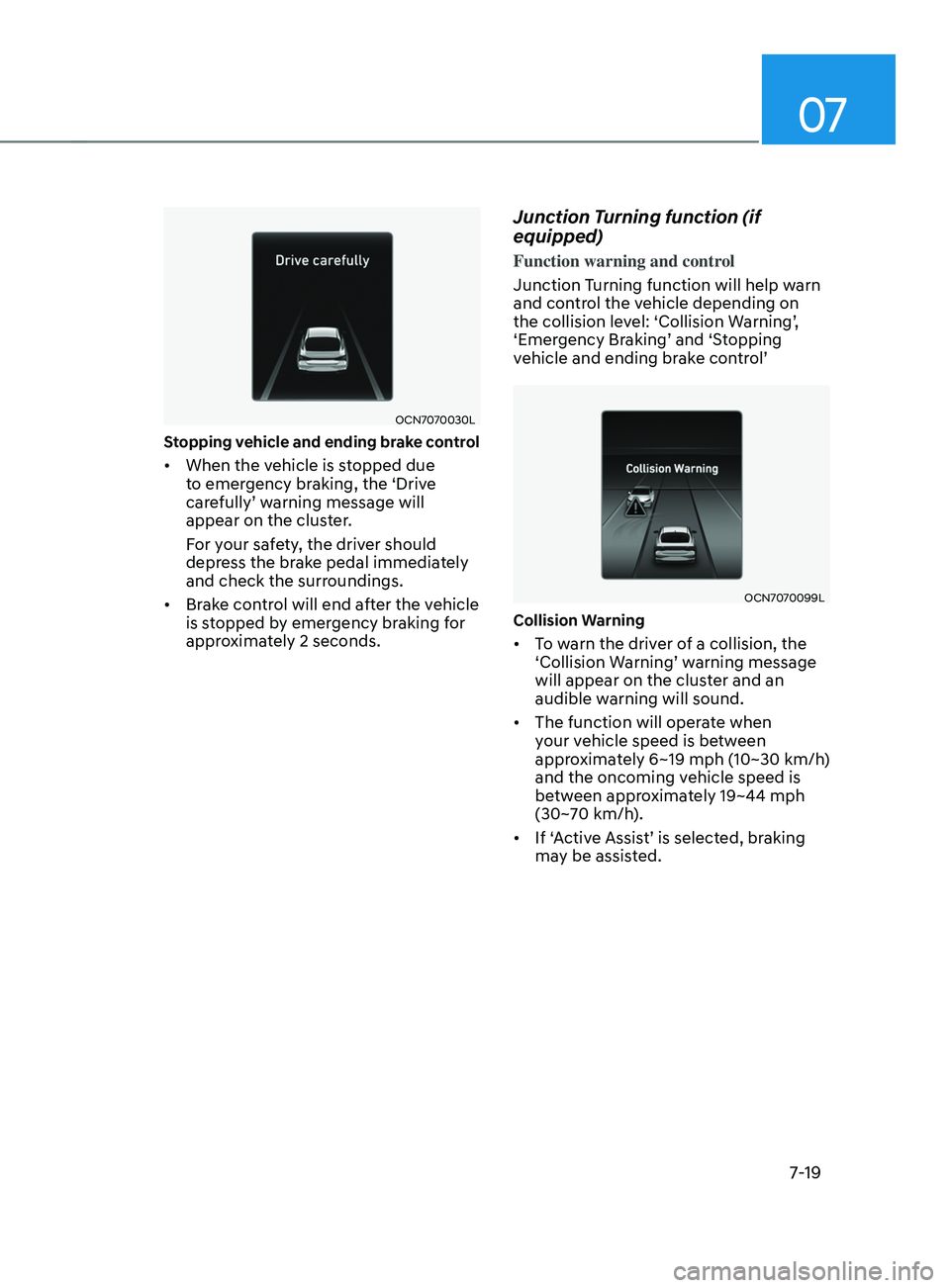
Stopping vehicle and ending brake control
• When the vehicle is stopped due
to emergency braking, the ‘Drive
carefully’
w
arning
message will appear on the clust
er.
For your safety, the driver should
depress the brake pedal immediately
and check the surroundings.
• Brake control will end after the vehicle
is stopped by emergency braking for
approximately 2 seconds.
Junction Turning function (if
equipped)
Function warning and control
Junction Turning function will help warn
and control the vehicle depending on
the
collision le
vel:
‘Collision W
arning’,
‘Emer
gency
Br
aking’
and ‘S
topping
vehicle and ending br
ake
con
trol’
OCN7070099L
Collision Warning
• To warn the driver of a collision, the
‘Collision W
arning’ w arning message will appear on the clust
er and an
audible warning will sound.
• The function will operate when
your vehicle speed is between
approximately 6~19 mph (10~30 km/h)
and the oncoming vehicle speed is
between approximately 19~44 mph
(30~70 km/h).
• If
‘
Active
Assis
t’
is select
ed,
br
aking
may be assis
ted.
Page 333 of 570
Driver assistance system
7-20
OCN7070098L
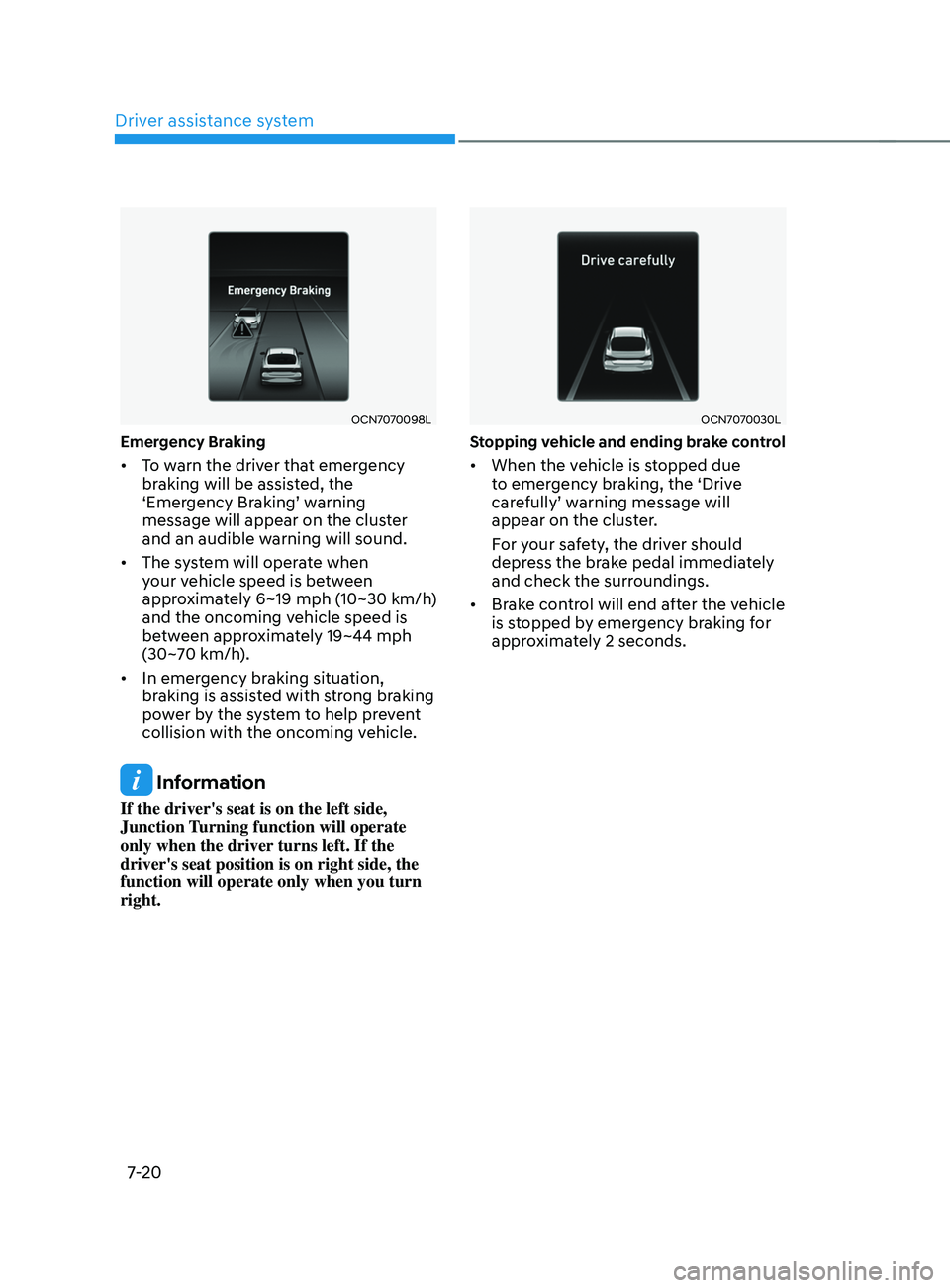
Emergency Braking
• To warn the driver that emergency
braking will be assisted, the
‘Emergency
Br
aking’
w
arning
message will appear on the clust
er
and an audible warning will sound.
• The system will operate when
your vehicle speed is between
approximately 6~19 mph (10~30 km/h)
and the oncoming vehicle speed is
between approximately 19~44 mph
(30~70 km/h).
• In emergency braking situation,
braking is assisted with strong braking
power by the system to help prevent
collision with the oncoming vehicle.
Information
If the driver's seat is on the left side,
Junction Turning function will operate
only when the driver turns left. If the
driver's seat position is on right side, the
function will operate only when you turn
right.
OCN7070030L
Stopping vehicle and ending brake control
• When the vehicle is stopped due
to emergency braking, the ‘Drive
carefully’
w
arning
message will appear on the clust
er.
For your safety, the driver should
depress the brake pedal immediately
and check the surroundings.
• Brake control will end after the vehicle
is stopped by emergency braking for
approximately 2 seconds.
Page 340 of 570
07
7-27
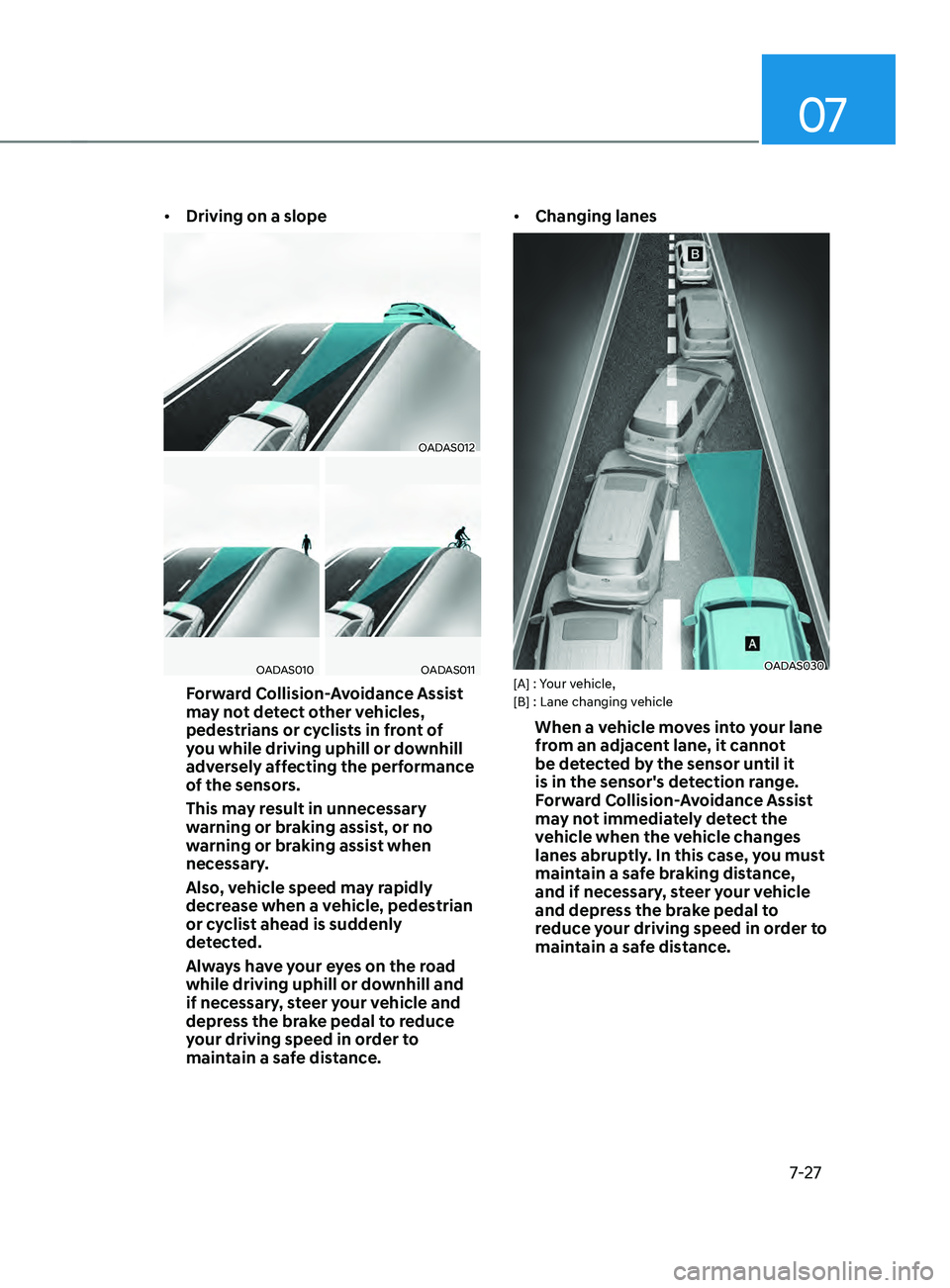
• Driving on a slope
OADAS012
OADAS010OADAS011
Forward Collision-Avoidance Assist
may not detect other vehicles,
pedestrians or cyclists in front of
you while driving uphill or downhill
adversely affecting the performance
of the sensors.
This may result in unnecessary
warning or braking assist, or no
warning or braking assist when
necessary.
Also, vehicle speed may rapidly
decrease when a vehicle, pedestrian
or cyclist ahead is suddenly
detected.
Always have your eyes on the road
while driving uphill or downhill and
if necessary, steer your vehicle and
depress the brake pedal to reduce
your driving speed in order to
maintain a safe distance. •
Changing lanes
OADAS030[A] : Your vehicle,
[B] : Lane changing vehicle
When a vehicle moves into your lane
from an adjacent lane, it cannot
be detected by the sensor until it
is in the sensor's detection range.
Forward Collision-Avoidance Assist
may not immediately detect the
vehicle when the vehicle changes
lanes abruptly. In this case, you must
maintain a safe braking distance,
and if necessary, steer your vehicle
and depress the brake pedal to
reduce your driving speed in order to
maintain a safe distance.
Page 341 of 570
![HYUNDAI ELANTRA 2021 Owners Manual Driver assistance system
7-28
OADAS031[A] : Your vehicle, [B] : Lane changing vehicle,
[C] : Same lane vehicle
When a vehicle in front of you
merges out of the lane, Forward
Collision-Avoidance Ass](/img/35/41160/w960_41160-340.png "HYUNDAI ELANTRA 2021 Owners Manual Driver assistance system
7-28
OADAS031[A] : Your vehicle, [B] : Lane changing vehicle,
[C] : Same lane vehicle
When a vehicle in front of you
merges out of the lane, Forward
Collision-Avoidance Ass")
Driver assistance system
7-28
OADAS031[A] : Your vehicle, [B] : Lane changing vehicle,
[C] : Same lane vehicle
When a vehicle in front of you
merges out of the lane, Forward
Collision-Avoidance Assist may not
immediately detect the vehicle that
is now in front of you. In this case,
you must maintain a safe braking
distance, and if necessary, steer your
vehicle and depress the brake pedal
to reduce your driving speed in order
to maintain a safe distance.•
Detecting vehicle
OTM070147
If the vehicle in front of you has
cargo that extends rearward from
the cab, or when the vehicle in front
of you has higher ground clearance,
additional special attention is
required. Forward Collision-
Avoidance Assist may not be able
to detect the cargo extending from
the vehicle. In these instances,
you must maintain a safe braking
distance from the rearmost object,
and if necessary, steer your vehicle
and depress the brake pedal to
reduce your driving speed in order to
maintain distance.
Page 347 of 570
Driver assistance system
7-34
Information
• For more details on setting the
functions in the infotainment system,
refer to “Vehicle Settings” section in
chapter 4.
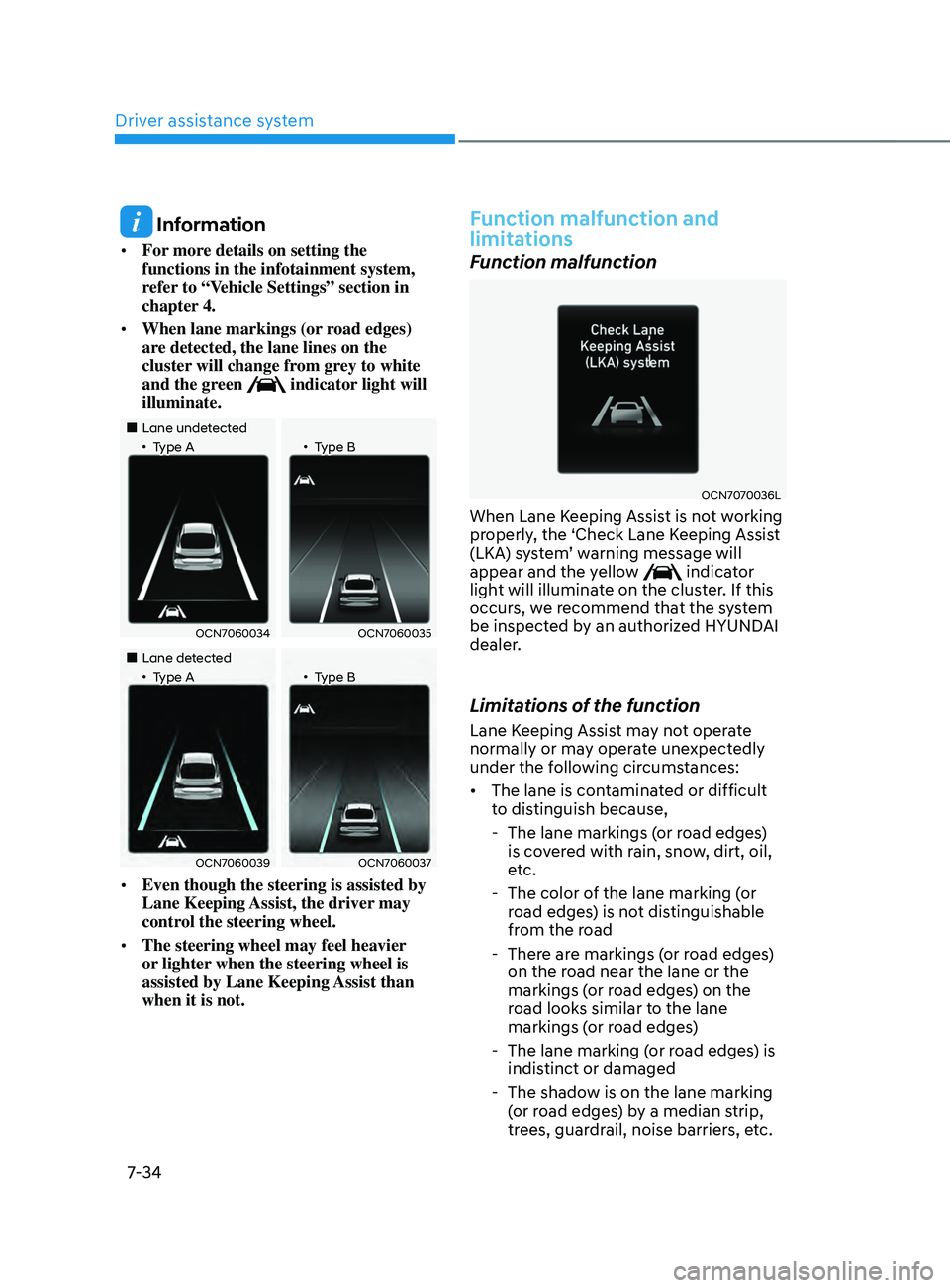
• When lane markings (or road edges)
are detected, the lane lines on the
cluster will change from grey to white
and the green
indicator light will
illuminate.
„„Lane undetected„•Type A„•Type B
OCN7060034OCN7060035
„„Lane detected„•Type A„•Type B
OCN7060039OCN7060037
• Even though the steering is assisted by
Lane Keeping Assist, the driver may
control the steering wheel.
• The steering wheel may feel heavier
or lighter when the steering wheel is
assisted by Lane Keeping Assist than
when it is not.
Function malfunction and
limitations
Function malfunction
OCN7070036L
When Lane Keeping Assist is not working
properly, the ‘Check Lane Keeping Assist
(LKA)
s
ystem’
w
arning
message will appear and the yello
w
indicator
light will illuminate on the cluster. If this
occurs, we recommend that the system
be inspected by an authorized HYUNDAI
dealer.
Limitations of the function
Lane Keeping Assist may not operate
normally or may operate unexpectedly
under the following circumstances:
• The lane is contaminated or difficult
to distinguish because,
- The lane markings (or r
oad edges)
is covered with rain, snow, dirt, oil,
etc.
- The color of the lane marking (
or
road edges) is not distinguishable
from the road
- There ar
e markings (or road edges)
on the road near the lane or the
markings (or road edges) on the
road looks similar to the lane
markings (or road edges)
- The lane marking (or r
oad edges) is
indistinct or damaged
- The shadow is on the lane marking (
or road edges) by a median strip,
trees, guardrail, noise barriers, etc.
Page 365 of 570
Driver assistance system
7-52
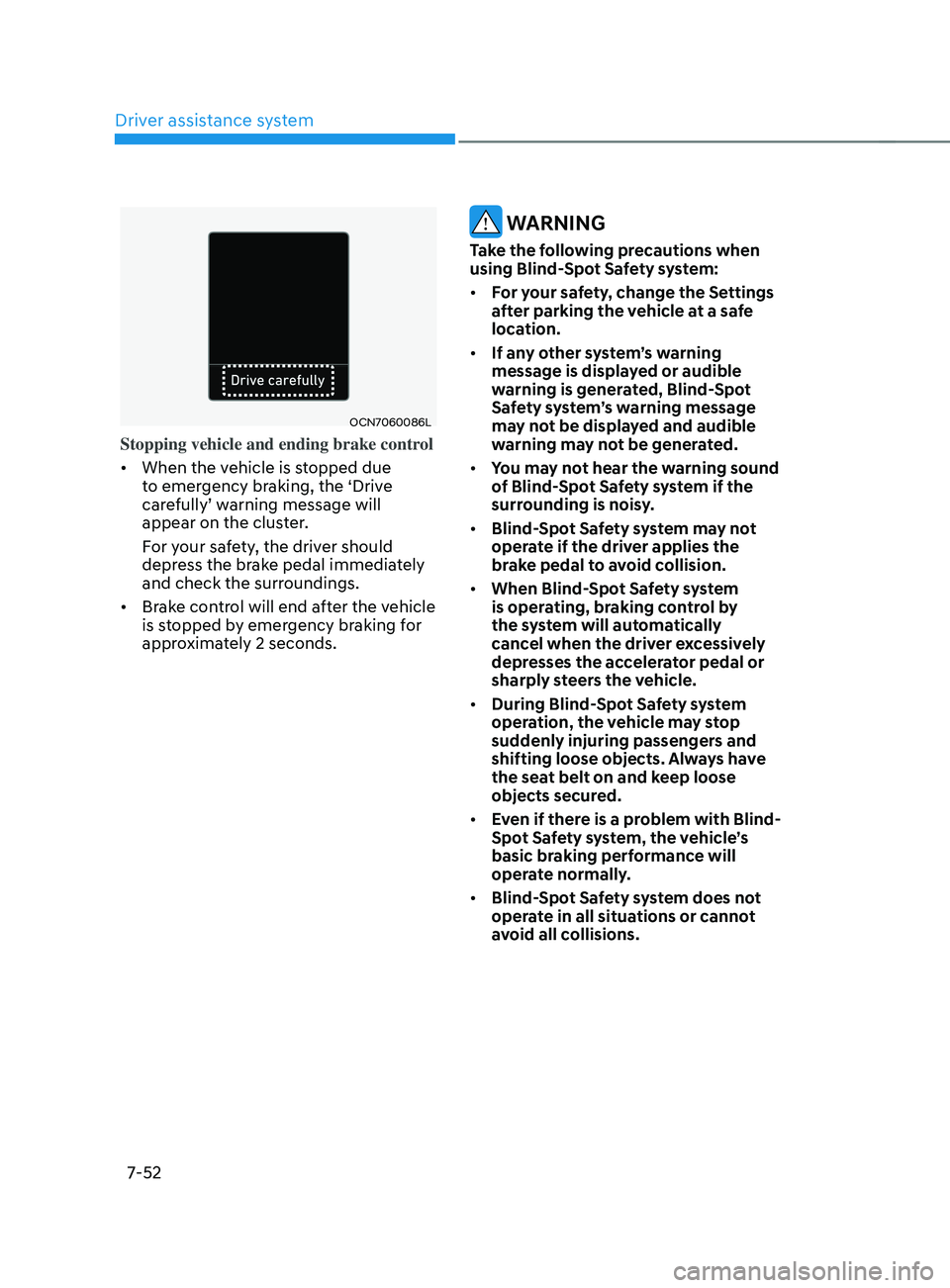
OCN7060086L
Stopping vehicle and ending brake control
• When the vehicle is stopped due
to emergency braking, the ‘Drive
carefully’
w
arning
message will appear on the clust
er.
For your safety, the driver should
depress the brake pedal immediately
and check the surroundings.
• Brake control will end after the vehicle
is stopped by emergency braking for
approximately 2 seconds.
WARNING
Take the following precautions when
using Blind-Spot Safety system:
• For your safety, change the Settings
after parking the vehicle at a safe
location.
• If any other system’s warning
message is displayed or audible
warning is generated, Blind-Spot
Safety system’s warning message
may not be displayed and audible
warning may not be generated.
• You may not hear the warning sound
of Blind-Spot Safety system if the
surrounding is noisy.
• Blind-Spot Safety system may not
operate if the driver applies the
brake pedal to avoid collision.
• When Blind-Spot Safety system
is operating, braking control by
the system will automatically
cancel when the driver excessively
depresses the accelerator pedal or
sharply steers the vehicle.
• During Blind-Spot Safety system
operation, the vehicle may stop
suddenly injuring passengers and
shifting loose objects. Always have
the seat belt on and keep loose
objects secured.
• Even if there is a problem with Blind-
Spot Safety system, the vehicle’s
basic braking performance will
operate normally.
• Blind-Spot Safety system does not
operate in all situations or cannot
avoid all collisions.
Page 374 of 570
07
7-61
WARNING
Take the following precautions when
using Safe Exit Warning:
• For your safety, change the Settings
after parking the vehicle at a safe
location.
• If any other function’s warning
message is displayed or audible
warning is generated, Safe Exit
Warning warning message may not
be displayed and audible warning
may not be generated.
• You may not hear the warning
sound of Safe Exit Warning if the
surrounding is noisy.
• Safe Exit Warning does not operate
in all situations or cannot prevent all
collisions.
• Safe Exit Warning may warn the
driver late or may not warn the driver
depending on the road and driving
conditions. Always check vehicle
surroundings.
• The driver and passengers are
responsible for accidents that occurs
while exiting the vehicle. Always
check the surroundings before you
exit the vehicle.
• Never deliberately operate Safe
Exit Warning. Doing so may lead to
serious injury or death. •
Safe Exit Warning does not operate
if there is a problem with Blind-Spot
Safety system. The warning message
of Blind-Spot Safety system will
appear when:
-Blind-Spo
t Safety system sensor or
the sensor surrounding is polluted
or covered
- Blind-Spo
t Safety system fails to
warn passengers or falsely warn
passengers
Information
After the engine is turned off, Safe Exit
Warning operates approximately for 10
minutes, but turns off immediately if the
doors are locked.
Function malfunction and
limitations
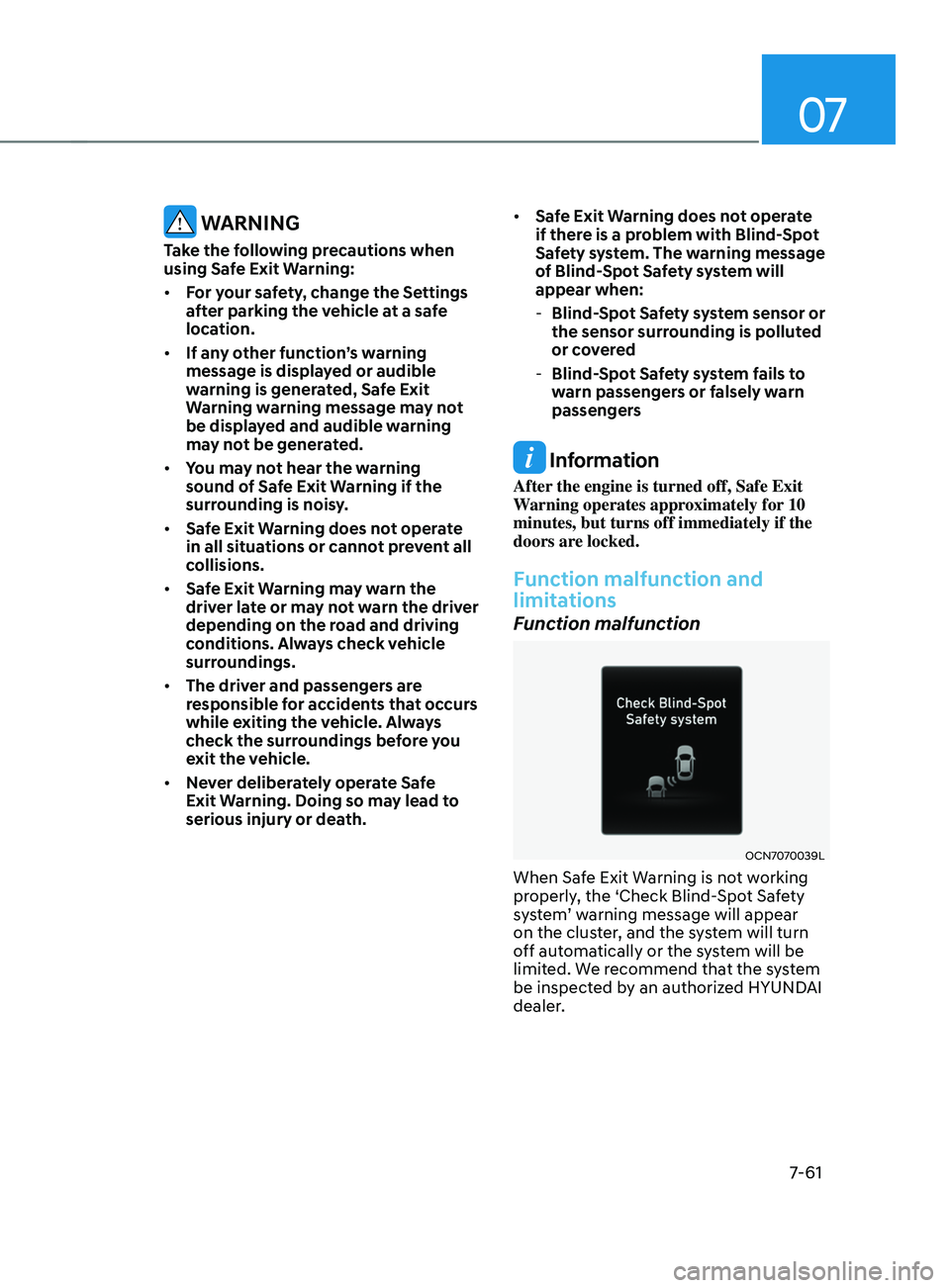
Function malfunction
OCN7070039L
When Safe Exit Warning is not working
properly, the ‘Check Blind-Spot Safety
system’
w
arning
message will appear on the clust
er, and the system will turn
off automatically or the system will be
limited. We recommend that the system
be inspected by an authorized HYUNDAI
dealer.
Page 380 of 570
07
7-67
Speed Limit Offset
With the engine on, when ‘Driver
Assistance
→ Speed Limit → Speed Limit Offse
t’
is selected, the Speed Limit Offse
t
can be changed. Speed Limit Warning
and Speed Limit Assis
t will operate by
applying the Speed Limit Offset setting
to the detected speed limit.
WARNING
• For your safety, change the Settings
after parking the vehicle at a safe
location.
• Speed Limit Assist function operates
based on the Offset setting added
to the speed limit. If you want to
change the set speed according to
the speed limit, set the offset to ‘0’.
• Speed Limit Warning function warns
the driver when driving speed
exceeds the speed at which the set
Offset is added to speed limit. If you
want Speed Limit Warning to warn
you immediately when the driving
speed exceeds the speed limit, set
the offset to ‘0’.
Function operation
Function warning and control
Intelligent Speed Limit Assist will warn
and control the vehicle by ‘Displaying
speed
limit’
,
‘W
arning
o
verspeed’
and ‘Changing se
t
speed’
.
Information
Function warning and control are
described based on the Offset set to '0'.
For details on Offset setting, refer to the
“System Settings”.
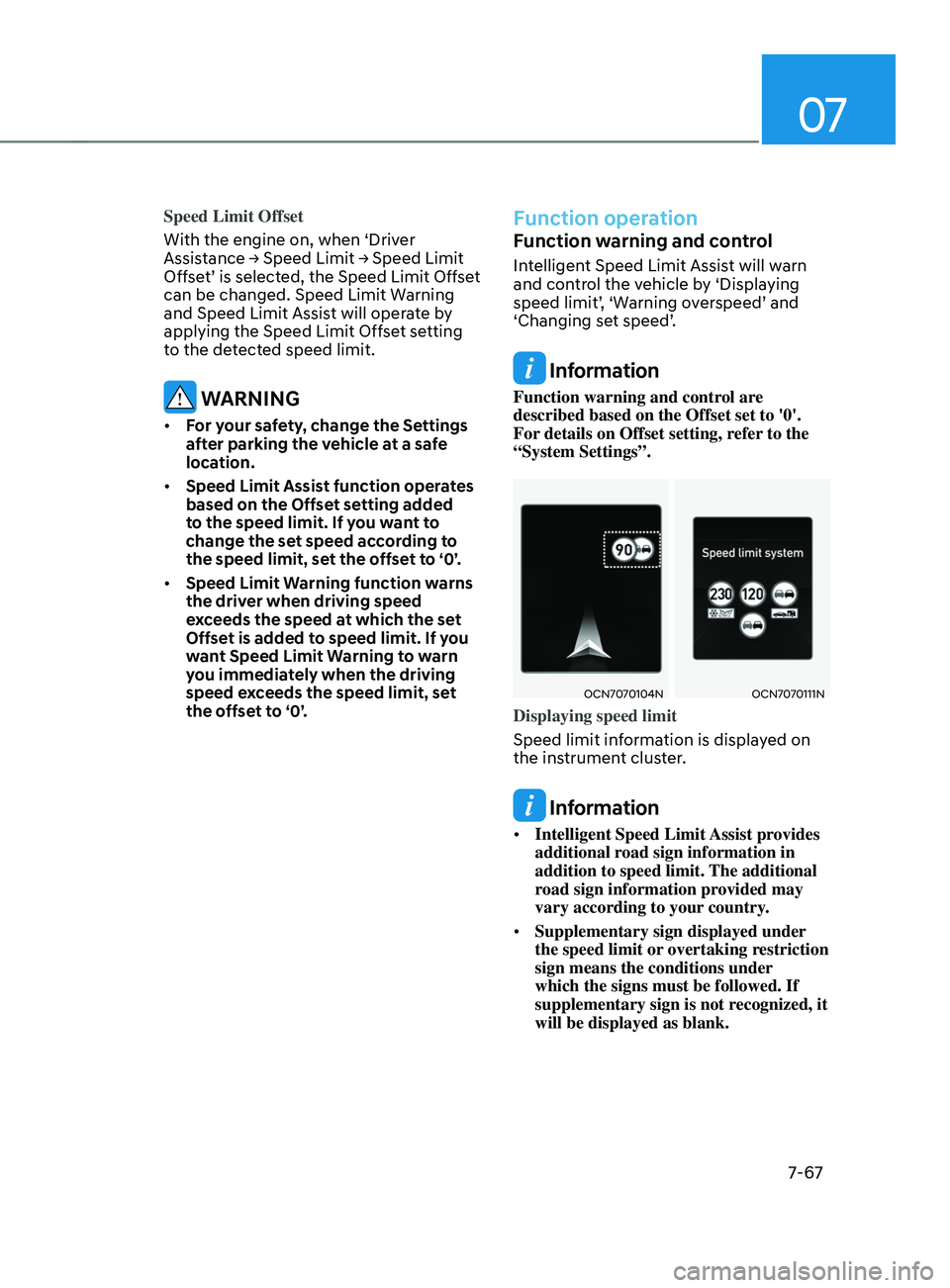
OCN7070104NOCN7070111N
Displaying speed limit
Speed limit information is displayed on
the instrument cluster.
Information
• Intelligent Speed Limit Assist provides
additional road sign information in
addition to speed limit. The additional
road sign information provided may
vary according to your country.
• Supplementary sign displayed under
the speed limit or overtaking restriction
sign means the conditions under
which the signs must be followed. If
supplementary sign is not recognized, it
will be displayed as blank.