display Lexus GS300h 2013 Owner's Manual
[x] Cancel search | Manufacturer: LEXUS, Model Year: 2013, Model line: GS300h, Model: Lexus GS300h 2013Pages: 1014
Page 496 of 1014
4785-2. Using the air conditioning system and defogger
GS450h_300h_OM_OM30D53E_(EE)
Front automatic air conditioning system
Air outlets and fan speed are automatically adjusted according to
the temperature setting.
Vehicles with a 12.3-inch display: The air conditioning system can
be displayed and operated on the “Side Display”. For details, refer
to the “Navigation System Owner’s Manual”.
Press the “MENU” button on the Remote Touch, then select “Cli-
mate” to display the air conditioning operation screen.
The illustrations below are for left-hand drive vehicles.
The button positions and shapes will differ for right-hand drive
vehicles.
Also, the display and button positions will differ depending on the
type of the system.
Page 499 of 1014
4815-2. Using the air conditioning system and defogger
5
Interior features
GS450h_300h_OM_OM30D53E_(EE)
*: nanoe™ and the nanoe™ mark are trademarks of Panasonic Corporation.
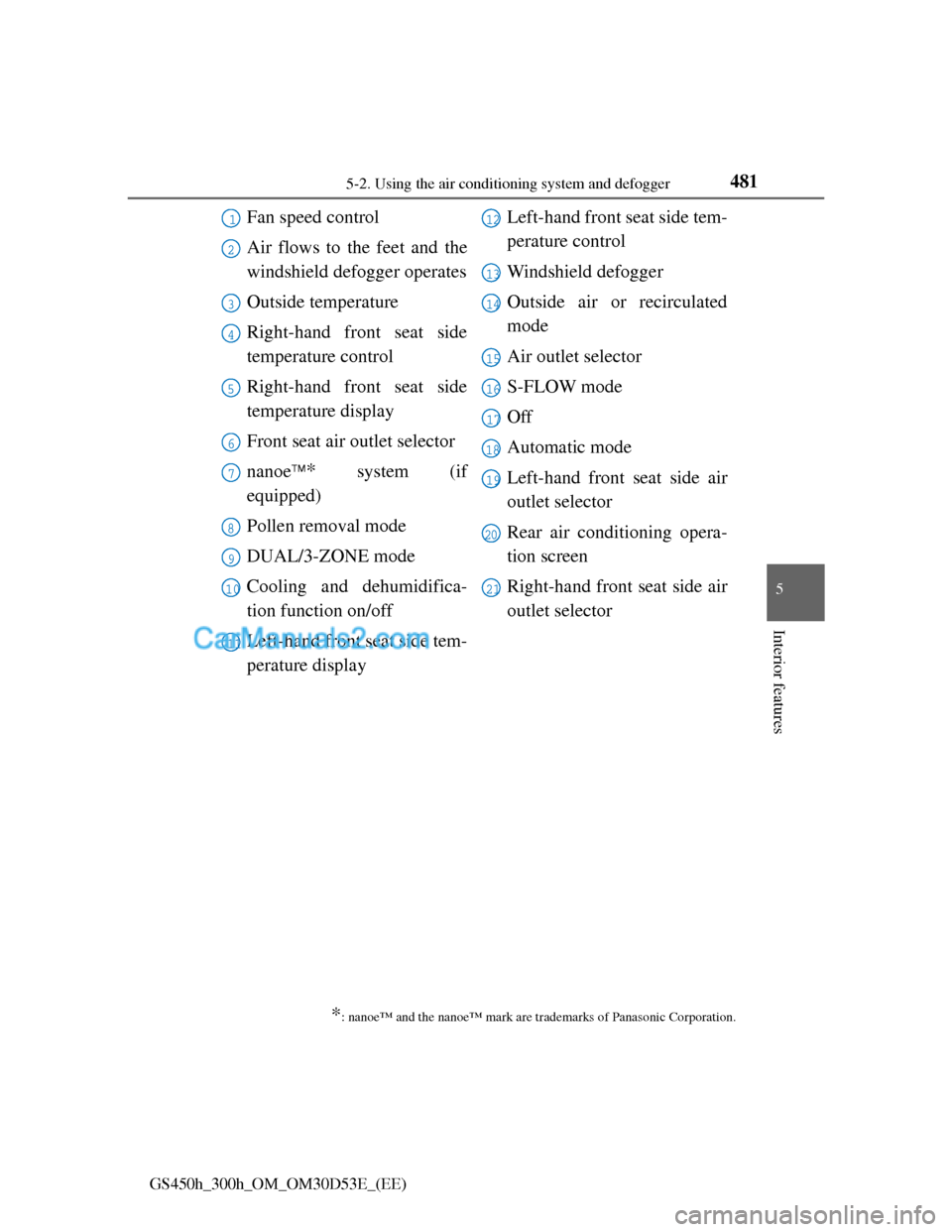
Fan speed control
Air flows to the feet and the
windshield defogger operates
Outside temperature
Right-hand front seat side
temperature control
Right-hand front seat side
temperature display
Front seat air outlet selector
nanoe
* system (if
equipped)
Pollen removal mode
DUAL/3-ZONE mode
Cooling and dehumidifica-
tion function on/off
Left-hand front seat side tem-
perature displayLeft-hand front seat side tem-
perature control
Windshield defogger
Outside air or recirculated
mode
Air outlet selector
S-FLOW mode
Off
Automatic mode
Left-hand front seat side air
outlet selector
Rear air conditioning opera-
tion screen
Right-hand front seat side air
outlet selector
1
2
3
4
5
6
7
8
9
10
11
12
13
14
15
16
17
18
19
20
21
Page 510 of 1014
4925-2. Using the air conditioning system and defogger
GS450h_300h_OM_OM30D53E_(EE)
The windows may fog up if the recirculated air mode is used.
Outside/recirculated air mode
When driving on dusty roads such as tunnels or in heavy traffic, set the out-
side/recirculated air mode button to the recirculated air mode. This is effec-
tive in preventing outside air from entering the vehicle interior. During
cooling operation, setting the recirculated air mode will also cool the vehi-
cle interior effectively.
Outside/recirculated air mode may automatically switch depending on the
temperature setting or the inside temperature.
Automatic mode for air intake control
In automatic mode, the system detects exhaust gas and other pollutants and
automatically switches between outside air and recirculated air modes.
When the dehumidification function is off, and the fan is operating, turning
automatic mode on will activate the dehumidification function.
Pollen removal mode
In order to prevent the windshield from fogging up when the outside air is
cold, the following may occur:
• Outside air mode does not switch to (recirculated air) mode.
• The dehumidification function operates.
• The operation cancels after approximately 1 minute.
In rainy weather, the windows may fog up. Press .
In extremely humid weather, the windows may fog up.
The pollens are filtered out even if the pollen removal mode is turned off.
Operation of the air conditioning system in Eco drive mode
In the Eco drive mode, the air conditioning system is controlled as follows to
prioritize fuel efficiency:
Engine speed and compressor operation controlled to restrict heating/cool-
ing capacity
Fan speed restricted when automatic mode is selected
To improve air conditioning performance, perform the following opera-
tions:
Adjust the fan speed
Turn off Eco drive mode
When the S-FLOW mode operates
If air flows to the driver’s seat only, the temperature setting for the front pas-
senger’s seat is not displayed.
When the outside temperature falls to nearly 0C (32F)
Page 514 of 1014
4965-2. Using the air conditioning system and defogger
GS450h_300h_OM_OM30D53E_(EE)
Rear air conditioning system
: If equipped
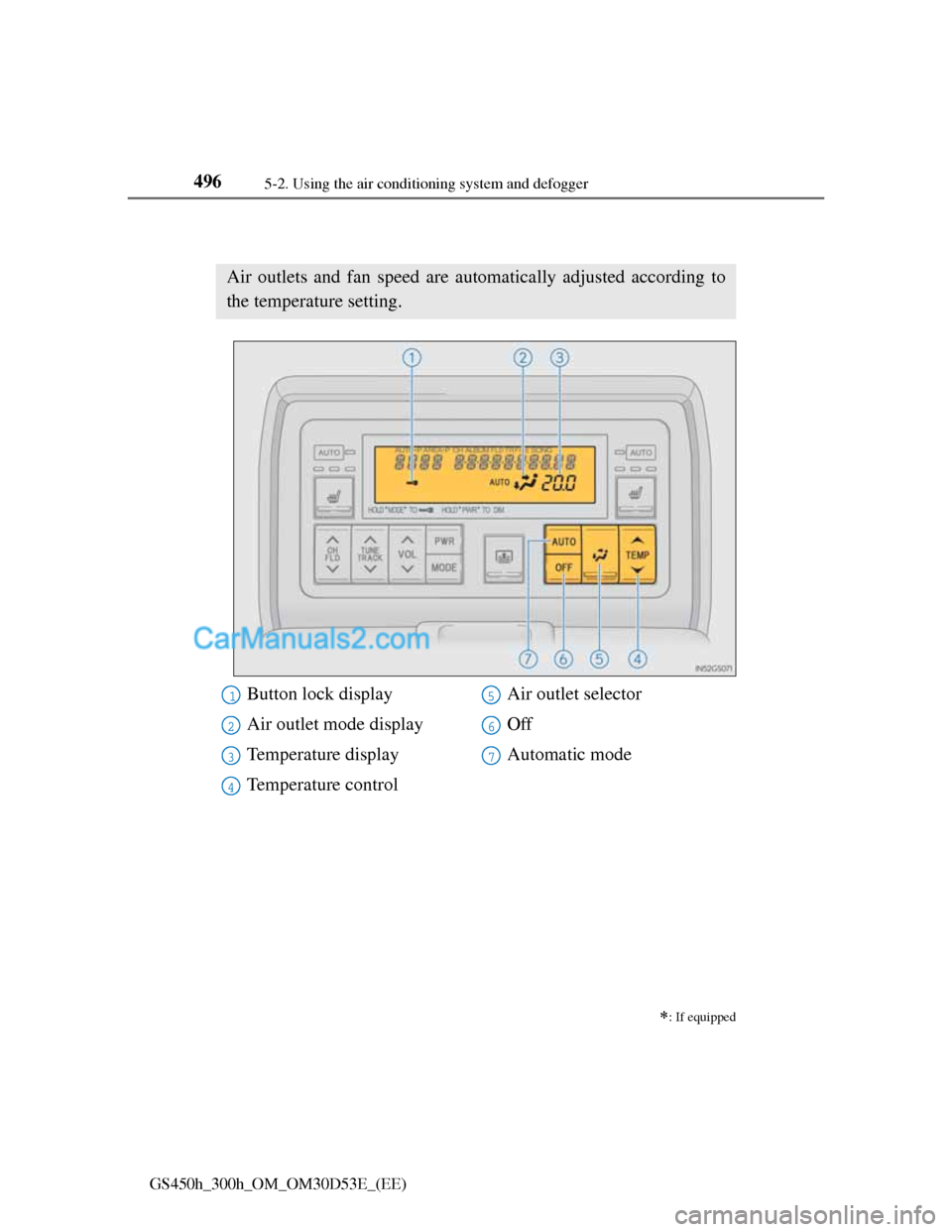
Air outlets and fan speed are automatically adjusted according to
the temperature setting.
Button lock display
Air outlet mode display
Temperature display
Temperature controlAir outlet selector
Off
Automatic mode1
2
3
4
5
6
7
Page 515 of 1014
4975-2. Using the air conditioning system and defogger
5
Interior features
GS450h_300h_OM_OM30D53E_(EE)
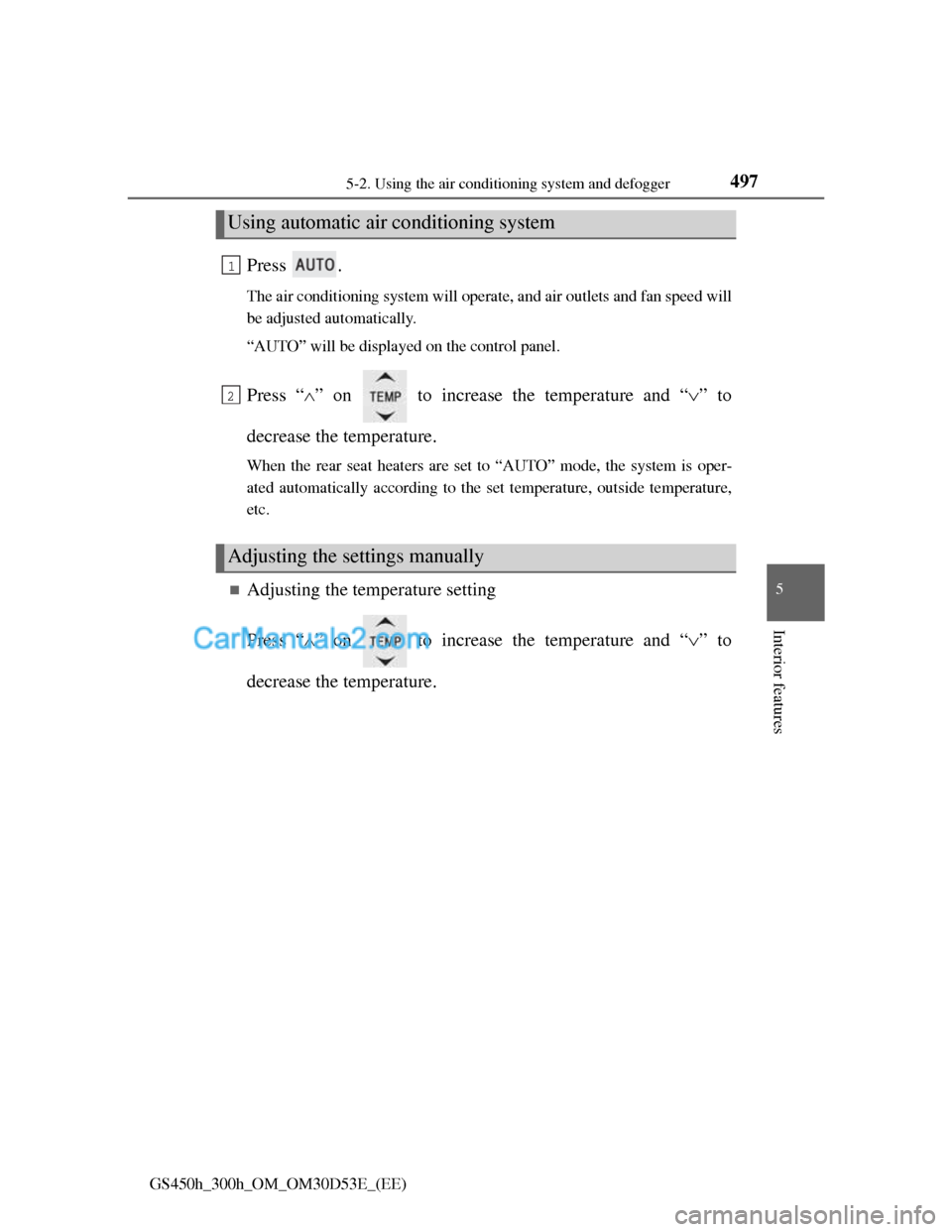
Press .
The air conditioning system will operate, and air outlets and fan speed will
be adjusted automatically.
“AUTO” will be displayed on the control panel.
Press “” on to increase the temperature and “” to
decrease the temperature.
When the rear seat heaters are set to “AUTO” mode, the system is oper-
ated automatically according to the set temperature, outside temperature,
etc.
Adjusting the temperature setting
Press “” on to increase the temperature and “” to
decrease the temperature.
Using automatic air conditioning system
Adjusting the settings manually
1
2
Page 518 of 1014
5005-2. Using the air conditioning system and defogger
GS450h_300h_OM_OM30D53E_(EE)
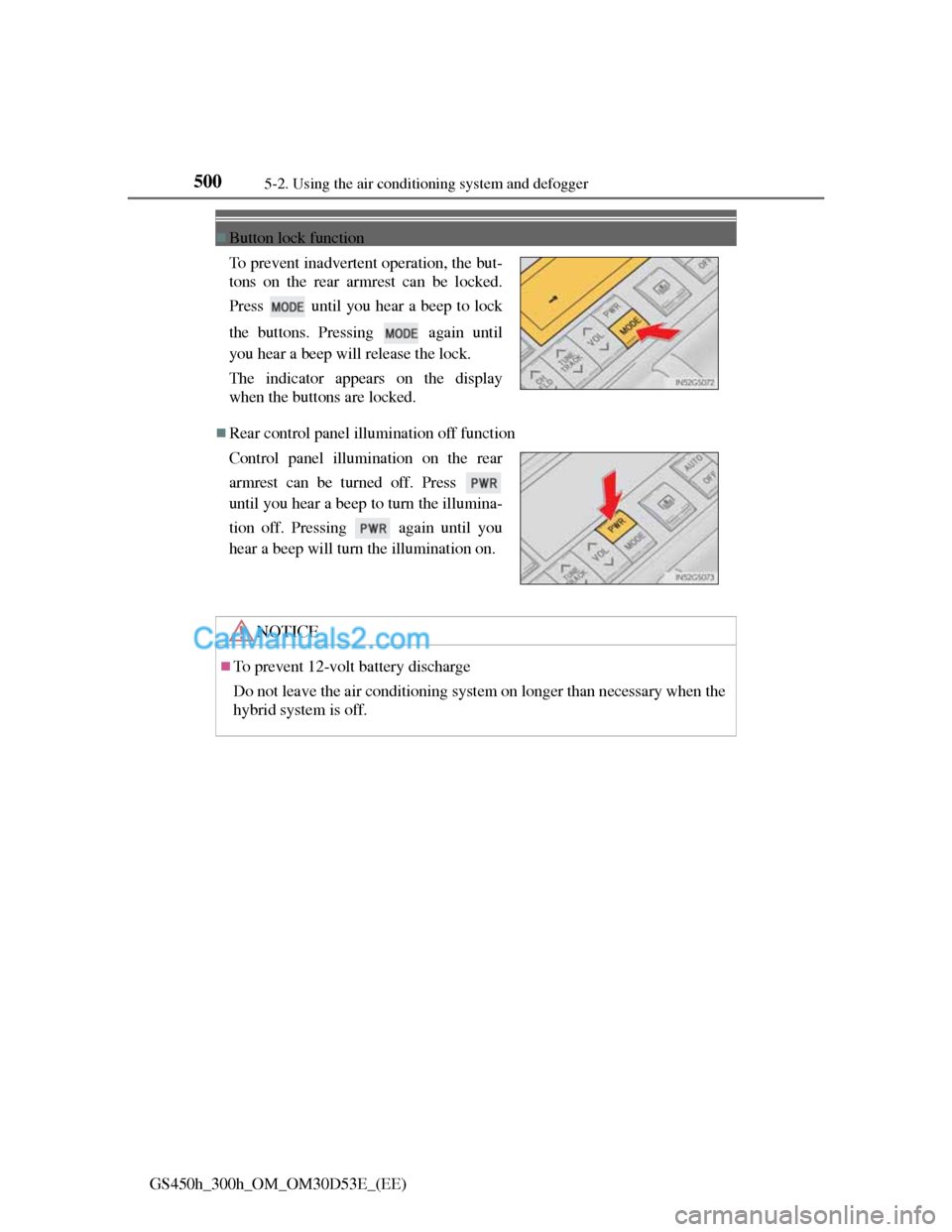
Button lock function
Rear control panel illumination off function To prevent inadvertent operation, the but-
tons on the rear armrest can be locked.
Press until you hear a beep to lock
the buttons. Pressing again until
you hear a beep will release the lock.
The indicator appears on the display
when the buttons are locked.
Control panel illumination on the rear
armrest can be turned off. Press
until you hear a beep to turn the illumina-
tion off. Pressing again until you
hear a beep will turn the illumination on.
NOTICE
To prevent 12-volt battery discharge
Do not leave the air conditioning system on longer than necessary when the
hybrid system is off.
Page 521 of 1014
501
5 5-3. Using the audio system
Interior features
GS450h_300h_OM_OM30D53E_(EE)
Audio system type
CD and DVD player with AM/FM radio
Vehicles with a 12.3-inch display: The audio functions can be dis-
played and operated on the “Side Display”. For details, refer to the
“Navigation System Owner’s Manual”.
The illustration below is for left-hand drive vehicles with a 8-inch
display.
The button positions and shapes will differ for right-hand drive
vehicles.
Also, the display and button positions will differ depending on the
type of the system.
Using the instrument panel
Press the “RADIO” or “MEDIA” button to display the audio
control screen.
Using the Remote Touch
Press the “MENU” button on the Remote Touch, select
“Audio” and select each tab to display the audio control screen.
Page 524 of 1014
5045-3. Using the audio system
GS450h_300h_OM_OM30D53E_(EE)
Using cellular phones
Interference may be heard through the audio system’s speakers if a cellular
phone is being used inside or close to the vehicle while the audio system is
operating.
When using the Remote Touch screen
Dimmed screen buttons cannot be operated.
Ta b
Select or , located either side of the screen tabs, to display tabs from
the previous or next page.
About Dolby
Manufactured under license from Dolby Laboratories. Dolby and the double-
D symbol are trademarks of Dolby Laboratories.
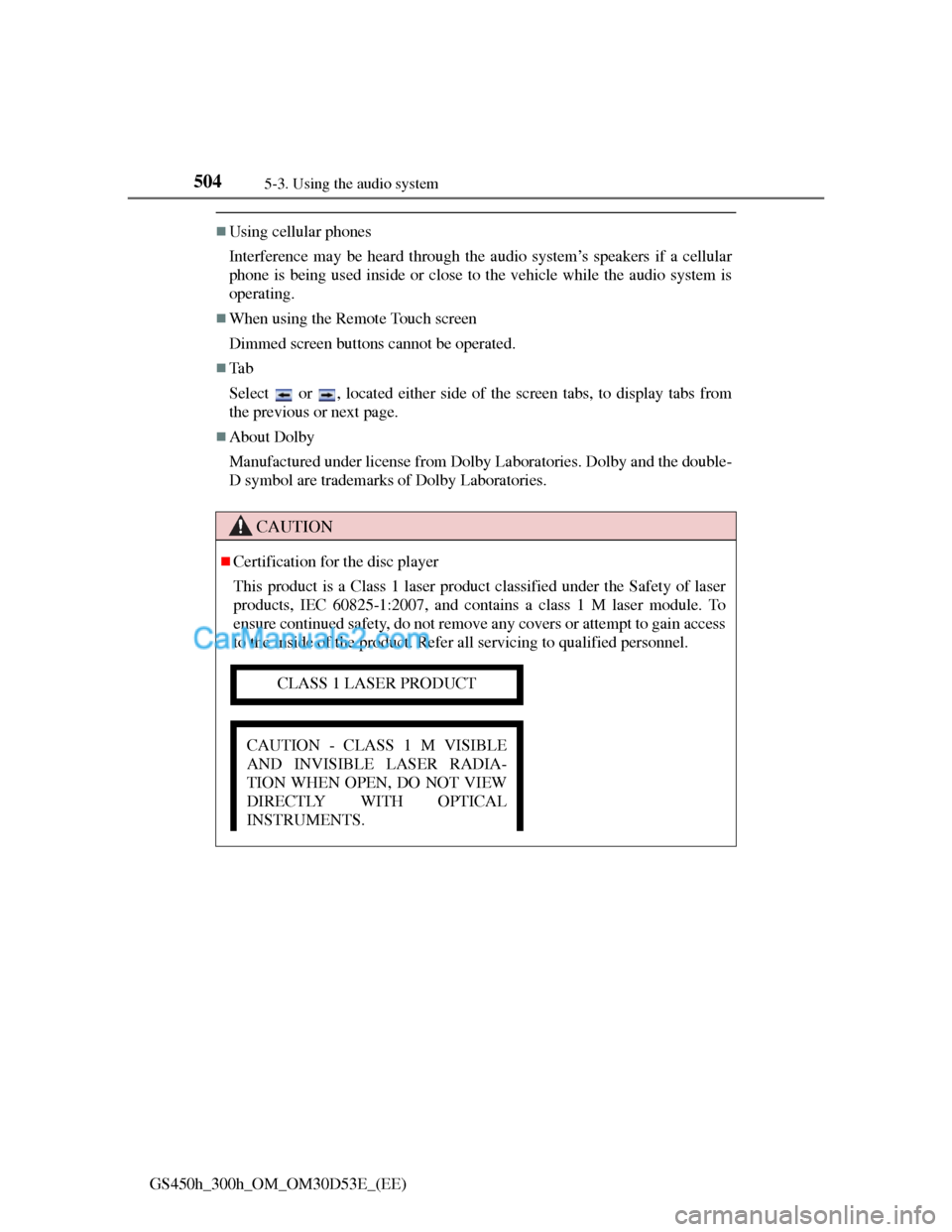
CAUTION
Certification for the disc player
This product is a Class 1 laser product classified under the Safety of laser
products, IEC 60825-1:2007, and contains a class 1 M laser module. To
ensure continued safety, do not remove any covers or attempt to gain access
to the inside of the product. Refer all servicing to qualified personnel.
CLASS 1 LASER PRODUCT
CAUTION - CLASS 1 M VISIBLE
AND INVISIBLE LASER RADIA-
TION WHEN OPEN, DO NOT VIEW
DIRECTLY WITH OPTICAL
INSTRUMENTS.
Page 528 of 1014
5085-3. Using the audio system
GS450h_300h_OM_OM30D53E_(EE)This code is derived from software contributed to Berkeley by Chris Torek.
Copyright © 1991, 1993 The Regents of the University of California. All
rights reserved.
Copyright © 1991, 1993 The Regents of the University of California. All
rights reserved.
This code is derived from software contributed to Berkeley by Berkeley
Software Design, Inc.
Copyright © 1992, 1993 The Regents of the University of California. All
rights reserved.
Copyright © 1992, 1993 The Regents of the University of California. All
rights reserved.
This code is derived from software contributed to Berkeley by Ralph
Campbell.
Copyright © 1992, 1993 The Regents of the University of California. All
rights reserved.
© UNIX System Laboratories, Inc. All or some portions of this file are
derived from material licensed to the University of California by American
Telephone and Telegraph Co. or Unix System Laboratories, Inc. and are
reproduced herein with the permission of UNIX System Laboratories, Inc.
Copyright © 1992, 1993 The Regents of the University of California. All
rights reserved.
This software was developed by the Computer Systems Engineering group at
Lawrence Berkeley Laboratory under DARPA contract BG 91-66 and
contributed to Berkeley. All advertising materials mentioning features or use
of this software must display the following acknowledgement: This product
includes software developed by the University of California, Lawrence
Berkeley Laboratory.
Copyright © 1992, 1993 The Regents of the University of California. All
rights reserved.
This code is derived from software contributed to Berkeley by Ralph
Campbell. This file is derived from the MIPS RISC Architecture book by
Gerry Kane.
Copyright © 1993 The Regents of the University of California. All rights
reserved.
Copyright © 1994 The Regents of the University of California. All rights
reserved.
Page 529 of 1014
5095-3. Using the audio system
5
Interior features
GS450h_300h_OM_OM30D53E_(EE)This code is derived from software contributed to Berkeley by Andrew
Hume of AT&T Bell Laboratories.
Redistribution and use in source and binary forms, with or without
modification, are permitted provided that the following conditions are met:
1. Redistributions of source code must retain the above copyright notice, this
list of conditions and the following disclaimer.
2. Redistributions in binary form must reproduce the above copyright notice,
this list of conditions and the following disclaimer in the documentation
and/or other materials provided with the distribution.
3. All advertising materials mentioning features or use of this software must
display the following acknowledgement: This product includes software
developed by the University of California, Berkeley and its contributors.
4. Neither the name of the University nor the names of its contributors may
be used to endorse or promote products derived from this software without
specific prior written permission.
THIS SOFTWARE IS PROVIDED BY THE REGENTS AND
CONTRIBUTORS “AS IS” AND ANY EXPRESS OR IMPLIED
WARRANTIES, INCLUDING, BUT NOT LIMITED TO, THE IMPLIED
WARRANTIES OF MERCHANTABILITY AND FITNESS FOR A
PARTICULAR PURPOSE ARE DISCLAIMED. IN NO EVENT SHALL
THE REGENTS OR CONTRIBUTORS BE LIABLE FOR ANY DIRECT,
INDIRECT, INCIDENTAL, SPECIAL, EXEMPLARY, OR
CONSEQUENTIAL DAMAGES (INCLUDING, BUT NOT LIMITED TO,
PROCUREMENT OF SUBSTITUTE GOODS OR SERVICES; LOSS OF
USE, DATA, OR PROFITS; OR BUSINESS INTERRUPTION)
HOWEVER CAUSED AND ON ANY THEORY OF LIABILITY,
WHETHER IN CONTRACT, STRICT LIABILITY, OR TORT
(INCLUDING NEGLIGENCE OR OTHERWISE) ARISING IN ANY WAY
OUT OF THE USE OF THIS SOFTWARE, EVEN IF ADVISED OF THE
POSSIBILITY OF SUCH DAMAGE.
Copyright © 1982, 1986 Regents of the University of California. All rights
reserved.
Copyright © 1983, 1990, 1993 The Regents of the University of California.
All rights reserved.