display TOYOTA LAND CRUISER 2012 Owners Manual
[x] Cancel search | Manufacturer: TOYOTA, Model Year: 2012, Model line: LAND CRUISER, Model: TOYOTA LAND CRUISER 2012Pages: 692, PDF Size: 29.3 MB
Page 426 of 692
426 3-4. Using the hands-free system (for cellular phone)
L/C200_EE (OM60G38E)
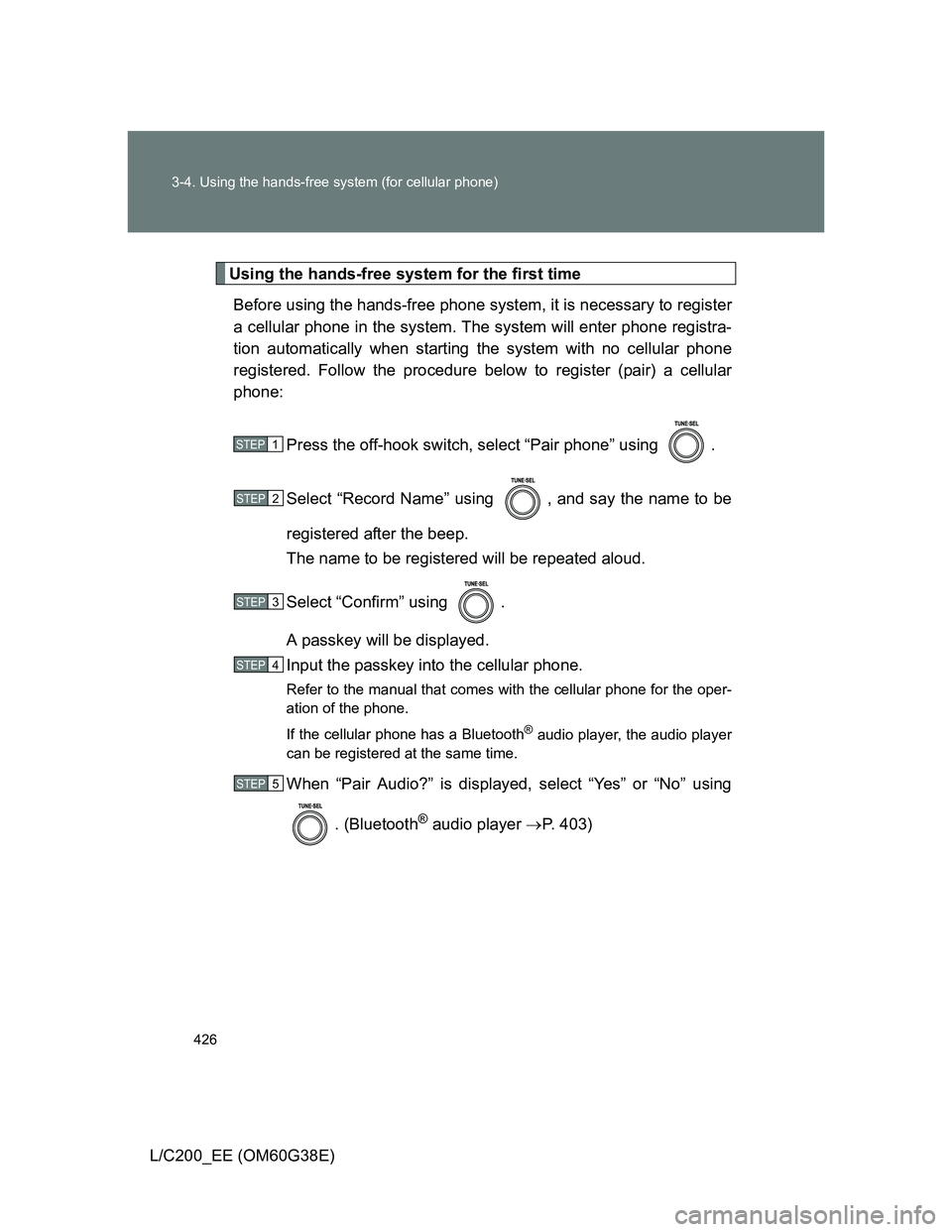
Using the hands-free system for the first time
Before using the hands-free phone system, it is necessary to register
a cellular phone in the system. The system will enter phone registra-
tion automatically when starting the system with no cellular phone
registered. Follow the procedure below to register (pair) a cellular
phone:
Press the off-hook switch, select “Pair phone” using .
Select “Record Name” using , and say the name to be
registered after the beep.
The name to be registered will be repeated aloud.
Select “Confirm” using .
A passkey will be displayed.
Input the passkey into the cellular phone.
Refer to the manual that comes with the cellular phone for the oper-
ation of the phone.
If the cellular phone has a Bluetooth
® audio player, the audio player
can be registered at the same time.
When “Pair Audio?” is displayed, select “Yes” or “No” using
. (Bluetooth
® audio player P. 403)
STEP1
STEP2
STEP3
STEP4
STEP5
Page 428 of 692
428 3-4. Using the hands-free system (for cellular phone)
L/C200_EE (OM60G38E)
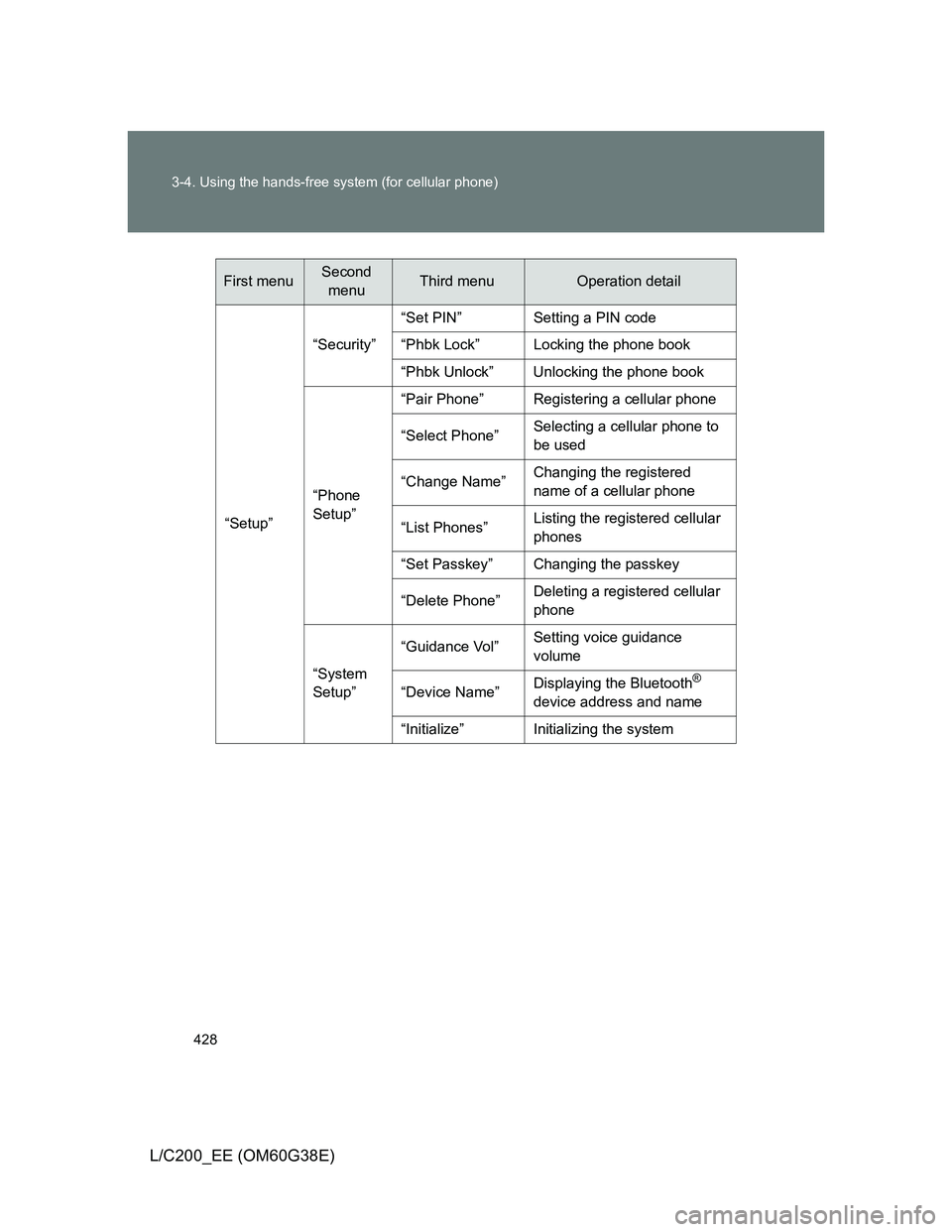
“Setup”“Security”“Set PIN” Setting a PIN code
“Phbk Lock” Locking the phone book
“Phbk Unlock” Unlocking the phone book
“Phone
Setup”“Pair Phone” Registering a cellular phone
“Select Phone”Selecting a cellular phone to
be used
“Change Name”Changing the registered
name of a cellular phone
“List Phones”Listing the registered cellular
phones
“Set Passkey” Changing the passkey
“Delete Phone”Deleting a registered cellular
phone
“System
Setup”“Guidance Vol”Setting voice guidance
volume
“Device Name”Displaying the Bluetooth
®
device address and name
“Initialize” Initializing the system
First menuSecond
menuThird menuOperation detail
Page 431 of 692
431 3-4. Using the hands-free system (for cellular phone)
3
Interior features
L/C200_EE (OM60G38E)
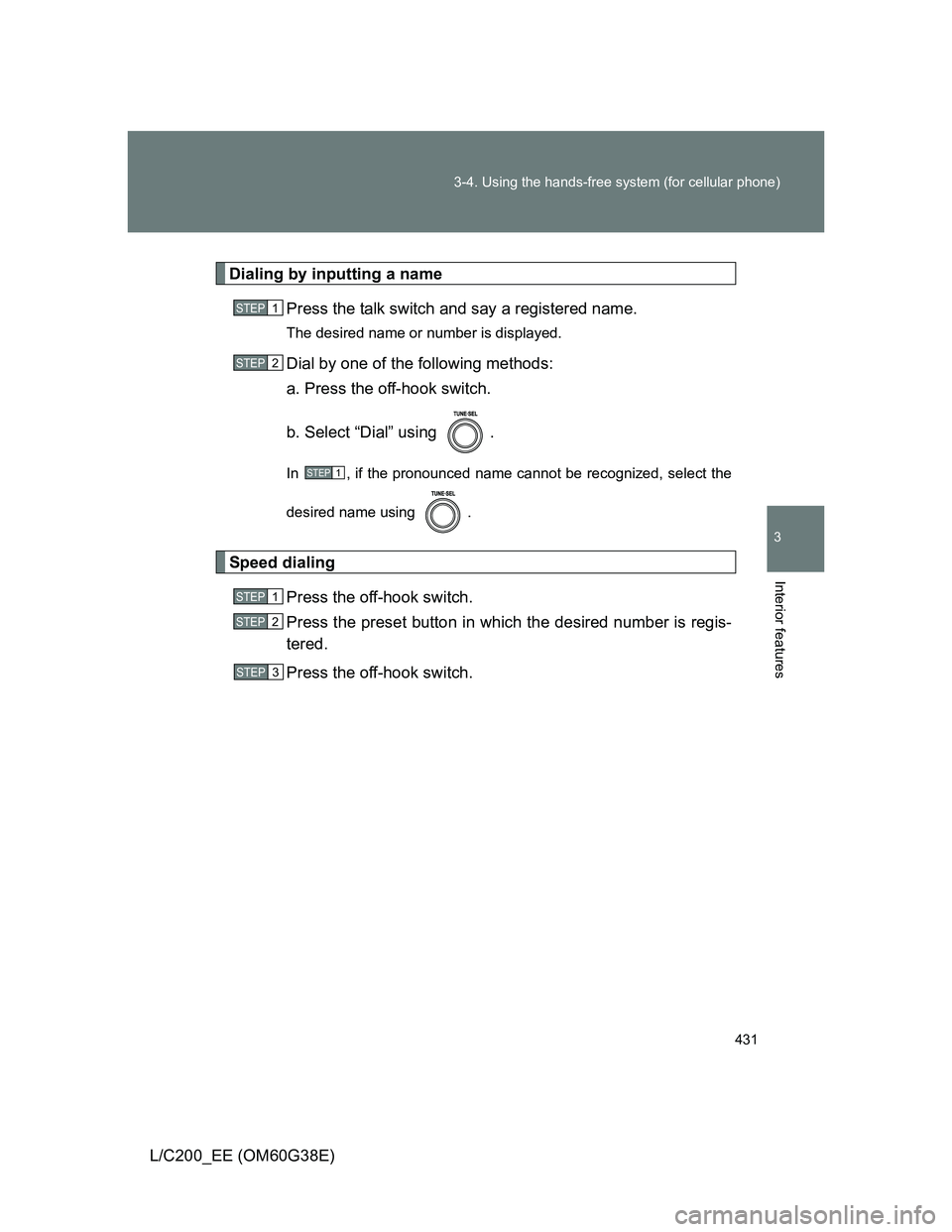
Dialing by inputting a name
Press the talk switch and say a registered name.
The desired name or number is displayed.
Dial by one of the following methods:
a. Press the off-hook switch.
b. Select “Dial” using .
In , if the pronounced name cannot be recognized, select the
desired name using .
Speed dialing
Press the off-hook switch.
Press the preset button in which the desired number is regis-
tered.
Press the off-hook switch.
STEP1
STEP2
STEP1
STEP1
STEP2
STEP3
Page 437 of 692
437 3-4. Using the hands-free system (for cellular phone)
3
Interior features
L/C200_EE (OM60G38E)
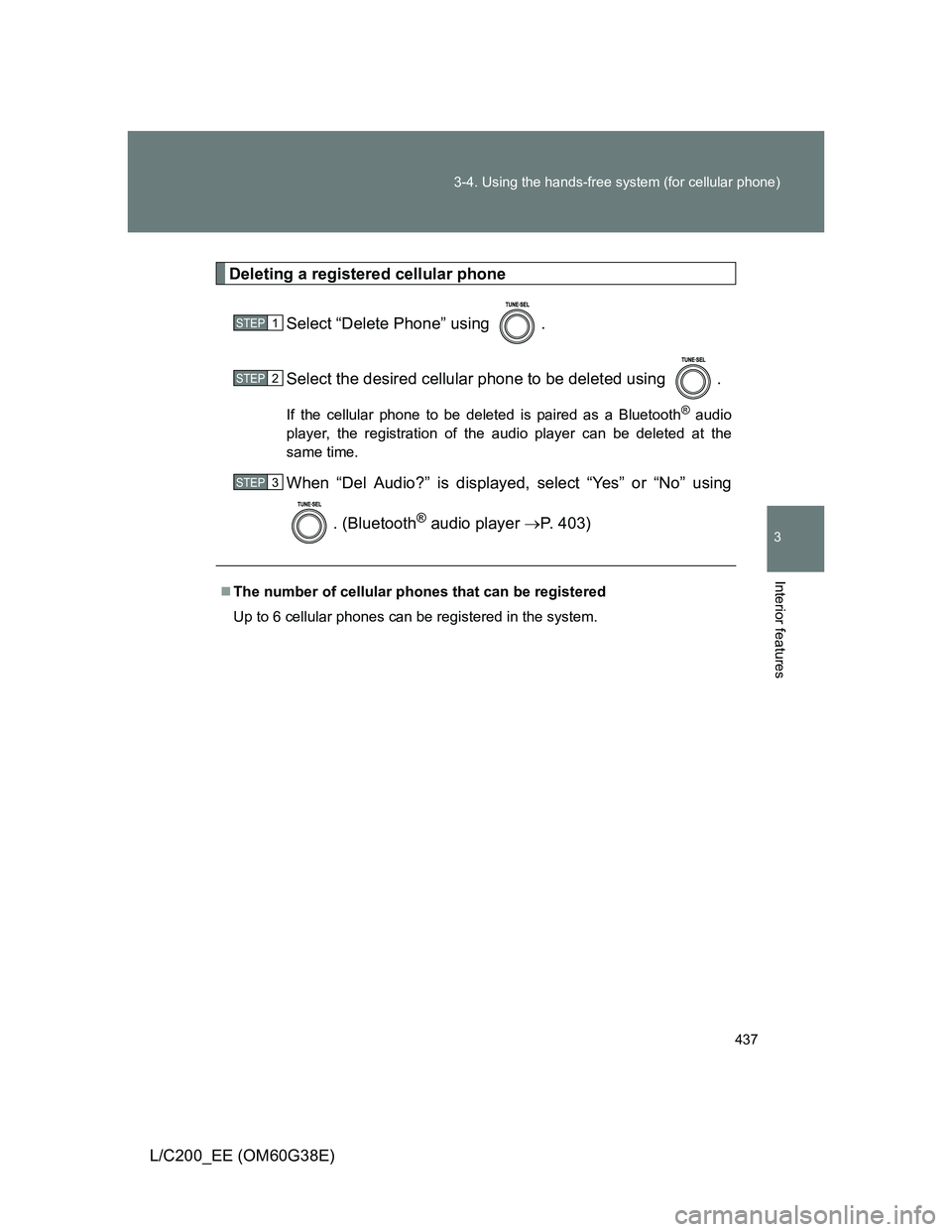
Deleting a registered cellular phone
Select “Delete Phone” using .
Select the desired cellular phone to be deleted using .
If the cellular phone to be deleted is paired as a Bluetooth® audio
player, the registration of the audio player can be deleted at the
same time.
When “Del Audio?” is displayed, select “Yes” or “No” using
. (Bluetooth
® audio player P. 403)
The number of cellular phones that can be registered
Up to 6 cellular phones can be registered in the system.
STEP1
STEP2
STEP3
Page 438 of 692
438
3-4. Using the hands-free system (for cellular phone)
L/C200_EE (OM60G38E)
Security and system setup
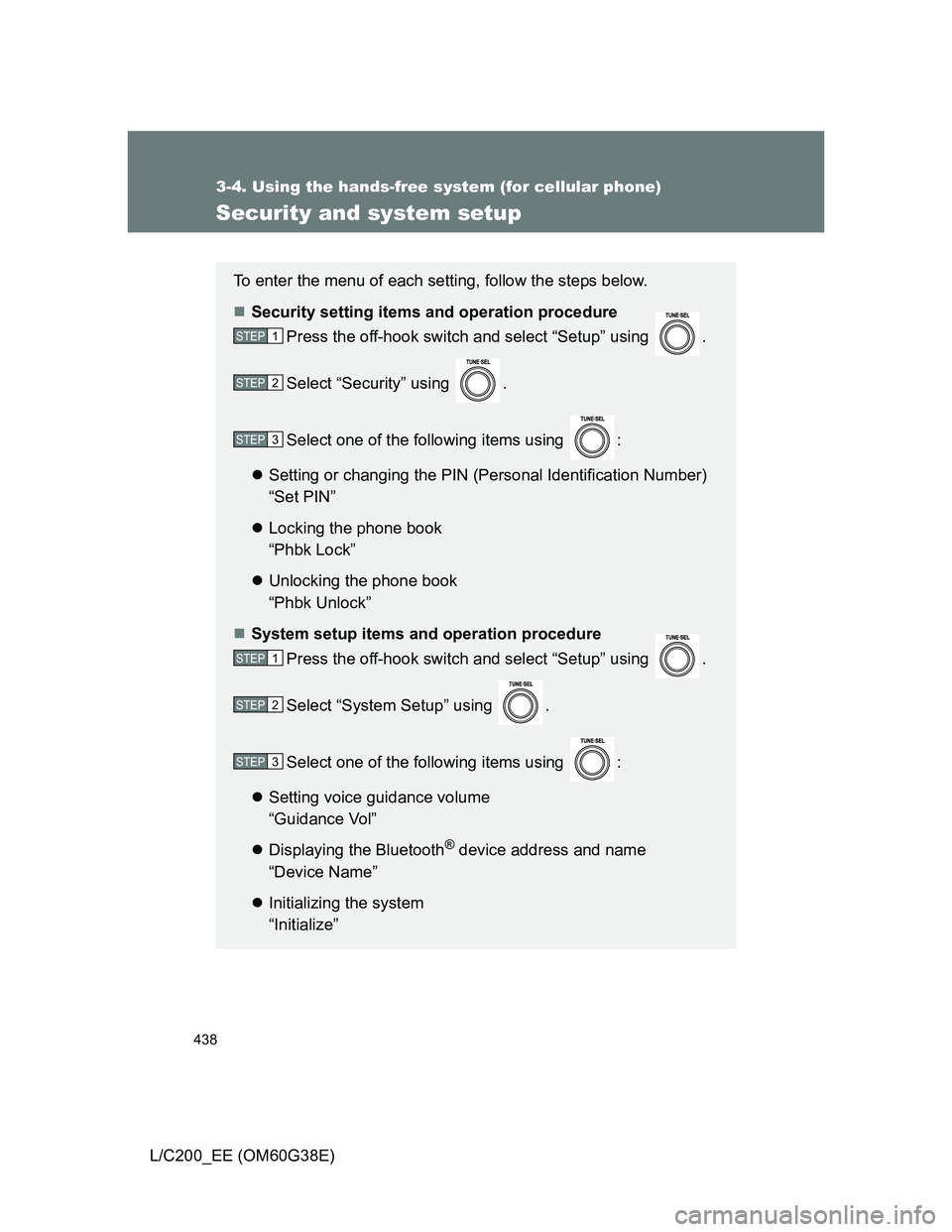
To enter the menu of each setting, follow the steps below.
Security setting items and operation procedure
Press the off-hook switch and select “Setup” using .
Select “Security” using .
Select one of the following items using :
Setting or changing the PIN (Personal Identification Number)
“Set PIN”
Locking the phone book
“Phbk Lock”
Unlocking the phone book
“Phbk Unlock”
System setup items and operation procedure
Press the off-hook switch and select “Setup” using .
Select “System Setup” using .
Select one of the following items using :
Setting voice guidance volume
“Guidance Vol”
Displaying the Bluetooth
® device address and name
“Device Name”
Initializing the system
“Initialize”
STEP1
STEP2
STEP3
STEP1
STEP2
STEP3
Page 440 of 692
440 3-4. Using the hands-free system (for cellular phone)
L/C200_EE (OM60G38E)
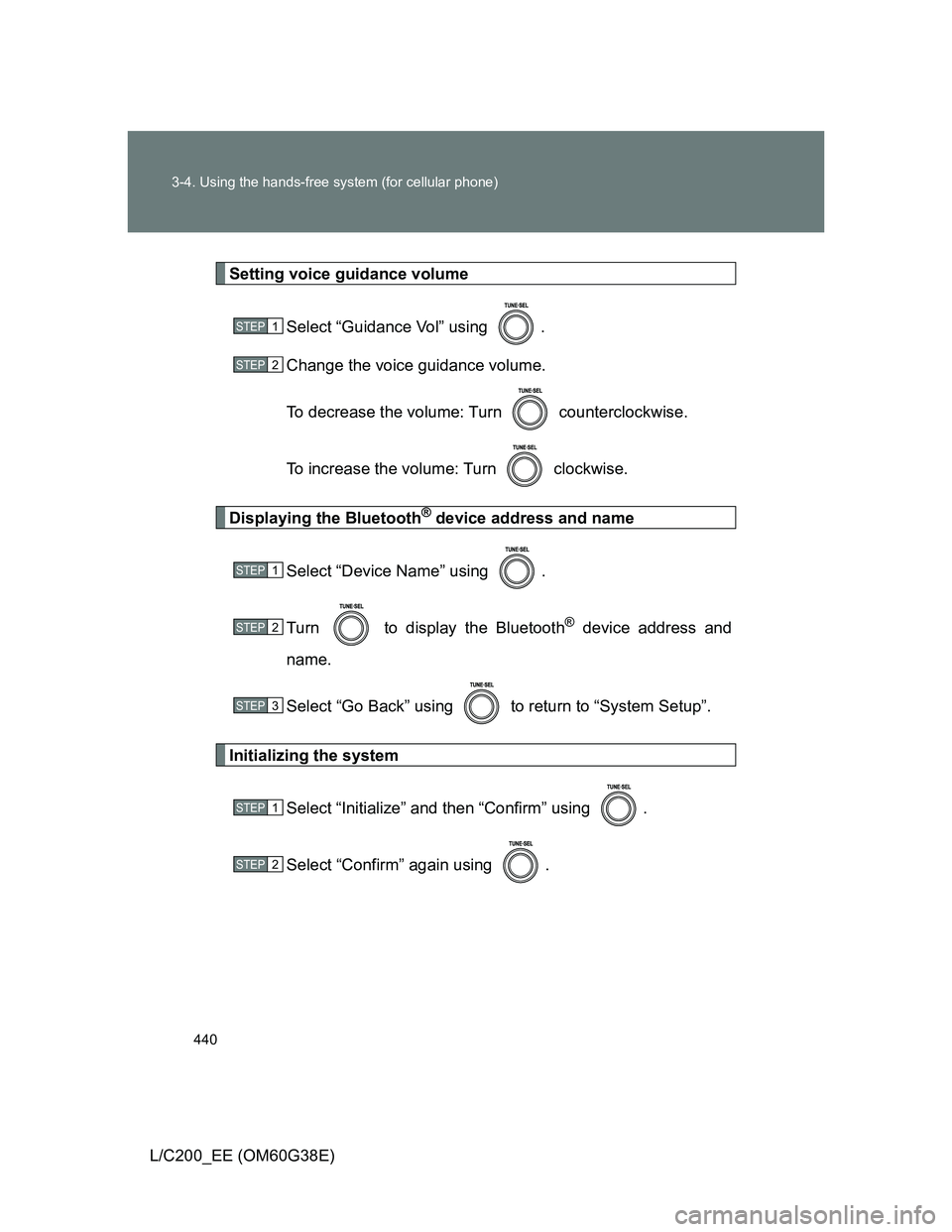
Setting voice guidance volume
Select “Guidance Vol” using .
Change the voice guidance volume.
To decrease the volume: Turn counterclockwise.
To increase the volume: Turn clockwise.
Displaying the Bluetooth® device address and name
Select “Device Name” using .
Turn to display the Bluetooth
® device address and
name.
Select “Go Back” using to return to “System Setup”.
Initializing the system
Select “Initialize” and then “Confirm” using .
Select “Confirm” again using .
STEP1
STEP2
STEP1
STEP2
STEP3
STEP1
STEP2
Page 443 of 692
443 3-4. Using the hands-free system (for cellular phone)
3
Interior features
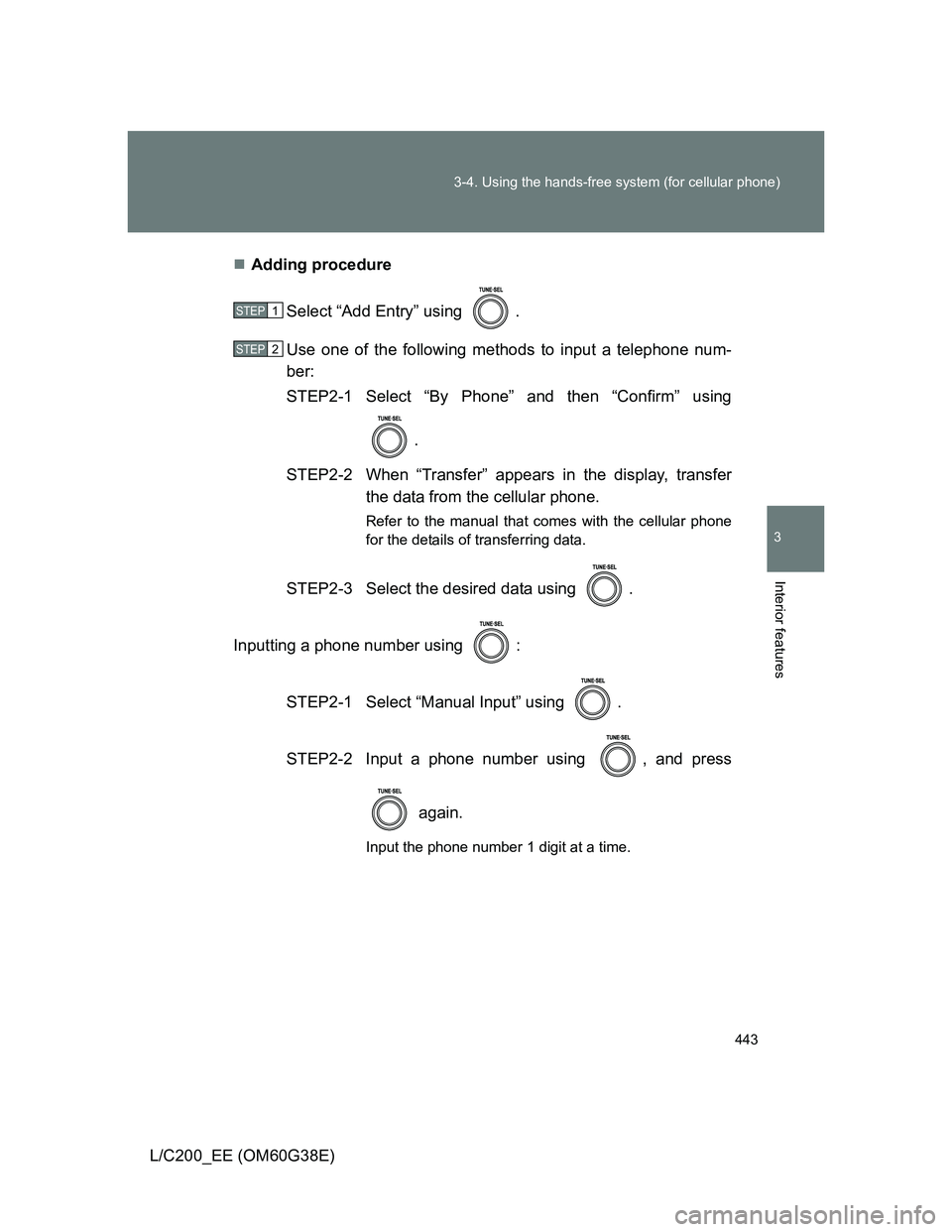
L/C200_EE (OM60G38E)Adding procedure
Select “Add Entry” using .
Use one of the following methods to input a telephone num-
ber:
STEP2-1 Select “By Phone” and then “Confirm” using
.
STEP2-2 When “Transfer” appears in the display, transfer
the data from the cellular phone.
Refer to the manual that comes with the cellular phone
for the details of transferring data.
STEP2-3 Select the desired data using .
Inputting a phone number using :
STEP2-1 Select “Manual Input” using .
STEP2-2 Input a phone number using , and press
again.
Input the phone number 1 digit at a time.
STEP1
STEP2
Page 465 of 692
465
3-7. Other interior features
3
Interior features
L/C200_EE (OM60G38E)
Clock
The clock is displayed when
The “ENGINE START STOP” switch is in ACCESSORY or IGNITION ON
mode.
When the battery is disconnected
The time display will automatically be set to 1:00.
With navigation system
Refer to “Navigation System Owner’s Manual”.
Without navigation system
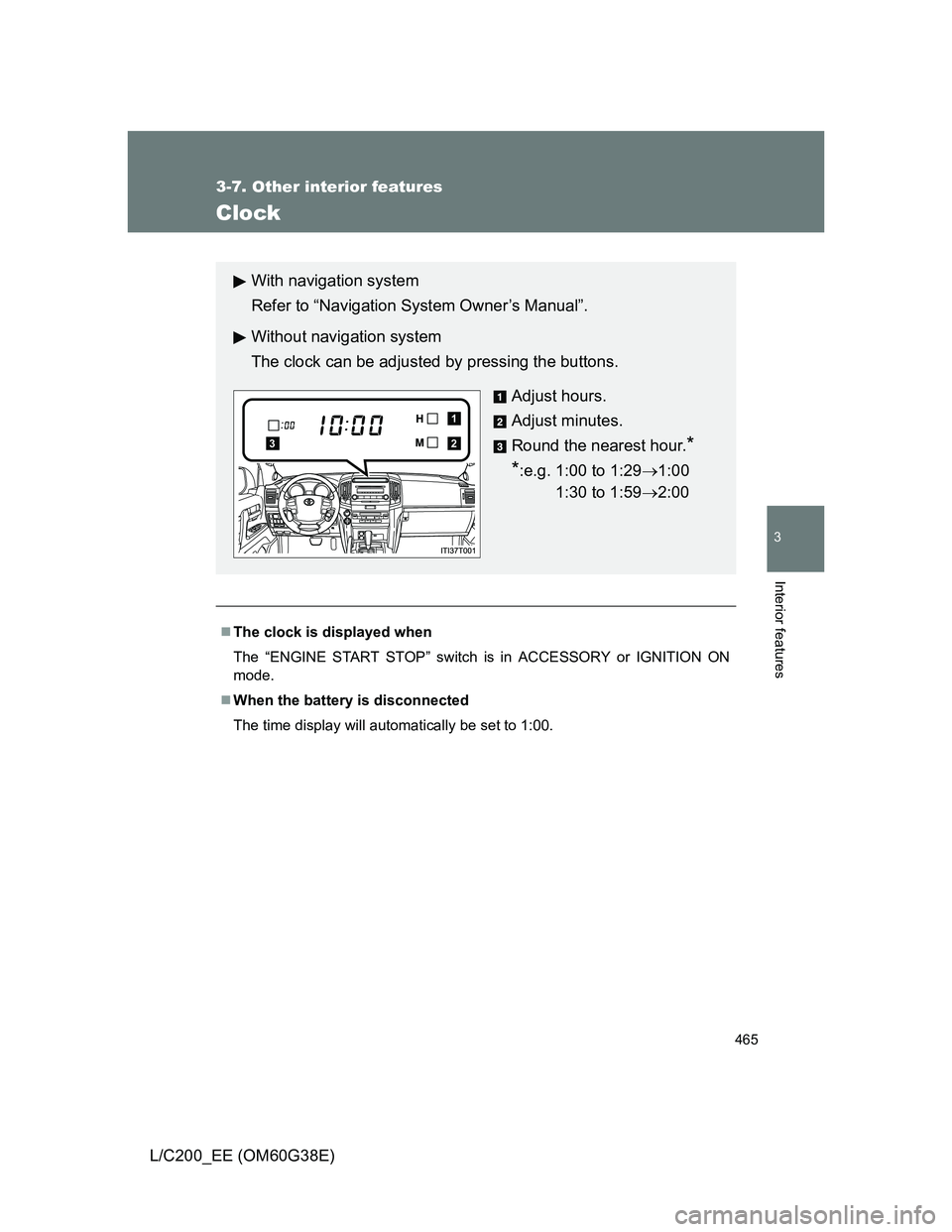
The clock can be adjusted by pressing the buttons.
Adjust hours.
Adjust minutes.
Round the nearest hour.
*
*
:e.g. 1:00 to 1:291:00
1:30 to 1:592:00
2
1
3
Page 466 of 692
466
3-7. Other interior features
L/C200_EE (OM60G38E)
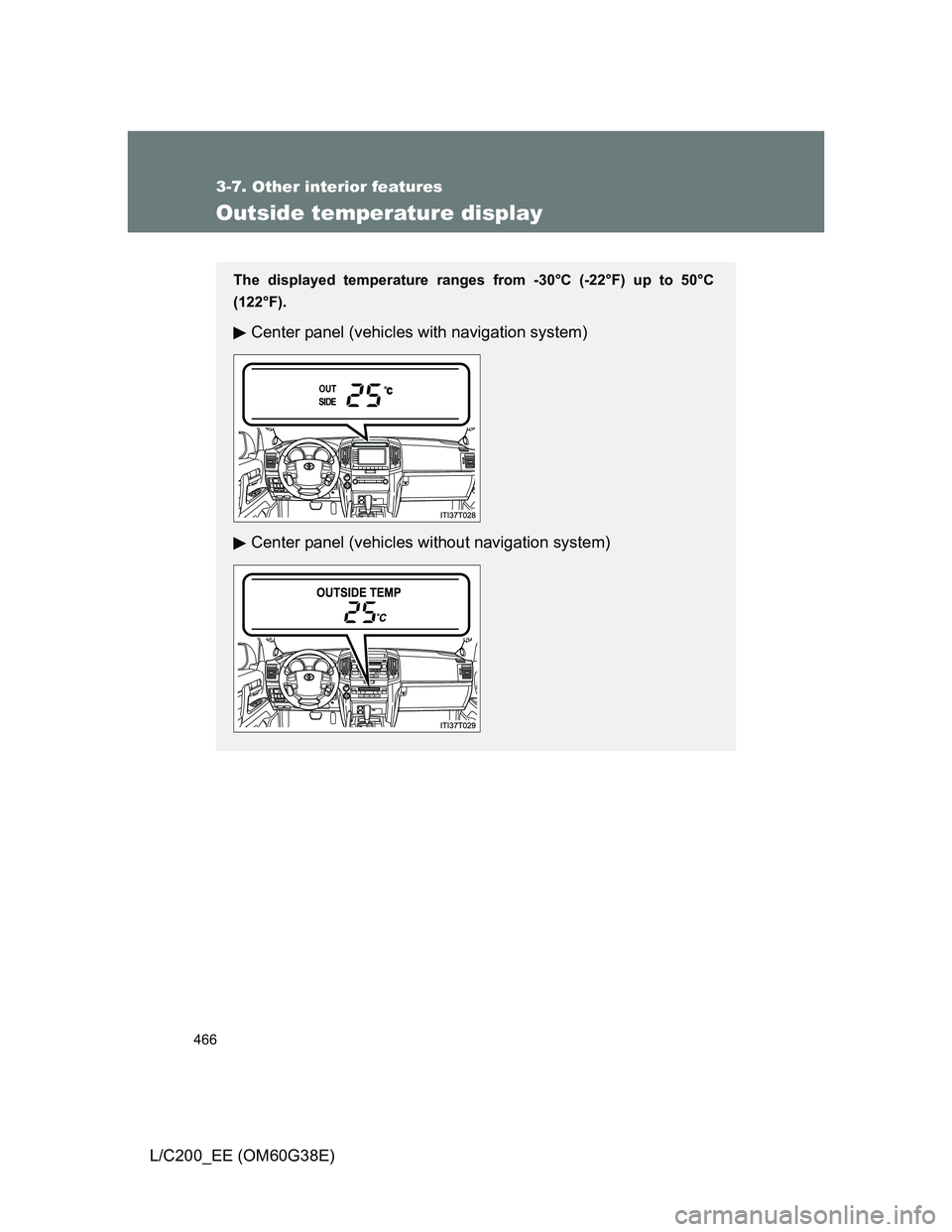
Outside temperature display
The displayed temperature ranges from -30°C (-22°F) up to 50°C
(122°F).
Center panel (vehicles with navigation system)
Center panel (vehicles without navigation system)
Page 467 of 692
467 3-7. Other interior features
3
Interior features
L/C200_EE (OM60G38E)
Operating conditions
The “ENGINE START STOP” switch is in IGNITION ON mode.
When --- is displayed
The system may be malfunctioning. Take your vehicle to any authorized
Toyota dealer or repairer, or another duly qualified and equipped profes-
sional.
Display
In the following situations, the correct outside temperature may not be dis-
played, or the display may take longer than normal to change.
When stopped, or driving at low speeds (less than 20 km/h [12 mph])
When the outside temperature has changed suddenly (at the entrance/
exit of a garage, tunnel, etc.)