brake TOYOTA SUPRA 2019 Owner's Manual
[x] Cancel search | Manufacturer: TOYOTA, Model Year: 2019, Model line: SUPRA, Model: TOYOTA SUPRA 2019Pages: 456, PDF Size: 88.65 MB
Page 148 of 456
148
Supra Owner's Manual3-1. CONTROLS
Before the transmission lockout is
released, apply the parking brake
to prevent the vehicle from rolling
away.
1Apply the brakes and keep them
applied.
2Press the start/stop button. The
starter must be heard to start
turning. Press and hold the
start/stop button.
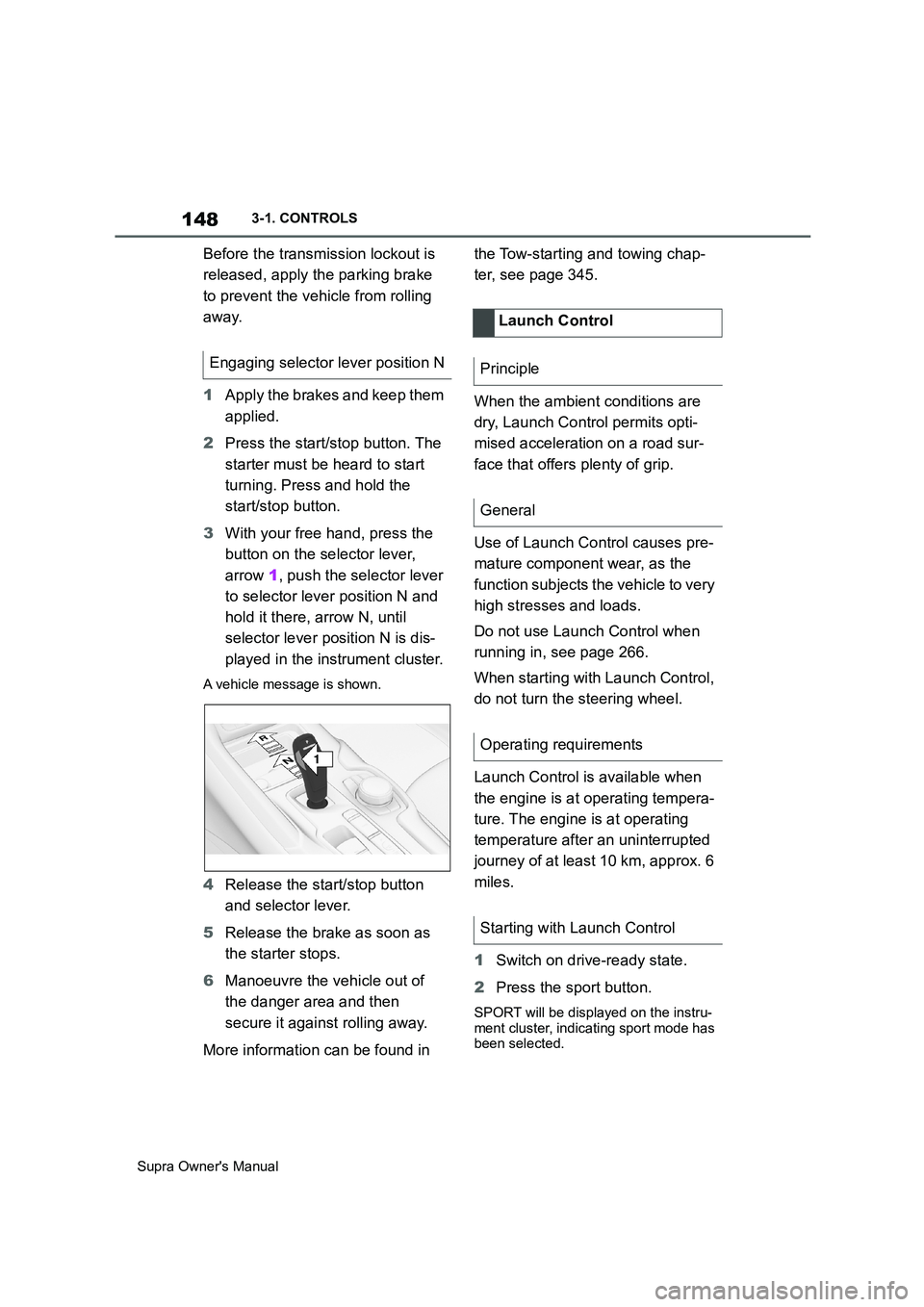
3With your free hand, press the
button on the selector lever,
arrow 1, push the selector lever
to selector lever position N and
hold it there, arrow N, until
selector lever position N is dis-
played in the instrument cluster.
A vehicle message is shown.
4Release the start/stop button
and selector lever.
5Release the brake as soon as
the starter stops.
6Manoeuvre the vehicle out of
the danger area and then
secure it against rolling away.
More information can be found in the Tow-starting and towing chap-
ter, see page 345.
When the ambient conditions are
dry, Launch Control permits opti-
mised acceleration on a road sur-
face that offers plenty of grip.
Use of Launch Control causes pre-
mature component wear, as the
function subjects the vehicle to very
high stresses and loads.
Do not use Launch Control when
running in, see page 266.
When starting with Launch Control,
do not turn the steering wheel.
Launch Control is available when
the engine is at operating tempera-
ture. The engine is at operating
temperature after an uninterrupted
journey of at least 10 km, approx. 6
miles.
1Switch on drive-ready state.
2Press the sport button.
SPORT will be displayed on the instru-
ment cluster, indicating sport mode has
been selected.
Engaging selector lever position N
1
R
N
Launch Control
Principle
General
Operating requirements
Starting with Launch Control
Page 149 of 456
149
3
Supra Owner's Manual3-1. CONTROLS
CONTROLS
3 Press the button.
TRACTION will be displayed on the
instrument cluster and the VSC OFF
indicator lamp will illuminate.
4Select the D selector lever posi-
tion.
5Firmly depress the brake pedal
with your left foot.
6Fully depress and hold the
accelerator pedal at the kick-
down position.
A flag symbol will be shown in the
instrument cluster.
7The engine speed will be
adjusted for launching. Release
the brake pedal within 3 sec-
onds.
Once Launch Control has been
used, the transmission requires
approximately 5 minutes to cool
down before Launch Control can be
used again. Launch Control adapts
to the ambient conditions when
used again.
To support driving stability, re-acti-
vate Vehicle Stability Control, VSC
as soon as possible.
An experienced driver may be able
to achieve better acceleration val-
ues in VSC OFF mode.The sport mode switch influences
the driving dynamics characteristics
of the vehicle.
The following systems are influ-
enced, for example:
Engine characteristics.
Automatic transmission.
Adaptive variable suspension.
Steering.
Display in the instrument cluster.
Cruise Control.
Using again during a journey
After using Launch Control
System limits
Sport mode switch
Principle
General
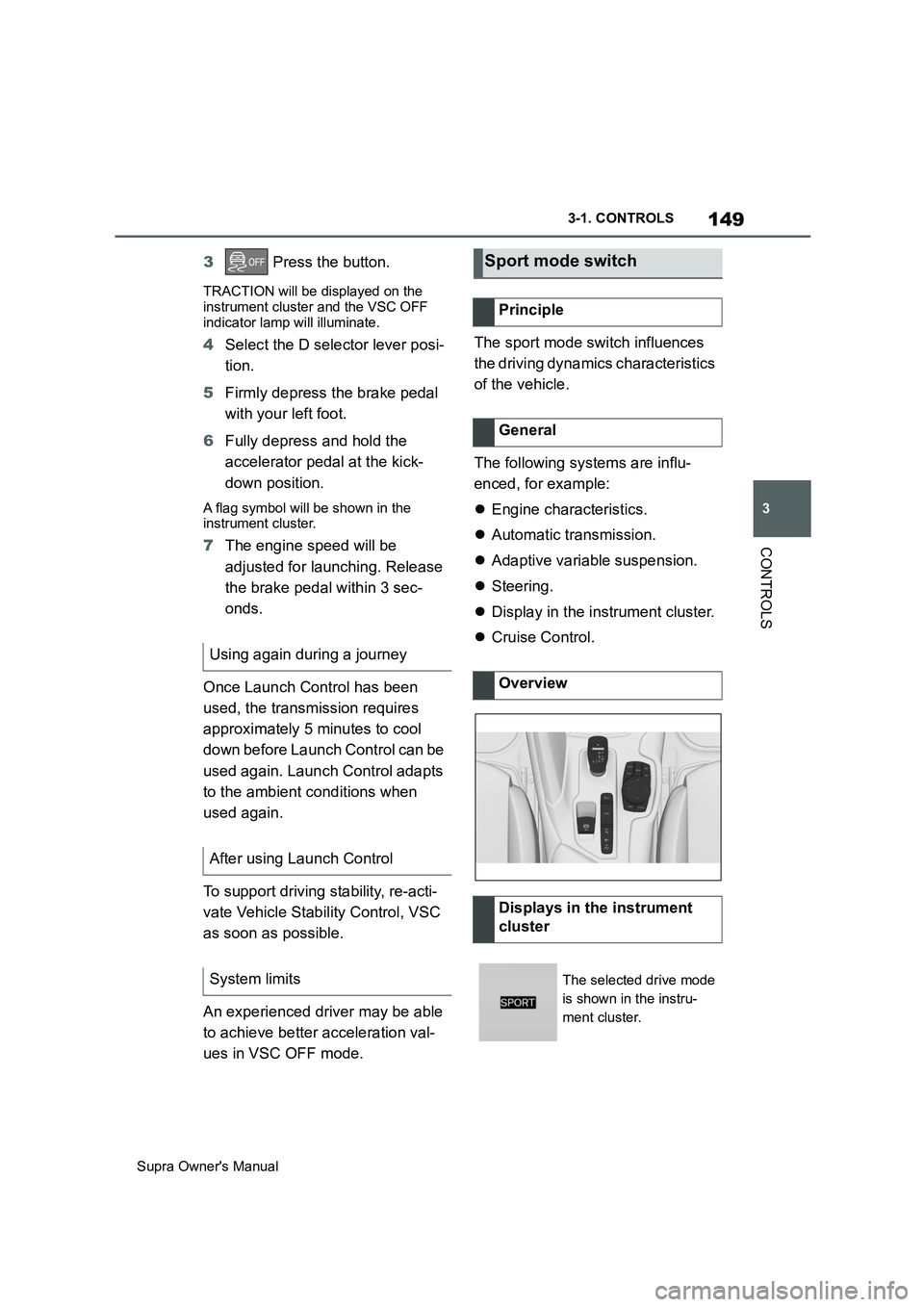
Overview
Displays in the instrument
cluster
The selected drive mode
is shown in the instru-
ment cluster.
Page 154 of 456
154
Supra Owner's Manual3-1. CONTROLS
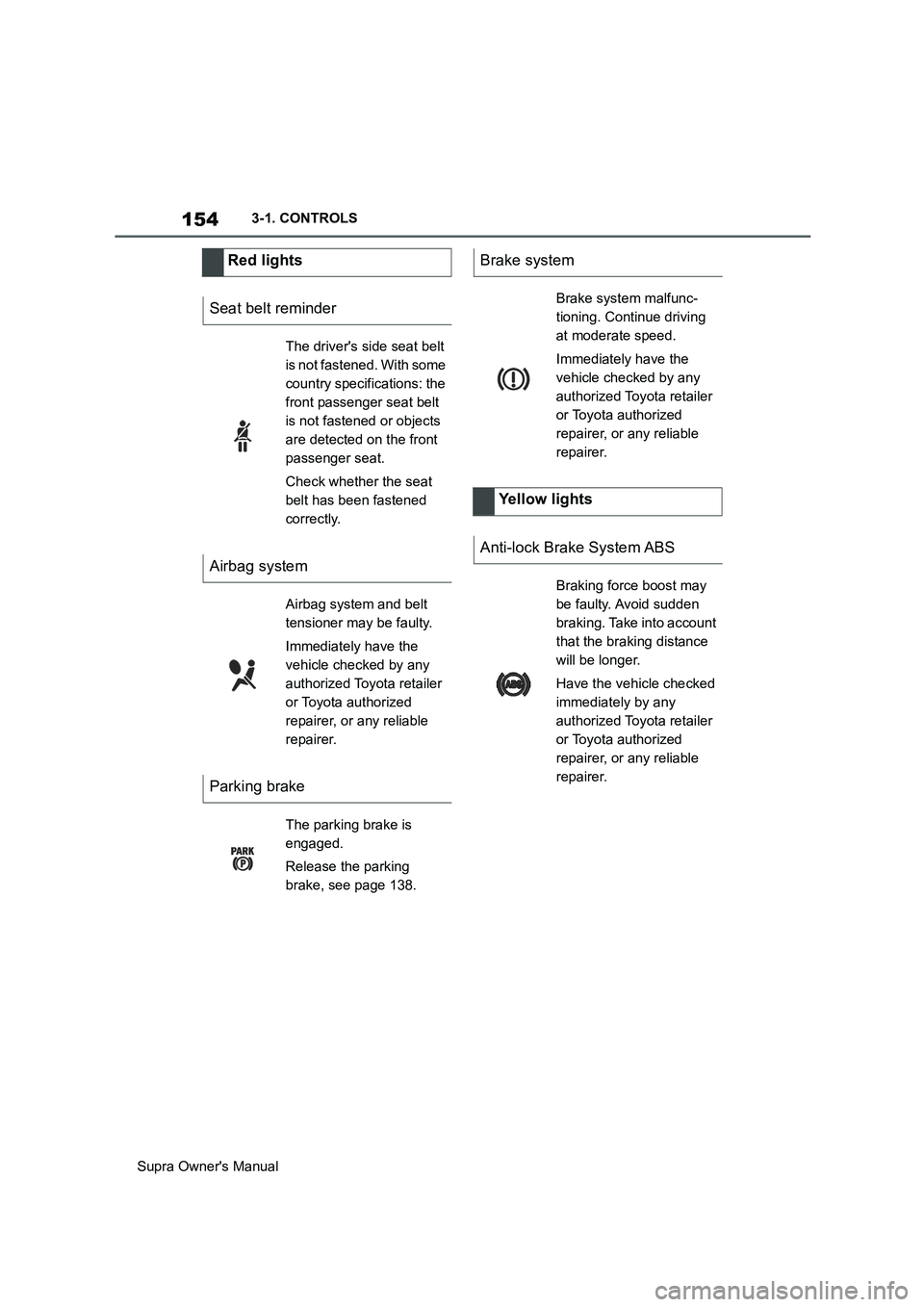
Red lights
Seat belt reminder
The driver's side seat belt
is not fastened. With some
country specifications: the
front passenger seat belt
is not fastened or objects
are detected on the front
passenger seat.
Check whether the seat
belt has been fastened
correctly.
Airbag system
Airbag system and belt
tensioner may be faulty.
Immediately have the
vehicle checked by any
authorized Toyota retailer
or Toyota authorized
repairer, or any reliable
repairer.
Parking brake
The parking brake is
engaged.
Release the parking
brake, see page 138.
Brake system
Brake system malfunc-
tioning. Continue driving
at moderate speed.
Immediately have the
vehicle checked by any
authorized Toyota retailer
or Toyota authorized
repairer, or any reliable
repairer.
Yellow lights
Anti-lock Brake System ABS
Braking force boost may
be faulty. Avoid sudden
braking. Take into account
that the braking distance
will be longer.
Have the vehicle checked
immediately by any
authorized Toyota retailer
or Toyota authorized
repairer, or any reliable
repairer.
Page 193 of 456
193
3
Supra Owner's Manual3-1. CONTROLS
CONTROLS
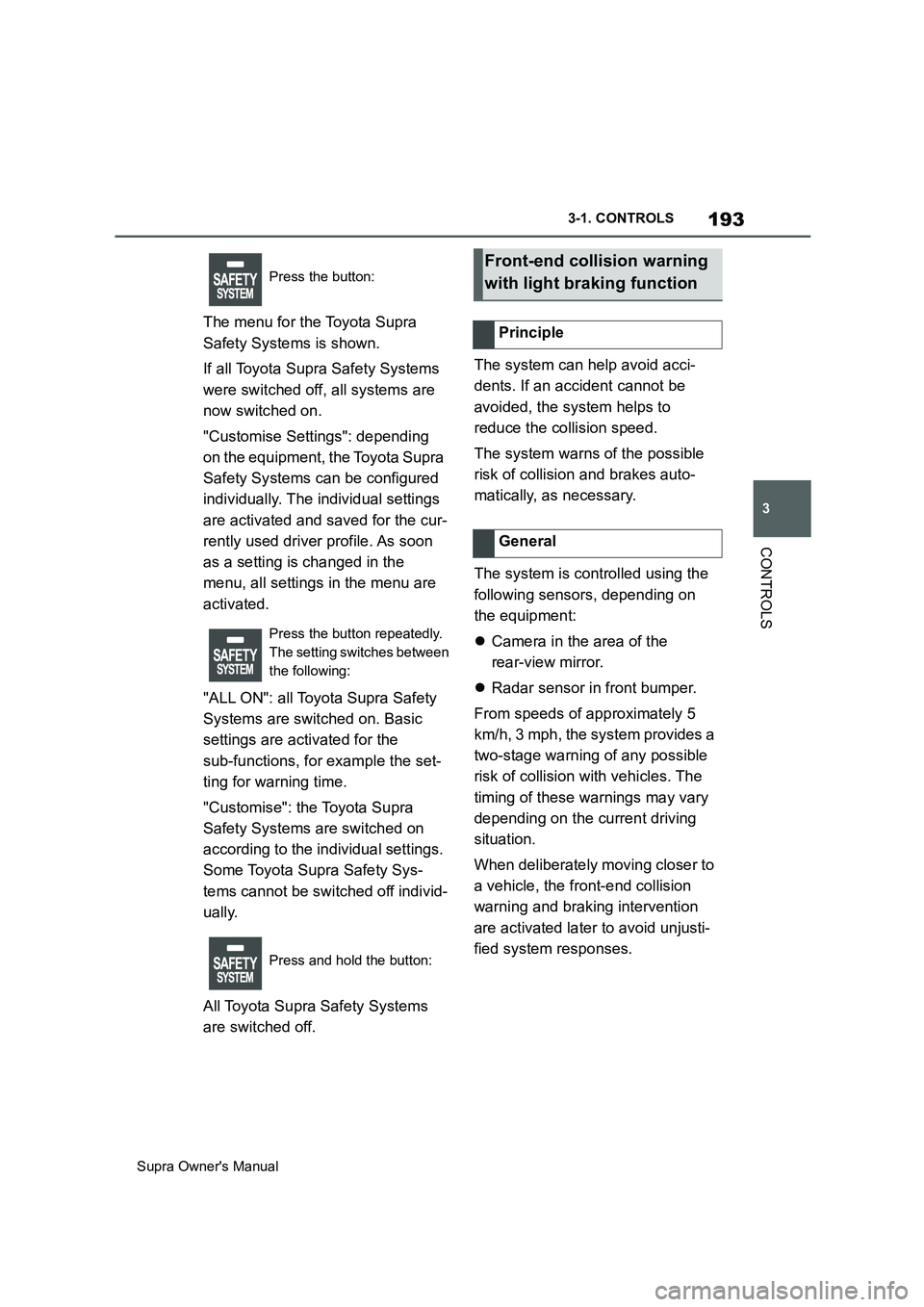
The menu for the Toyota Supra
Safety Systems is shown.
If all Toyota Supra Safety Systems
were switched off, all systems are
now switched on.
"Customise Settings": depending
on the equipment, the Toyota Supra
Safety Systems can be configured
individually. The individual settings
are activated and saved for the cur-
rently used driver profile. As soon
as a setting is changed in the
menu, all settings in the menu are
activated.
"ALL ON": all Toyota Supra Safety
Systems are switched on. Basic
settings are activated for the
sub-functions, for example the set-
ting for warning time.
"Customise": the Toyota Supra
Safety Systems are switched on
according to the individual settings.
Some Toyota Supra Safety Sys-
tems cannot be switched off individ-
ually.
All Toyota Supra Safety Systems
are switched off.The system can help avoid acci-
dents. If an accident cannot be
avoided, the system helps to
reduce the collision speed.
The system warns of the possible
risk of collision and brakes auto-
matically, as necessary.
The system is controlled using the
following sensors, depending on
the equipment:
Camera in the area of the
rear-view mirror.
Radar sensor in front bumper.
From speeds of approximately 5
km/h, 3 mph, the system provides a
two-stage warning of any possible
risk of collision with vehicles. The
timing of these warnings may vary
depending on the current driving
situation.
When deliberately moving closer to
a vehicle, the front-end collision
warning and braking intervention
are activated later to avoid unjusti-
fied system responses.
Press the button:
Press the button repeatedly.
The setting switches between
the following:
Press and hold the button:Front-end collision warning
with light braking function
Principle
General
Page 196 of 456
196
Supra Owner's Manual3-1. CONTROLS
Via Toyota Supra Command:
1"My Vehicle"
2"Vehicle settings"
3"Toyota Supra Safety"
4"Front collision warning"
5Select the desired setting:
"Early"
"Medium"
"Late": only acute warnings are
displayed.
The selected time is saved for the
currently used driver profile.
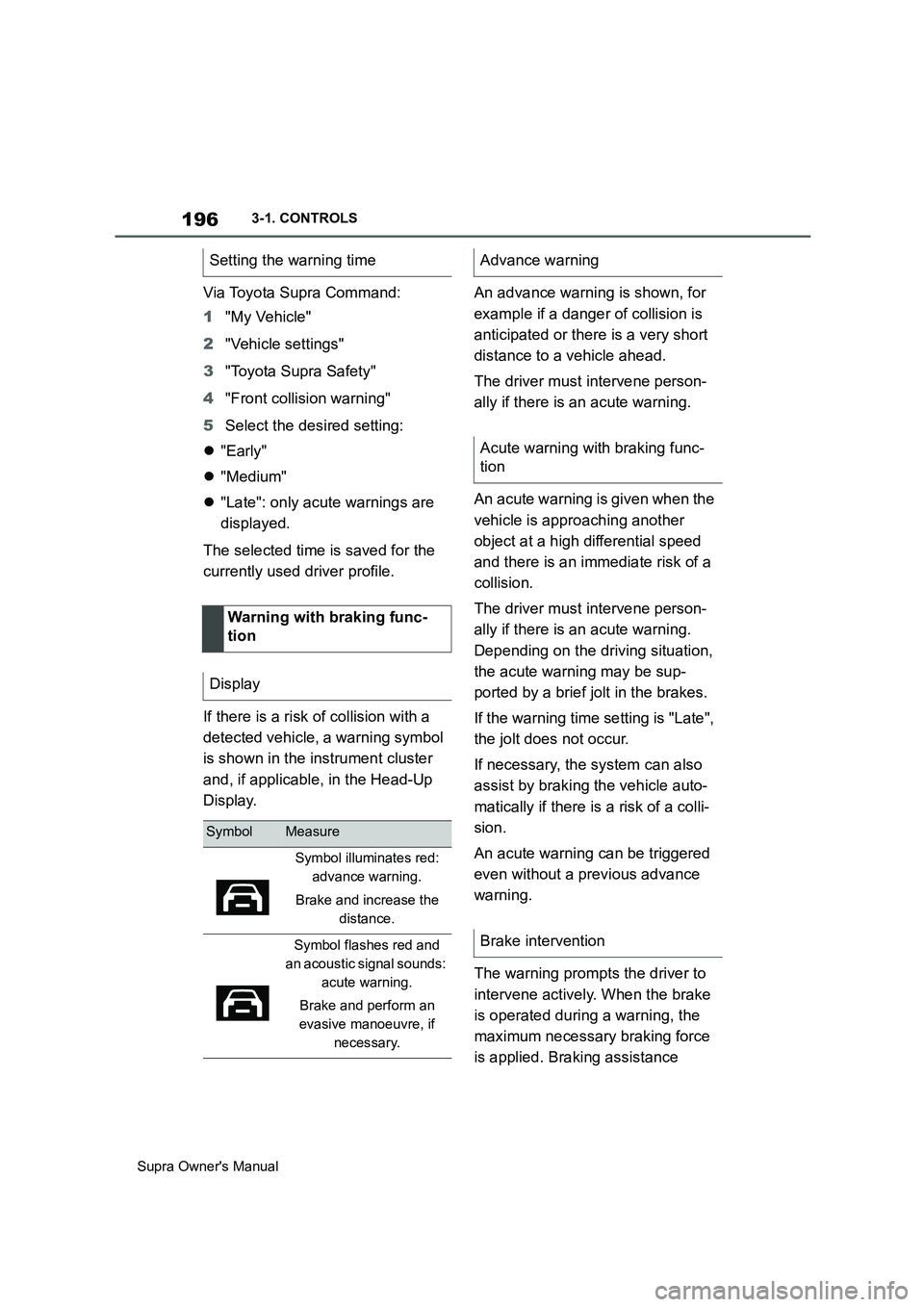
If there is a risk of collision with a
detected vehicle, a warning symbol
is shown in the instrument cluster
and, if applicable, in the Head-Up
Display.An advance warning is shown, for
example if a danger of collision is
anticipated or there is a very short
distance to a vehicle ahead.
The driver must intervene person-
ally if there is an acute warning.
An acute warning is given when the
vehicle is approaching another
object at a high differential speed
and there is an immediate risk of a
collision.
The driver must intervene person-
ally if there is an acute warning.
Depending on the driving situation,
the acute warning may be sup-
ported by a brief jolt in the brakes.
If the warning time setting is "Late",
the jolt does not occur.
If necessary, the system can also
assist by braking the vehicle auto-
matically if there is a risk of a colli-
sion.
An acute warning can be triggered
even without a previous advance
warning.
The warning prompts the driver to
intervene actively. When the brake
is operated during a warning, the
maximum necessary braking force
is applied. Braking assistance Setting the warning time
Warning with braking func-
tion
Display
SymbolMeasure
Symbol illuminates red:
advance warning.
Brake and increase the
distance.
Symbol flashes red and
an acoustic signal sounds:
acute warning.
Brake and perform an
evasive manoeuvre, if
necessary.
Advance warning
Acute warning with braking func-
tion
Brake intervention
Page 197 of 456
197
3
Supra Owner's Manual3-1. CONTROLS
CONTROLS
requires that the brake pedal is
depressed sufficiently quickly and
firmly beforehand.
The system can also assist by brak-
ing the vehicle automatically if there
is a risk of a collision.
At low speeds, the vehicle can be
braked to a stop.
City braking function: brake inter-
vention takes place at up to approx.
85 km/h, 53 mph.
With radar sensor: brake interven-
tion takes place at up to approx.
250 km/h, 155 mph.
At speeds above approx. 210 km/h,
130 mph, the braking intervention
takes the form of a brief jolt. There
is no automatic deceleration.
The brakes are only applied if driv-
ing stability has not been impaired,
for example by deactivation of Vehi-
cle Stability Control VSC.
Braking can be discontinued either
by depressing the accelerator pedal
or by actively moving the steering
wheel.
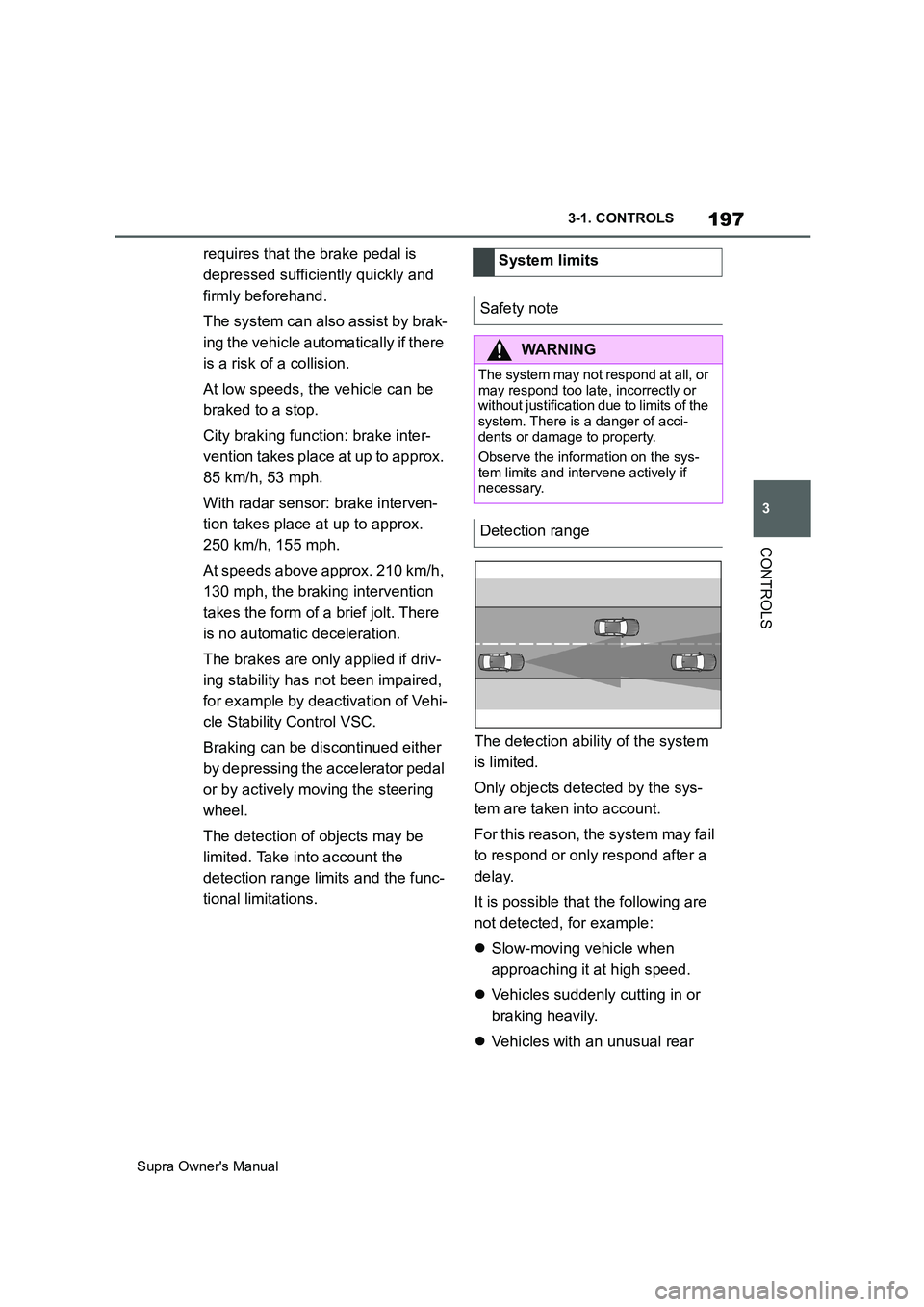
The detection of objects may be
limited. Take into account the
detection range limits and the func-
tional limitations.The detection ability of the system
is limited.
Only objects detected by the sys-
tem are taken into account.
For this reason, the system may fail
to respond or only respond after a
delay.
It is possible that the following are
not detected, for example:
Slow-moving vehicle when
approaching it at high speed.
Vehicles suddenly cutting in or
braking heavily.
Vehicles with an unusual rear System limits
Safety note
WARNING
The system may not respond at all, or
may respond too late, incorrectly or
without justification due to limits of the
system. There is a danger of acci-
dents or damage to property.
Observe the information on the sys-
tem limits and intervene actively if
necessary.
Detection range
Page 198 of 456
198
Supra Owner's Manual3-1. CONTROLS
appearance.
Two-wheeled vehicles ahead.
At speeds over approx. 250 km/h,
155 mph, the system is temporarily
disabled. As soon as the speed
drops back below this value, the
system responds once again
according to its settings.
The system may have limited func-
tionality in the following situations,
for example:
In thick fog, wet conditions or
snow.
On sharp bends.
When Driving Stability Control
Systems are limited or deacti-
vated, for example VSC OFF.
If the field of view of the camera
or the windscreen in front of the
rear-view mirror is soiled or cov-
ered.
If the camera has overheated
due to excessively high tempera-
tures and has been temporarily
deactivated.
Depending on the equipment
version: if the radar sensors are
soiled or covered.
Up to 10 seconds after starting
the engine using the start/stop
button.
During the camera calibration process immediately after vehi-
cle delivery.
When there is sustained glare
due to oncoming light, for exam-
ple the sun is low in the sky.
The greater the sensitivity of the
warning settings, for example warn-
ing time, the more warnings will be
displayed. As a result, there may be
an increased number of premature
or unjustified warnings and reac-
tions.
The system can help to avoid acci-
dents with pedestrians and cyclists.
If an accident cannot be avoided,
the system helps to reduce the col-
lision speed.
The system warns of the possible
risk of collision in the urban speed
range and brakes automatically, as
necessary.
At speeds above approx. 5 km/h, 3
mph, the system warns of the pos-
sible risk of collision with pedestri-
ans and cyclists.
Pedestrians and cyclists are taken
into account if they are located Upper speed limit
Functional limitations
Sensitivity of the warnings
Person warning with City
light braking function
Principle
General
Page 201 of 456
201
3
Supra Owner's Manual3-1. CONTROLS
CONTROLS
as a setting is changed in the
menu, all settings in the menu are
activated.
The setting switches between the
following:
"ALL ON": all Toyota Supra Safety
Systems are switched on. Basic
settings are activated for the
sub-functions.
"Customise": the Toyota Supra
Safety Systems are switched on
according to the individual settings.
Some Toyota Supra Safety Sys-
tems cannot be switched off individ-
ually.
All Toyota Supra Safety Systems
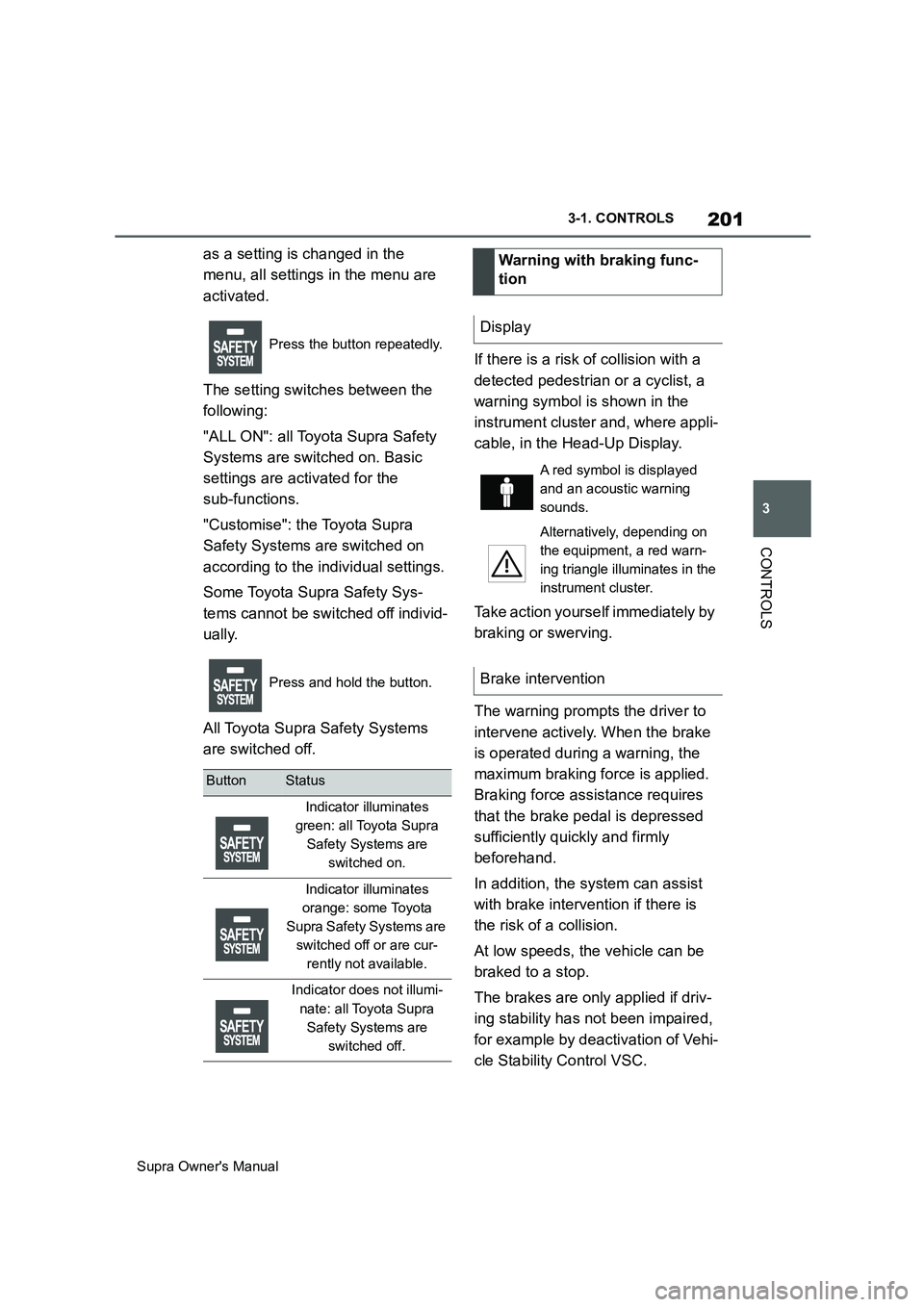
are switched off.If there is a risk of collision with a
detected pedestrian or a cyclist, a
warning symbol is shown in the
instrument cluster and, where appli-
cable, in the Head-Up Display.
Take action yourself immediately by
braking or swerving.
The warning prompts the driver to
intervene actively. When the brake
is operated during a warning, the
maximum braking force is applied.
Braking force assistance requires
that the brake pedal is depressed
sufficiently quickly and firmly
beforehand.
In addition, the system can assist
with brake intervention if there is
the risk of a collision.
At low speeds, the vehicle can be
braked to a stop.
The brakes are only applied if driv-
ing stability has not been impaired,
for example by deactivation of Vehi-
cle Stability Control VSC.
Press the button repeatedly.
Press and hold the button.
ButtonStatus
Indicator illuminates
green: all Toyota Supra
Safety Systems are
switched on.
Indicator illuminates
orange: some Toyota
Supra Safety Systems are
switched off or are cur-
rently not available.
Indicator does not illumi-
nate: all Toyota Supra
Safety Systems are
switched off.
Warning with braking func-
tion
Display
A red symbol is displayed
and an acoustic warning
sounds.
Alternatively, depending on
the equipment, a red warn-
ing triangle illuminates in the
instrument cluster.
Brake intervention
Page 212 of 456
212
Supra Owner's Manual3-1. CONTROLS
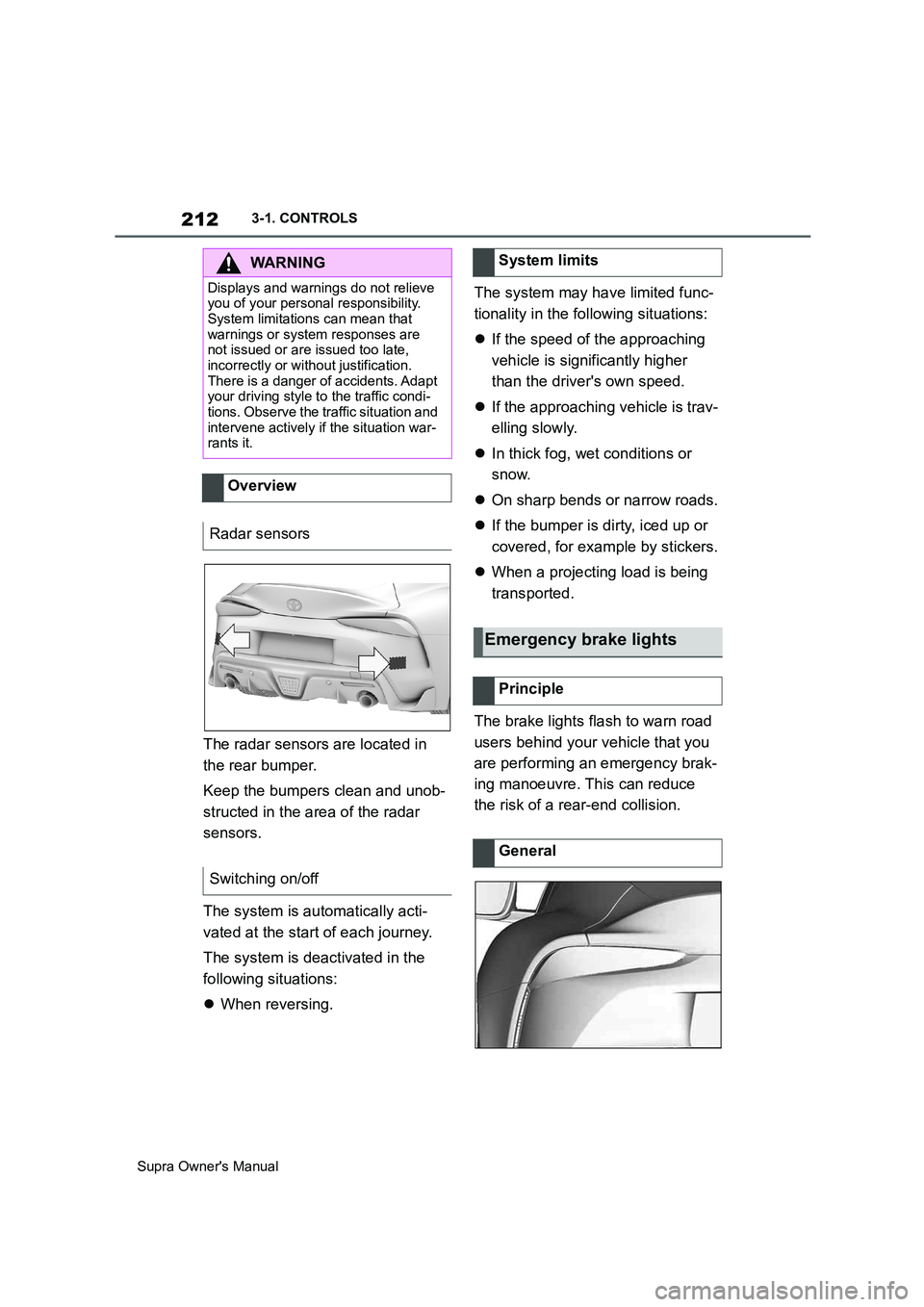
The radar sensors are located in
the rear bumper.
Keep the bumpers clean and unob-
structed in the area of the radar
sensors.
The system is automatically acti-
vated at the start of each journey.
The system is deactivated in the
following situations:
When reversing.The system may have limited func-
tionality in the following situations:
If the speed of the approaching
vehicle is significantly higher
than the driver's own speed.
If the approaching vehicle is trav-
elling slowly.
In thick fog, wet conditions or
snow.
On sharp bends or narrow roads.
If the bumper is dirty, iced up or
covered, for example by stickers.
When a projecting load is being
transported.
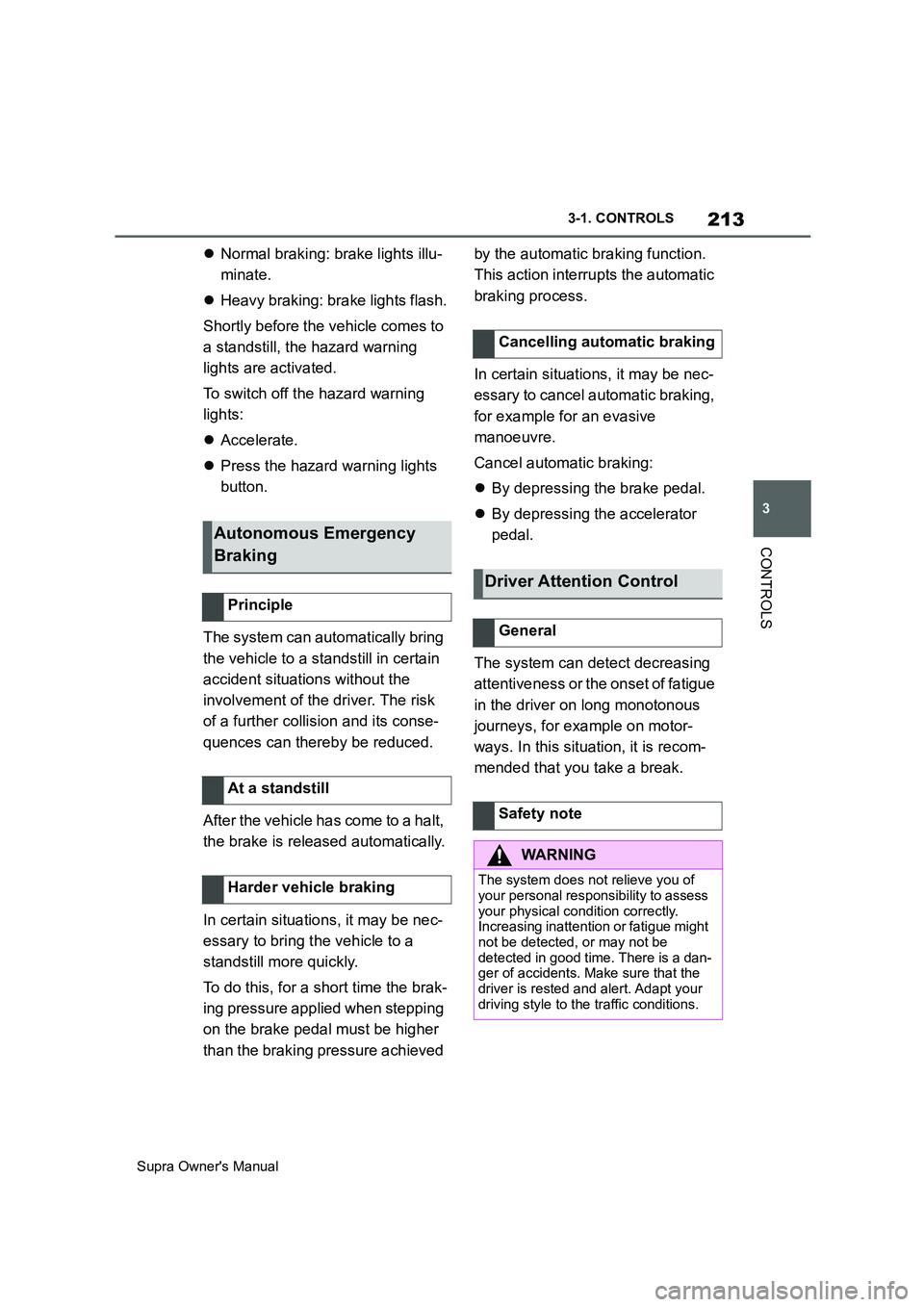
The brake lights flash to warn road
users behind your vehicle that you
are performing an emergency brak-
ing manoeuvre. This can reduce
the risk of a rear-end collision.
WARNING
Displays and warnings do not relieve
you of your personal responsibility.
System limitations can mean that
warnings or system responses are
not issued or are issued too late,
incorrectly or without justification.
There is a danger of accidents. Adapt
your driving style to the traffic condi-
tions. Observe the traffic situation and
intervene actively if the situation war-
rants it.
Overview
Radar sensors
Switching on/off
System limits
Emergency brake lights
Principle
General
Page 213 of 456
213
3
Supra Owner's Manual3-1. CONTROLS
CONTROLS
Normal braking: brake lights illu-
minate.
Heavy braking: brake lights flash.
Shortly before the vehicle comes to
a standstill, the hazard warning
lights are activated.
To switch off the hazard warning
lights:
Accelerate.
Press the hazard warning lights
button.
The system can automatically bring
the vehicle to a standstill in certain
accident situations without the
involvement of the driver. The risk
of a further collision and its conse-
quences can thereby be reduced.
After the vehicle has come to a halt,
the brake is released automatically.
In certain situations, it may be nec-
essary to bring the vehicle to a
standstill more quickly.
To do this, for a short time the brak-
ing pressure applied when stepping
on the brake pedal must be higher
than the braking pressure achieved by the automatic braking function.
This action interrupts the automatic
braking process.
In certain situations, it may be nec-
essary to cancel automatic braking,
for example for an evasive
manoeuvre.
Cancel automatic braking:
By depressing the brake pedal.
By depressing the accelerator
pedal.
The system can detect decreasing
attentiveness or the onset of fatigue
in the driver on long monotonous
journeys, for example on motor-
ways. In this situation, it is recom-
mended that you take a break.
Autonomous Emergency
Braking
Principle
At a standstill
Harder vehicle braking
Cancelling automatic braking
Driver Attention Control
General
Safety note
WARNING
The system does not relieve you of
your personal responsibility to assess
your physical condition correctly.
Increasing inattention or fatigue might
not be detected, or may not be
detected in good time. There is a dan-
ger of accidents. Make sure that the
driver is rested and alert. Adapt your
driving style to the traffic conditions.