display TOYOTA SUPRA 2022 Workshop Manual
[x] Cancel search | Manufacturer: TOYOTA, Model Year: 2022, Model line: SUPRA, Model: TOYOTA SUPRA 2022Pages: 498, PDF Size: 104.06 MB
Page 162 of 498
1603-1. CONTROLS
been selected.
3 Press the button.
TRACTION will be displayed on the instrument cluster and the VSC OFF
indicator lamp will illuminate.
4 Select the D selector lever posi-
tion.
5 Firmly depress the brake pedal
with your left foot.
6 Fully depress and hold the
accelerator pedal at the kick-
down position.
A flag symbol will be shown in the instrument cluster.
7 The engine speed will be
adjusted for launching. Release
the brake pedal within 3 sec-
onds.
Once Launch Control has been
used, the transmission requires
approximately 5 minutes to cool
down before Launch Control can be
used again. Launch Control adapts
to the ambient conditions when
used again.
To support driving stability, re-acti-
vate Vehicle Stab ility Control, VSC
as soon as possible.
An experienced driver may be able
to achieve better acceleration val-
ues in VSC OFF mode.
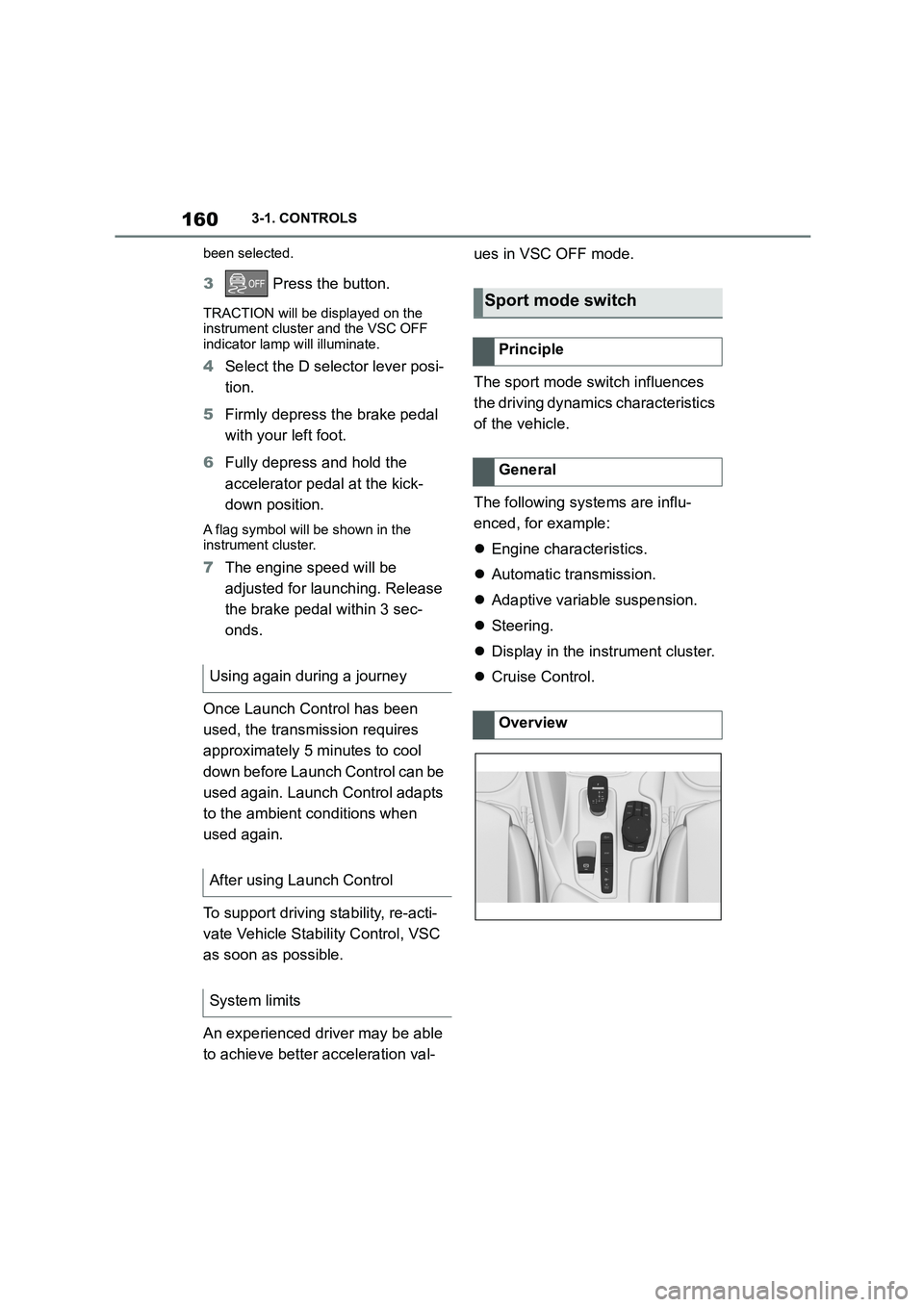
The sport mode switch influences
the driving dynamics characteristics
of the vehicle.
The following systems are influ-
enced, for example:
Engine characteristics.
Automatic transmission.
Adaptive variable suspension.
Steering.
Display in the instrument cluster.
Cruise Control. Using again during a journey
After using Launch Control
System limits
Sport mode switch
Principle
General
Overview
Page 163 of 498
161
3
3-1. CONTROLS
CONTROLS
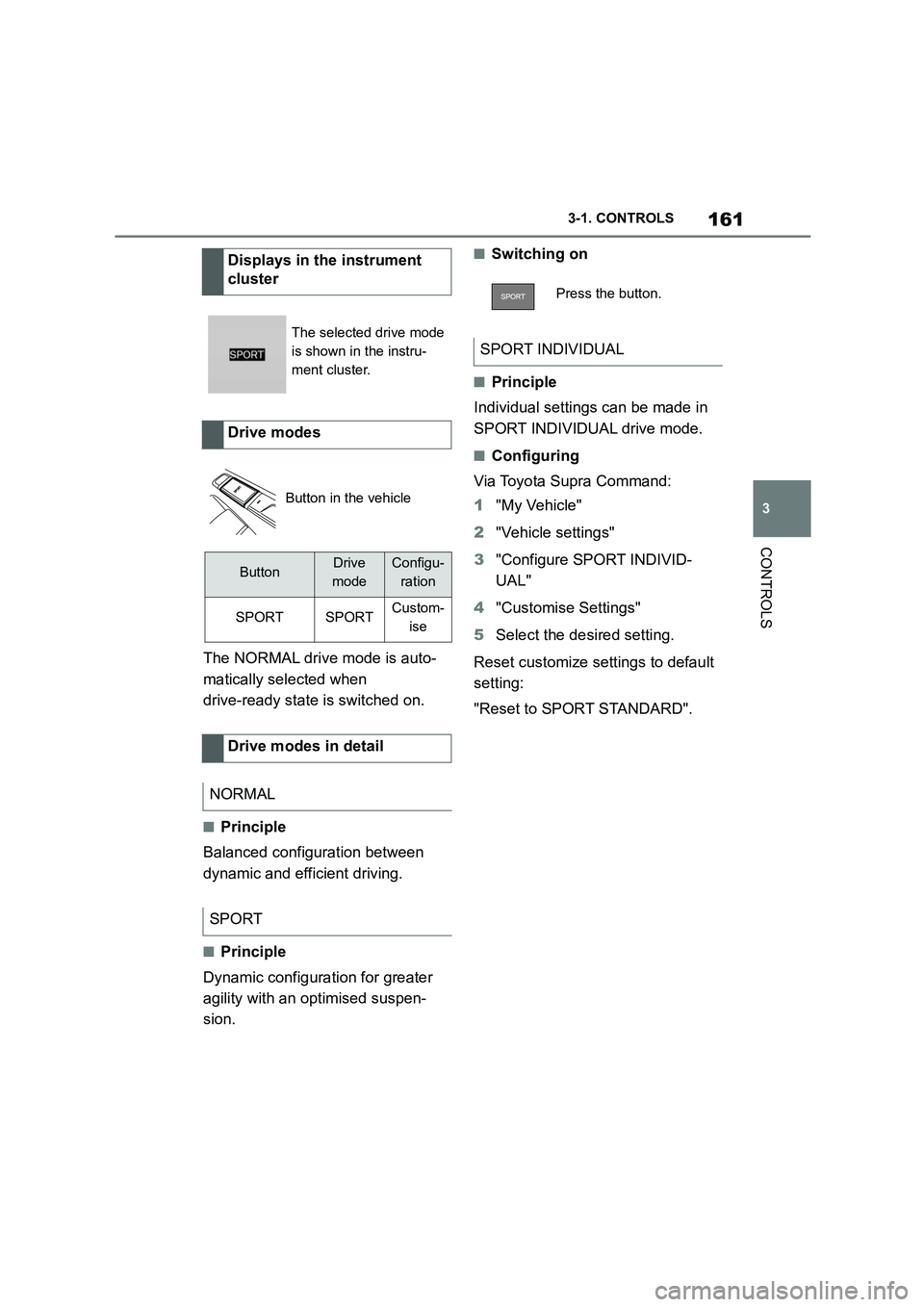
The NORMAL drive mode is auto-
matically selected when
drive-ready state is switched on.
■Principle
Balanced configuration between
dynamic and efficient driving.
■Principle
Dynamic configuration for greater
agility with an optimised suspen-
sion.
■Switching on
■Principle
Individual settings can be made in
SPORT INDIVIDUAL drive mode.
■Configuring
Via Toyota Supra Command:
1 "My Vehicle"
2 "Vehicle settings"
3 "Configure SPORT INDIVID-
UAL"
4 "Customise Settings"
5 Select the desired setting.
Reset customize settings to default
setting:
"Reset to SPORT STANDARD".
Displays in the instrument
cluster
The selected drive mode
is shown in the instru-
ment cluster.
Drive modes
Button in the vehicle
ButtonDrive
mode
Configu-
ration
SPORTSPORTCustom-
ise
Drive modes in detail
NORMAL
SPORT
Press the button.
SPORT INDIVIDUAL
Page 164 of 498
1623-1. CONTROLS
This chapter describes all standard,
country-specific and special equip-
ment available for the model series.
It may therefore describe equip-
ment and functions which are not
installed in your vehicle, for exam-
ple on account of the special equip-
ment selected or the country
specification. This also applies to
safety-relevant functions and sys-
tems. Please comply with the rele-
vant laws and regulations when
using the corresponding functions
and systems.
The instrument cluster is a variable
display. When the sport mode
switch is used to change the driving
mode, the instrument cluster dis-
plays change to match the driving
mode.
Changes to the displays in the
instrument cluster can be deacti-
vated via Toyota Supra Command.
The displays in the instrument clus-
ter can sometimes differ from the
illustrations in th is Owner's Manual.
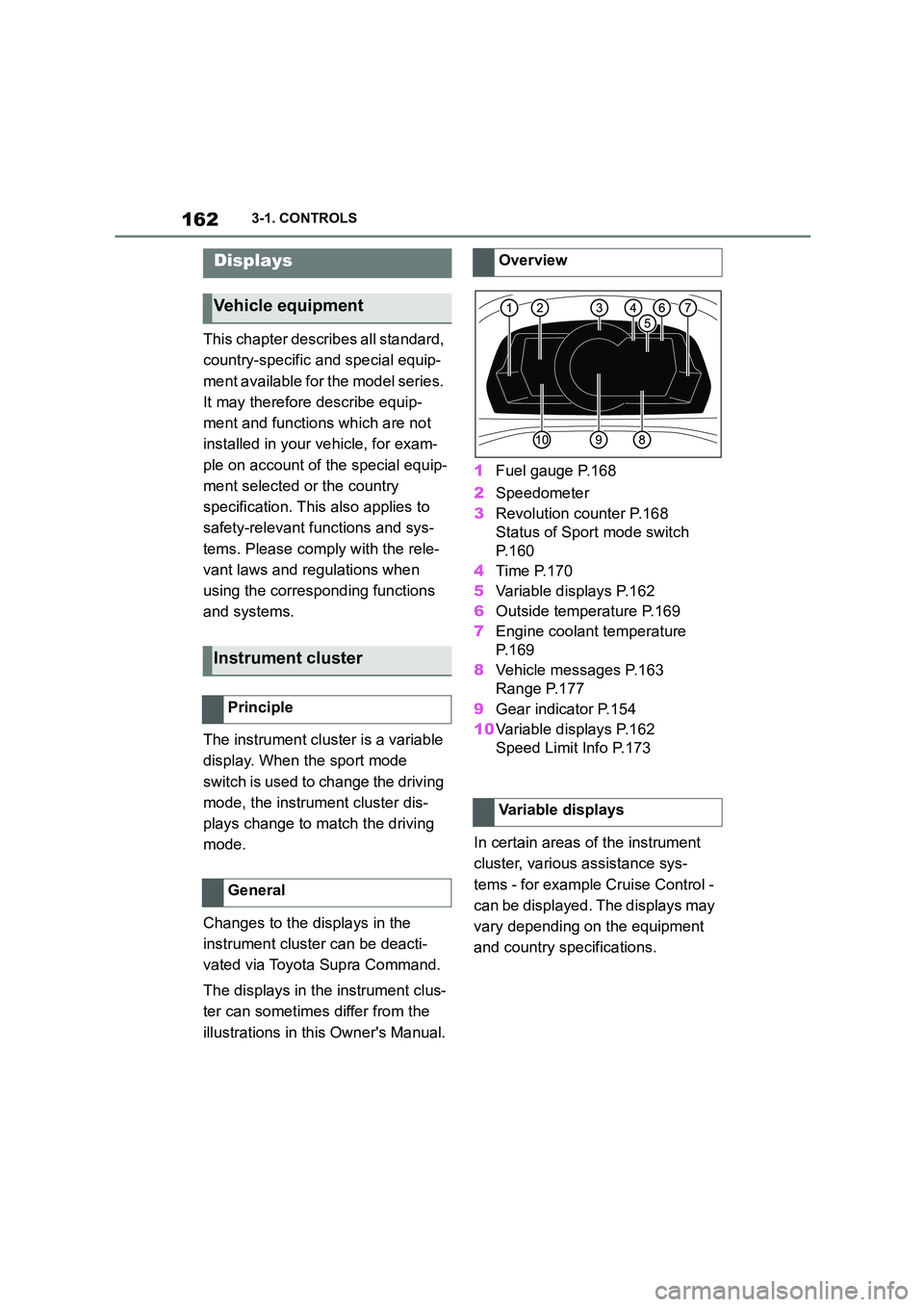
1 Fuel gauge P.168
2 Speedometer
3 Revolution counter P.168
Status of Sport mode switch
P. 1 6 0
4 Time P.170
5 Variable displays P.162
6 Outside temperature P.169
7 Engine coolant temperature
P. 1 6 9
8 Vehicle messages P.163
Range P.177
9 Gear indicator P.154
10 Variable displays P.162
Speed Limit Info P.173
In certain areas of the instrument
cluster, various assistance sys-
tems - for example Cruise Control -
can be displayed. The displays may
vary depending on the equipment
and country specifications.
Displays
Vehicle equipment
Instrument cluster
Principle
General
Overview
Variable displays
Page 165 of 498
163
3
3-1. CONTROLS
CONTROLS
The display can be changed for
sport mode.
The driving mode will change to
sport mode.
The vehicle messages monitors
vehicle functions and alerts you to
any faults in the monitored sys-
tems.
A vehicle message is displayed as
a combination of indicator or warn-
ing lamps and text messages in the
instrument cluster and, if applica-
ble, in the Head-Up Display.
If applicable, the text message
shown in the Control Display is
accompanied by an additional
acoustic signal.
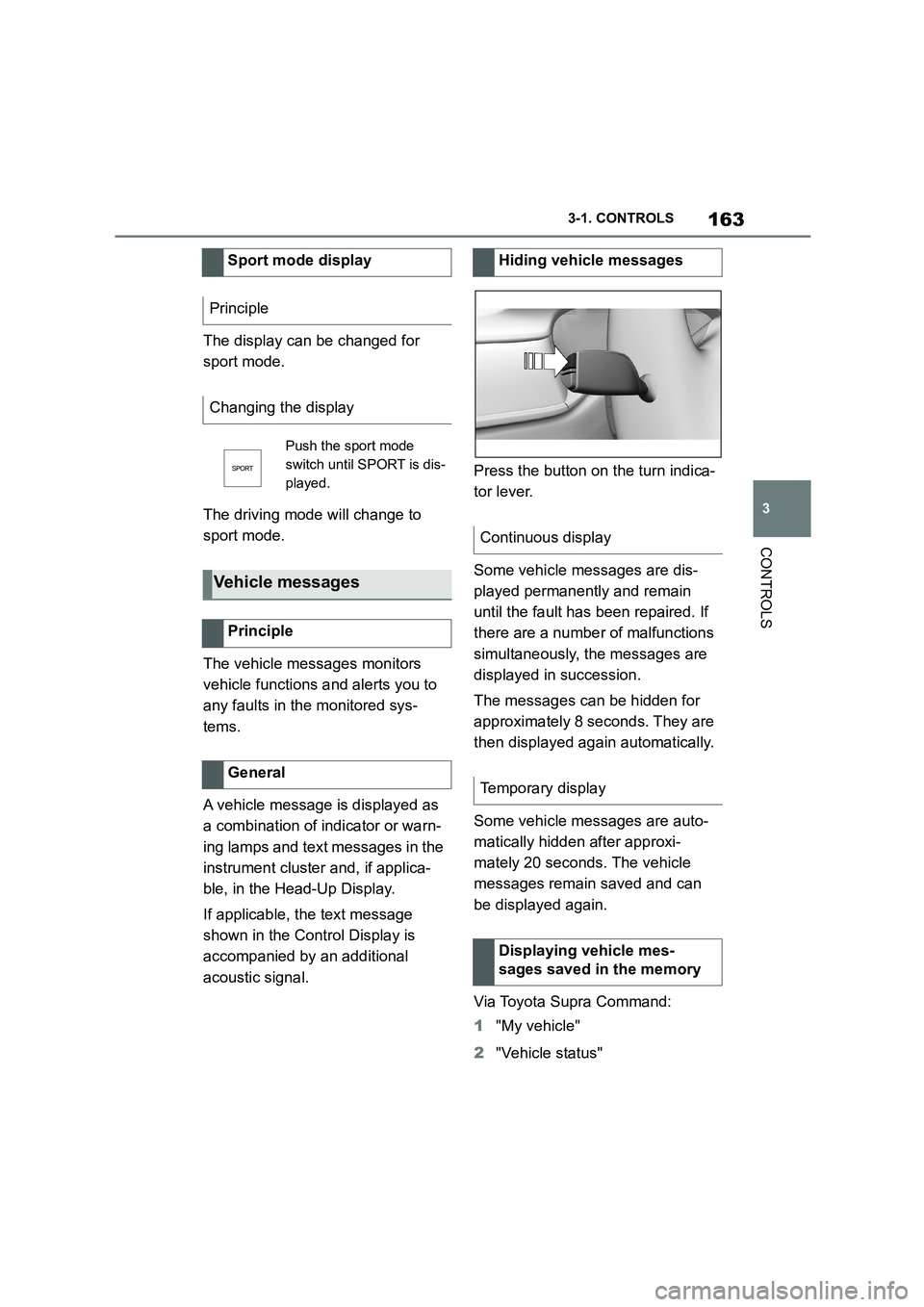
Press the button on the turn indica-
tor lever.
Some vehicle messages are dis-
played permanently and remain
until the fault has been repaired. If
there are a number of malfunctions
simultaneously, the messages are
displayed in succession.
The messages can be hidden for
approximately 8 seconds. They are
then displayed again automatically.
Some vehicle messages are auto-
matically hidden after approxi-
mately 20 seconds. The vehicle
messages remain saved and can
be displayed again.
Via Toyota Supra Command:
1 "My vehicle"
2 "Vehicle status"
Sport mode display
Principle
Changing the display
Push the sport mode
switch until SPORT is dis-
played.
Vehicle messages
Principle
General
Hiding vehicle messages
Continuous display
Temporary display
Displaying vehicle mes-
sages saved in the memory
Page 166 of 498
1643-1. CONTROLS
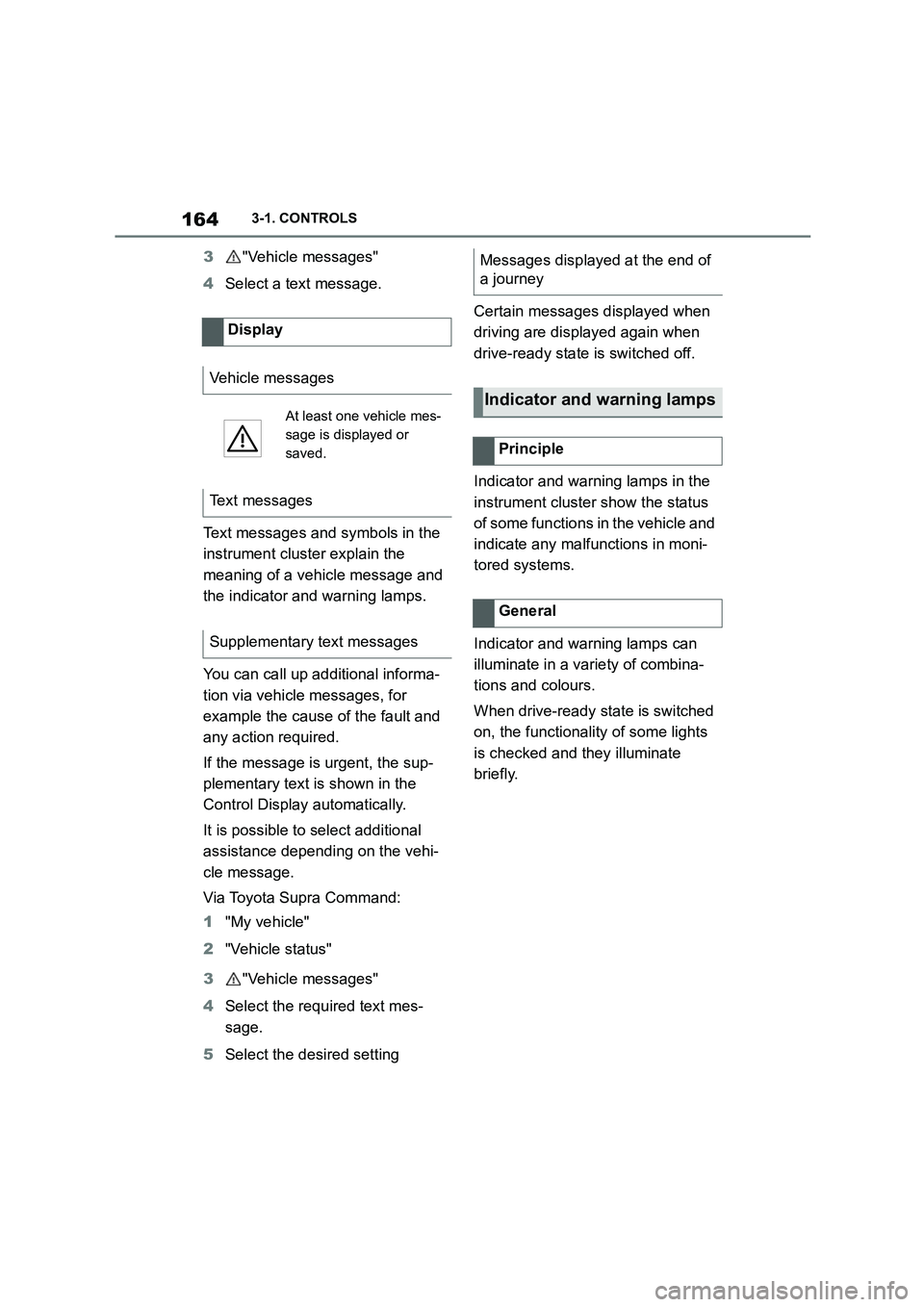
3"Vehicle messages"
4 Select a text message.
Text messages and symbols in the
instrument cluster explain the
meaning of a vehicle message and
the indicator and warning lamps.
You can call up additional informa-
tion via vehicle messages, for
example the cause of the fault and
any action required.
If the message is urgent, the sup-
plementary text is shown in the
Control Display automatically.
It is possible to select additional
assistance depending on the vehi-
cle message.
Via Toyota Supra Command:
1 "My vehicle"
2 "Vehicle status"
3 "Vehicle messages"
4 Select the required text mes-
sage.
5 Select the desired setting
Certain messages displayed when
driving are displayed again when
drive-ready state is switched off.
Indicator and warning lamps in the
instrument cluster show the status
of some functions in the vehicle and
indicate any malfunctions in moni-
tored systems.
Indicator and warning lamps can
illuminate in a variety of combina-
tions and colours.
When drive-ready state is switched
on, the functionality of some lights
is checked and they illuminate
briefly.
Display
Vehicle messages
At least one vehicle mes-
sage is displayed or
saved.
Text messages
Supplementary text messages
Messages displayed at the end of
a journey
Indicator and warning lamps
Principle
General
Page 170 of 498
1683-1. CONTROLS
The current fill level of the fuel tank
is displayed.
The angle of the vehicle may cause
the display to fluctuate.
For notes on refuelling, see page
290.
It is vital to avoid engine speeds in
the red warning zone. In this zone,
the fuel supply is interrupted to pro-
tect the engine.
Depending on the equipment, the
shift lights on the revolution counter
indicate the maximum shift point at
which the best possible accelera-
tion can be achieved.
When the selected driving mode is
sport mode, a shift light will be dis-
played.
1 Select SPORT using the sport
mode switch.
2 Activate manual mode of the
transmission.
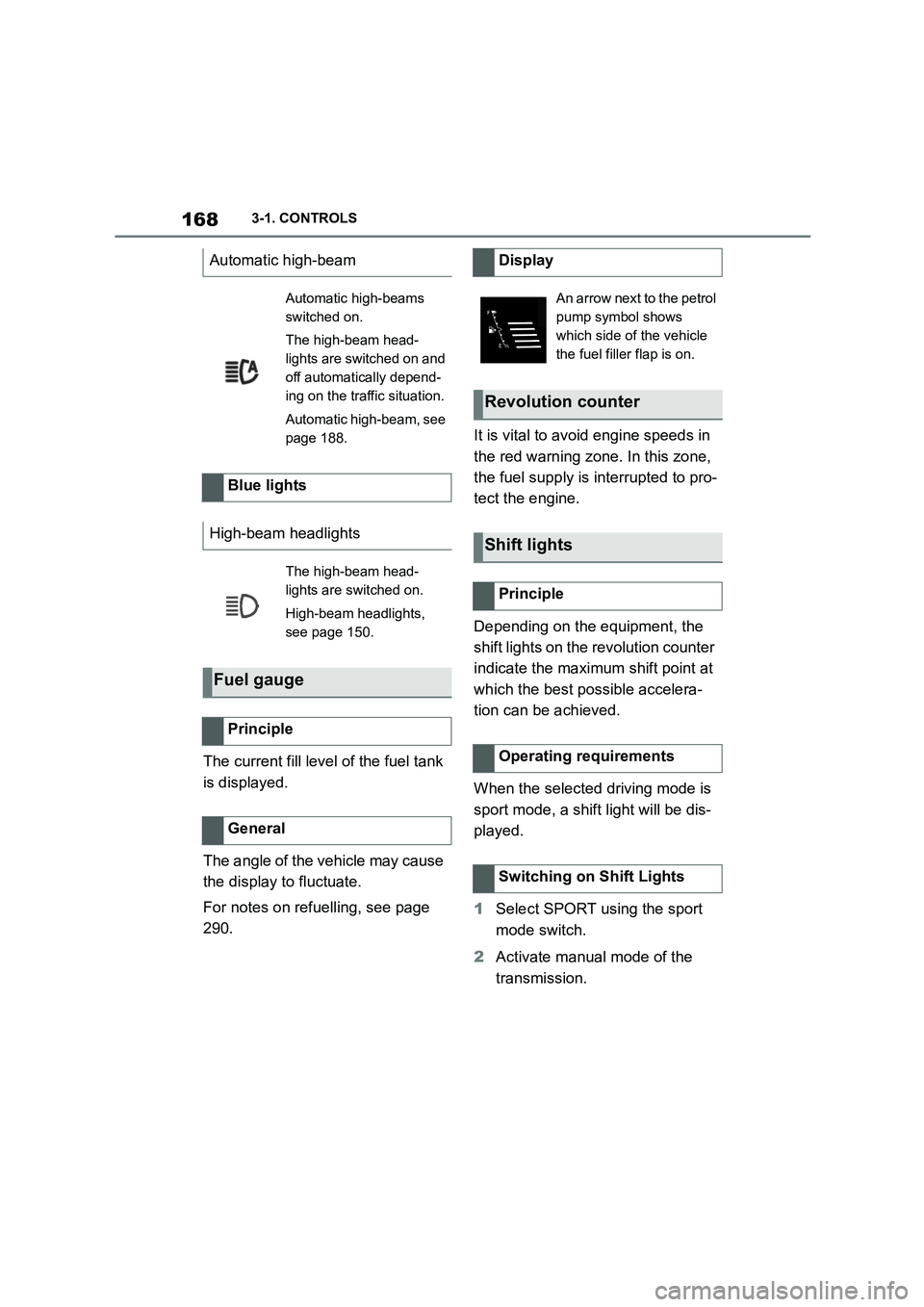
Automatic high-beam
Automatic high-beams
switched on.
The high-beam head-
lights are switched on and
off automatically depend-
ing on the traffic situation.
Automatic high-beam, see
page 188.
Blue lights
High-beam headlights
The high-beam head-
lights are switched on.
High-beam headlights,
see page 150.
Fuel gauge
Principle
General
Display
An arrow next to the petrol
pump symbol shows
which side of the vehicle
the fuel filler flap is on.
Revolution counter
Shift lights
Principle
Operating requirements
Switching on Shift Lights
Page 171 of 498
169
3
3-1. CONTROLS
CONTROLS
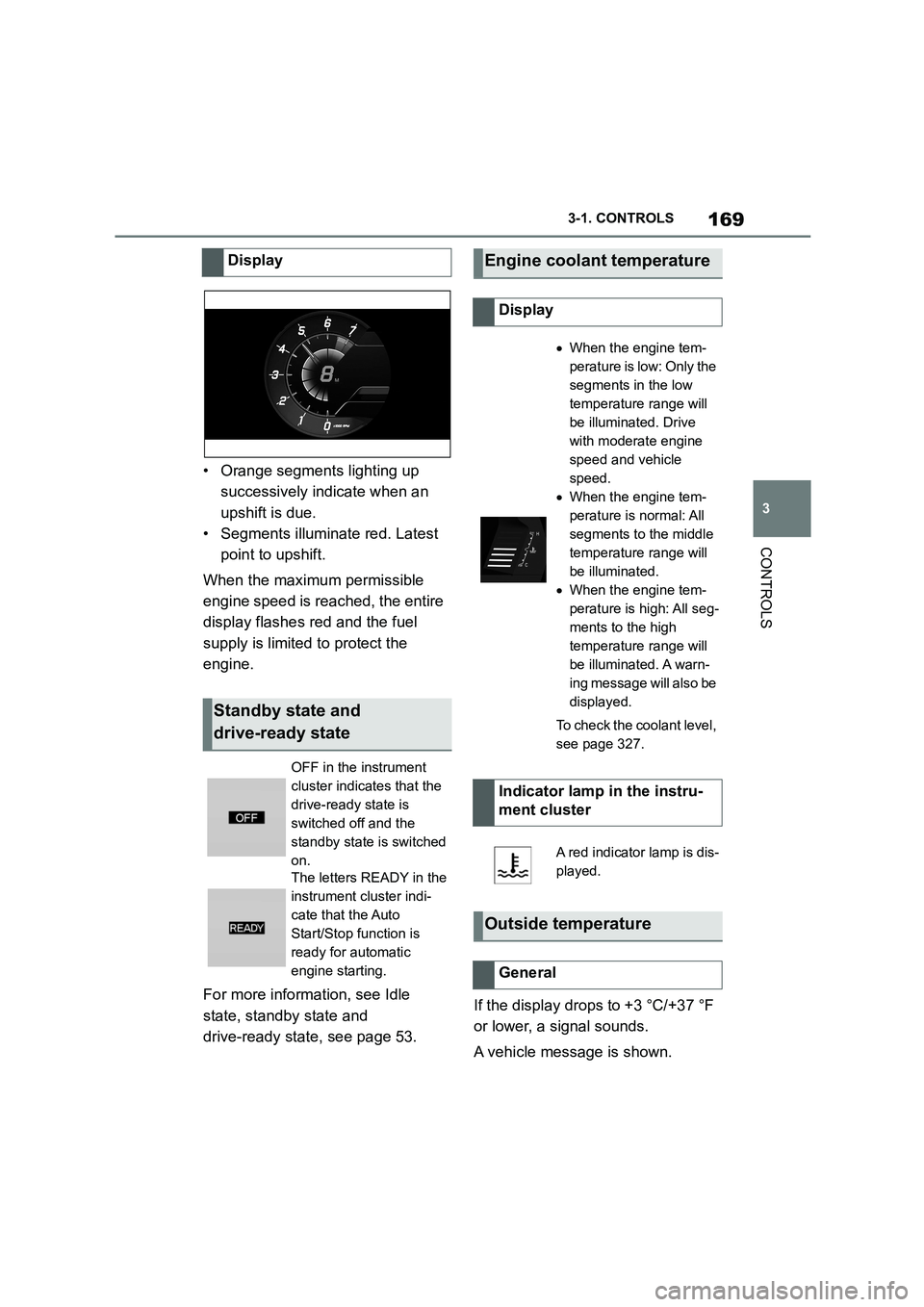
• Orange segments lighting up
successively indicate when an
upshift is due.
• Segments illuminate red. Latest
point to upshift.
When the maximum permissible
engine speed is reached, the entire
display flashes red and the fuel
supply is limited to protect the
engine.
For more informat ion, see Idle
state, standby state and
drive-ready state, see page 53.
If the display drops to +3 °C/+37 °F
or lower, a signal sounds.
A vehicle message is shown.
Display
Standby state and
drive-ready state
OFF in the instrument
cluster indicates that the
drive-ready state is
switched off and the
standby state is switched
on.
The letters READY in the
instrument cluster indi-
cate that the Auto
Start/Stop function is
ready for automatic
engine starting.
Engine coolant temperature
Display
When the engine tem-
perature is low: Only the
segments in the low
temperature range will
be illuminated. Drive
with moderate engine
speed and vehicle
speed.
When the engine tem-
perature is normal: All
segments to the middle
temperature range will
be illuminated.
When the engine tem-
perature is high: All seg-
ments to the high
temperature range will
be illuminated. A warn-
ing message will also be
displayed.
To check the coolant level,
see page 327.
Indicator lamp in the instru-
ment cluster
A red indicator lamp is dis-
played.
Outside temperature
General
Page 172 of 498
1703-1. CONTROLS
There is an increased risk of black
ice.
The time is shown in the instrument
cluster. To set the time and time for-
mat, see page 72.
The function show s the current ser-
vice requirements and related
maintenance jobs.
The distance or time remaining until
the next service is displayed briefly
in the instrument cluster after
drive-ready state is switched on.
More detailed information on the
scope of maintenance can be dis-
played on the Control Display.
Via Toyota Supra Command:
1 "My vehicle"
2 "Vehicle status"
3 "Service requirements"
Essential maintenance routines and
any statutory inspections required are
displayed.
4 Select an entry to display more
detailed information.
Enter deadlines for statutory vehi-
cle inspections.
Ensure that the date and time are
set correctly in the vehicle.
Via Toyota Supra Command:
1 "My vehicle"
Safety note
WA R N I N G
Even at temperatures above
+3°C/+37 °F there may be an
increased risk of black ice, for exam- ple on bridges or on shaded road
selection. There is a danger of acci-
dents. At low temperatures, adjust the driving style to the weather condi-
tions.
Time
Service requirements
Principle
General
Display
Detailed informat ion on service
requirements
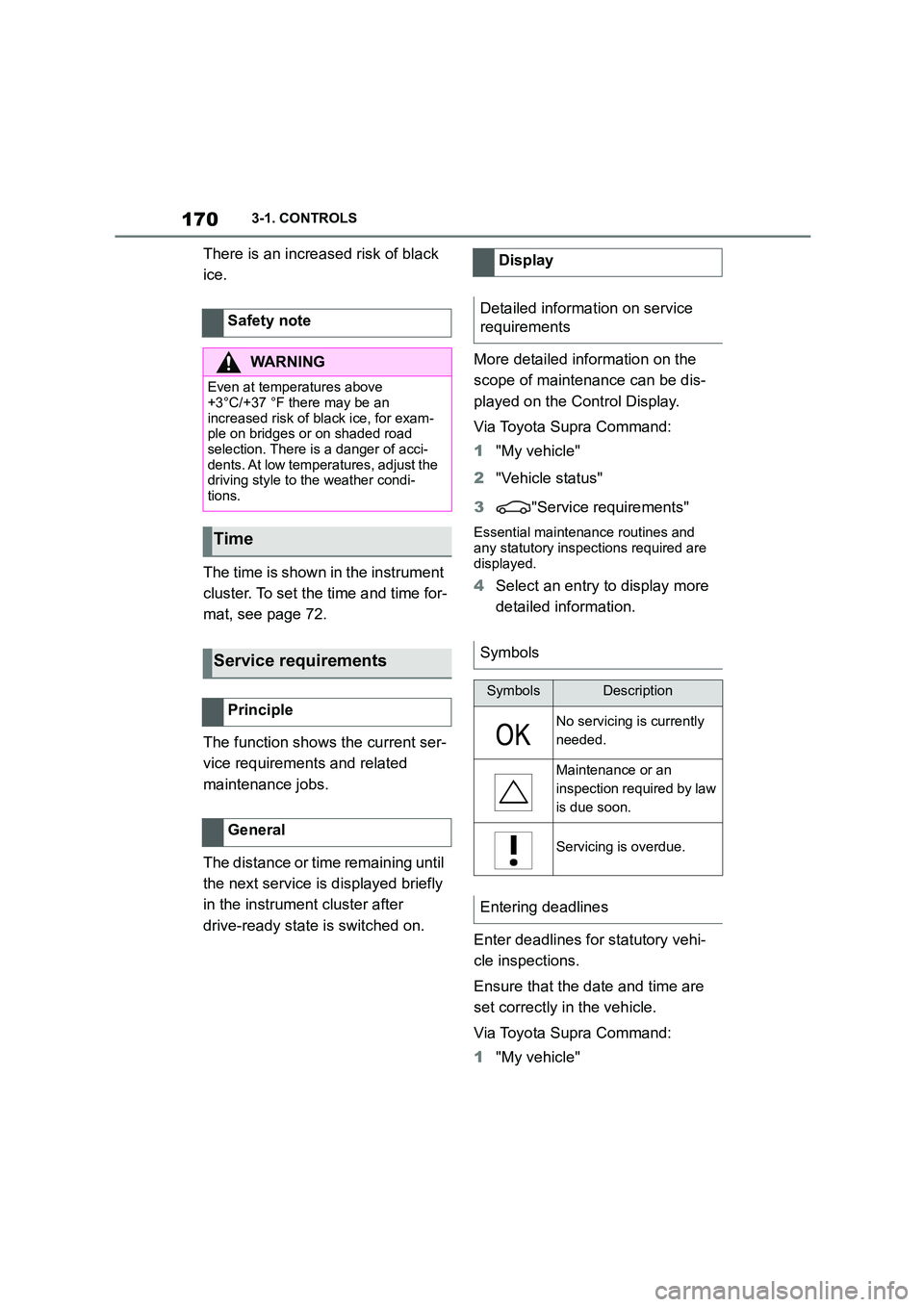
Symbols
SymbolsDescription
No servicing is currently
needed.
Maintenance or an
inspection required by law
is due soon.
Servicing is overdue.
Entering deadlines
Page 173 of 498
171
3
3-1. CONTROLS
CONTROLS
2 "Vehicle status"
3 "Service requirements"
4 "Date:"
5 Select the desired setting.
The optimum shift indicator recom-
mends the most optimum gear for
the current driving situation and
supports an efficient driving style.
Depending on the equipment and
the country specifications, the shift
position indicator is active in the
manual mode of the automatic
transmission.
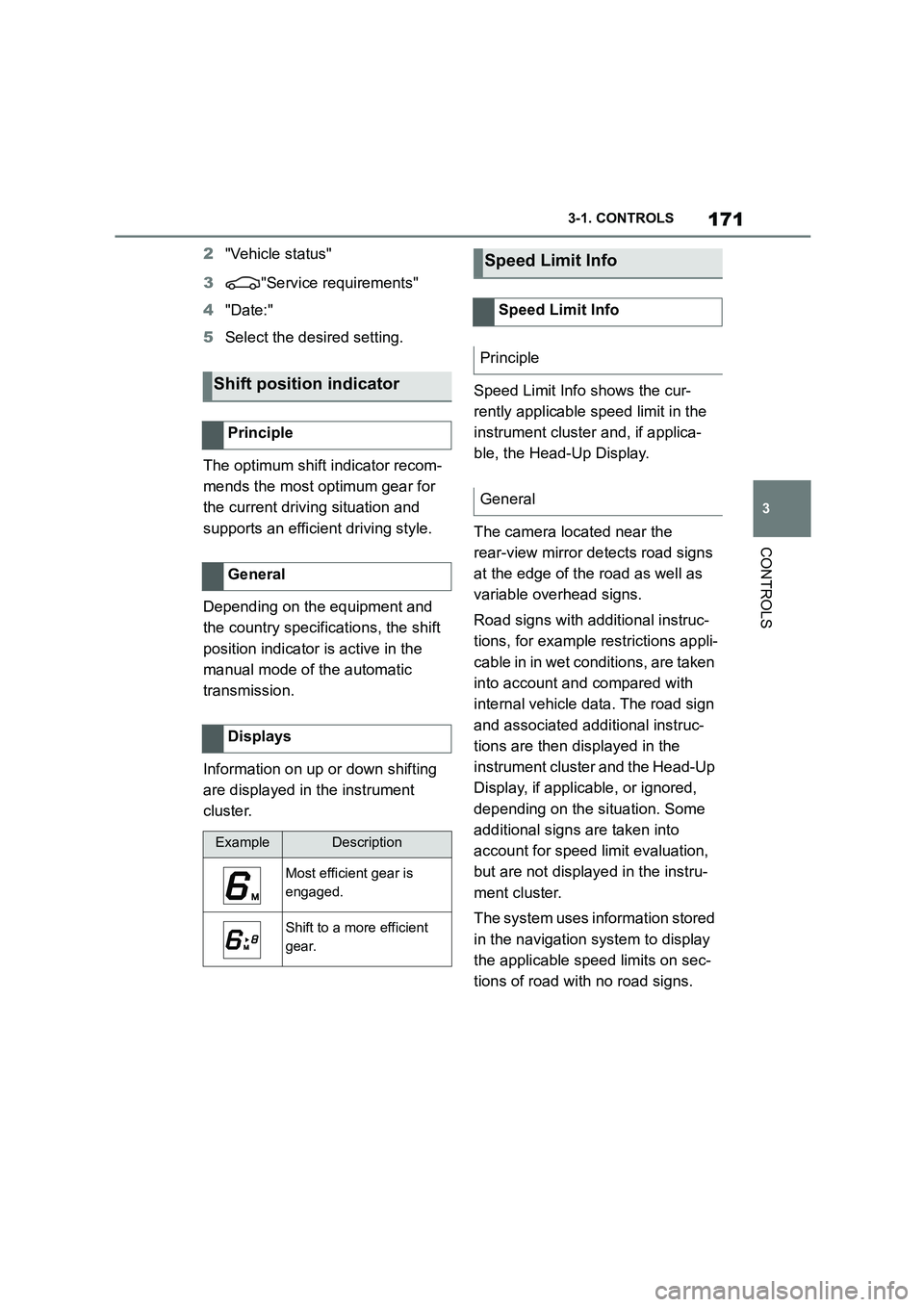
Information on up or down shifting
are displayed in the instrument
cluster.
Speed Limit Info shows the cur-
rently applicable speed limit in the
instrument cluster and, if applica-
ble, the Head-Up Display.
The camera located near the
rear-view mirror detects road signs
at the edge of the road as well as
variable overhead signs.
Road signs with additional instruc-
tions, for example restrictions appli-
cable in in wet conditions, are taken
into account and compared with
internal vehicle data. The road sign
and associated additional instruc-
tions are then displayed in the
instrument cluster and the Head-Up
Display, if applic able, or ignored,
depending on the situation. Some
additional signs are taken into
account for speed limit evaluation,
but are not displayed in the instru-
ment cluster.
The system uses information stored
in the navigation system to display
the applicable speed limits on sec-
tions of road with no road signs.
Shift position indicator
Principle
General
Displays
ExampleDescription
Most efficient gear is
engaged.
Shift to a more efficient
gear.
Speed Limit Info
Speed Limit Info
Principle
General
Page 174 of 498
1723-1. CONTROLS
The system is controlled using the
following sensors:
• Cameras behind the windscreen.
For further information:
Sensors of the vehicle, see page
50.
Depending on the equipment,
Speed Limit Info is displayed per-
manently in the instrument cluster
or via Toyota Supra Command.
1 "My vehicle"
2 "System settings"
3 "Displays"
4 "Instrument cluster"
5 "Traffic signs"
The display flashes if the detected
speed limit has been exceeded.
Depending on the equipment ver-
sion, an additional symbol with dis-
tance information may also be
displayed to indicate that a change
in speed limit is ahead. Depending
on the equipment, temporary speed
limits may also be displayed; for
example, speed limits at road-
works or traffic management sys-
tems.
Temporary speed limits can only be
displayed if the following services
are selected in the data protection
menu, see page 75, for the naviga-
tion system:
"Map update"
Safety note
WA R N I N G
The system does not relieve you of
your personal responsibility to assess the visibility conditions and traffic situ-
ation correctly. There is a danger of
accidents. Adapt your driving style to the traffic conditions. Observe the
traffic situation and intervene actively
if the situation warrants it.
Overview
Sensors
Displaying Speed Limit Info
General
Display via Toyota Supra Com-
mand
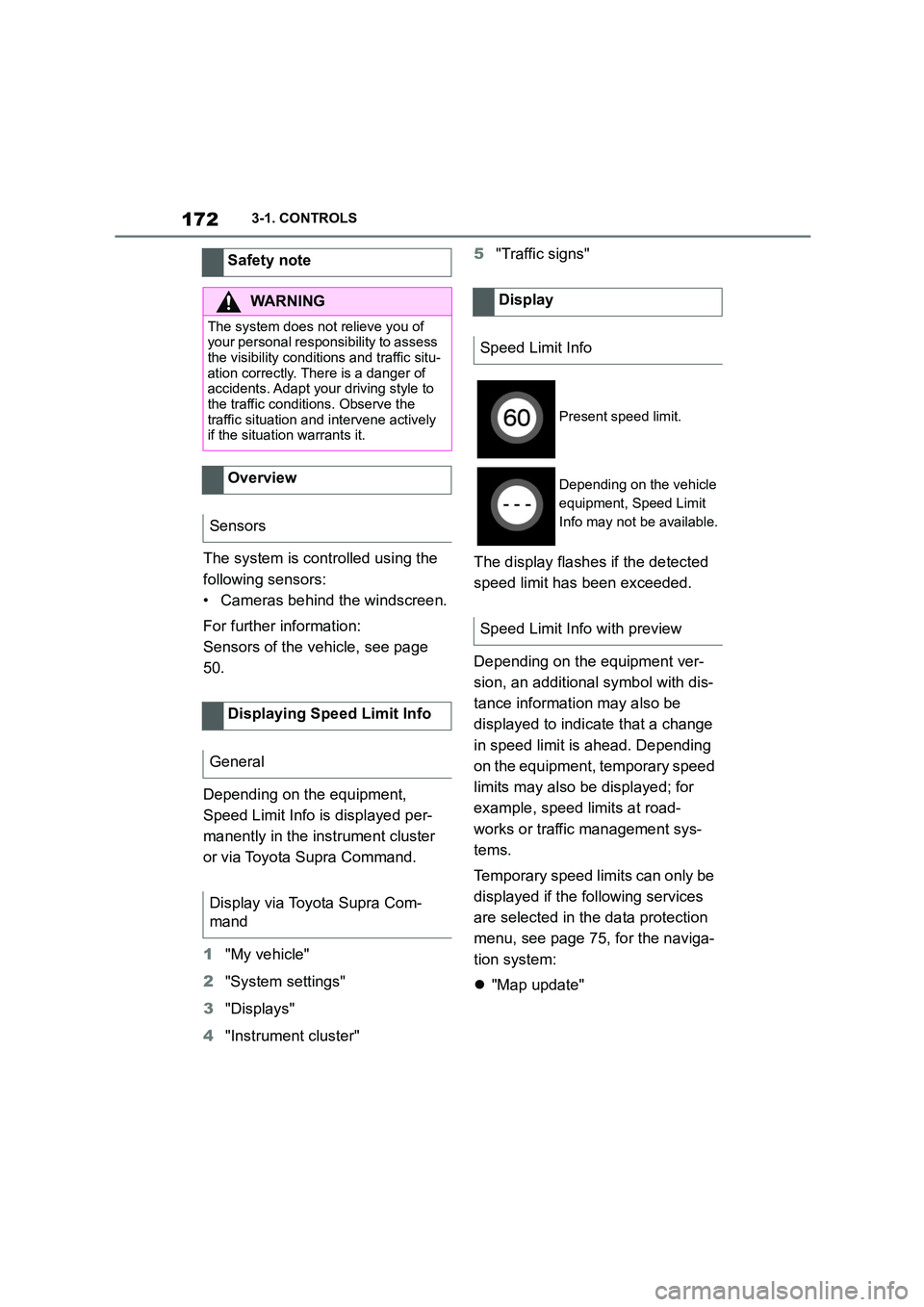
Display
Speed Limit Info
Present speed limit.
Depending on the vehicle
equipment, Speed Limit
Info may not be available.
Speed Limit Info with preview