set NISSAN GT-R 2015 R35 Multi Function Display Owners Manual
[x] Cancel search | Manufacturer: NISSAN, Model Year: 2015, Model line: GT-R, Model: NISSAN GT-R 2015 R35Pages: 298, PDF Size: 11.39 MB
Page 168 of 298
Check the pressure for all tires.
Tire pressure rises and falls depending on the
heat caused by the vehicle’s traveling condition
and the temperature.
To change the measurement units, highlight
[Select Units] and press
“Unit settings (Tire Pressure)” (page 7-10)
WARNING
.When a wheel is replaced, tire
pressure will not be indicated, the
TPMS will not function and the low
tire pressure warning light will flash
for approximately 1 minute. The
light will remain on after 1 minute.
Contact your NISSAN dealer or GT-R
certified NISSAN dealer as soon as
possible for tire replacement and/or
system resetting.
. Replacing tires with those not ori-
ginally specified by NISSAN could
affect the proper operation of the
TPMS.
Tire pressure
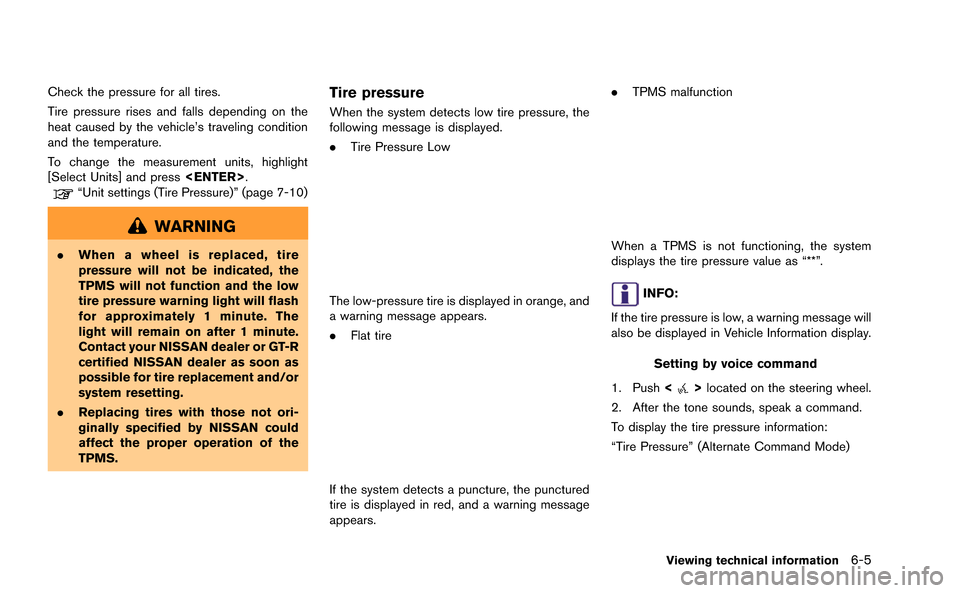
When the system detects low tire pressure, the
following message is displayed.
.Tire Pressure Low
The low-pressure tire is displayed in orange, and
a warning message appears.
.Flat tire
If the system detects a puncture, the punctured
tire is displayed in red, and a warning message
appears. .
TPMS malfunction
When a TPMS is not functioning, the system
displays the tire pressure value as “**”.
INFO:
If the tire pressure is low, a warning message will
also be displayed in Vehicle Information display.
Setting by voice command
1. Push <
>located on the steering wheel.
2. After the tone sounds, speak a command.
To display the tire pressure information:
“Tire Pressure” (Alternate Command Mode)
Viewing technical information6-5
Page 169 of 298
6-6Viewing technical information
MAINTENANCE INFORMATION
The maintenance intervals can be displayed for
your desired maintenance items.
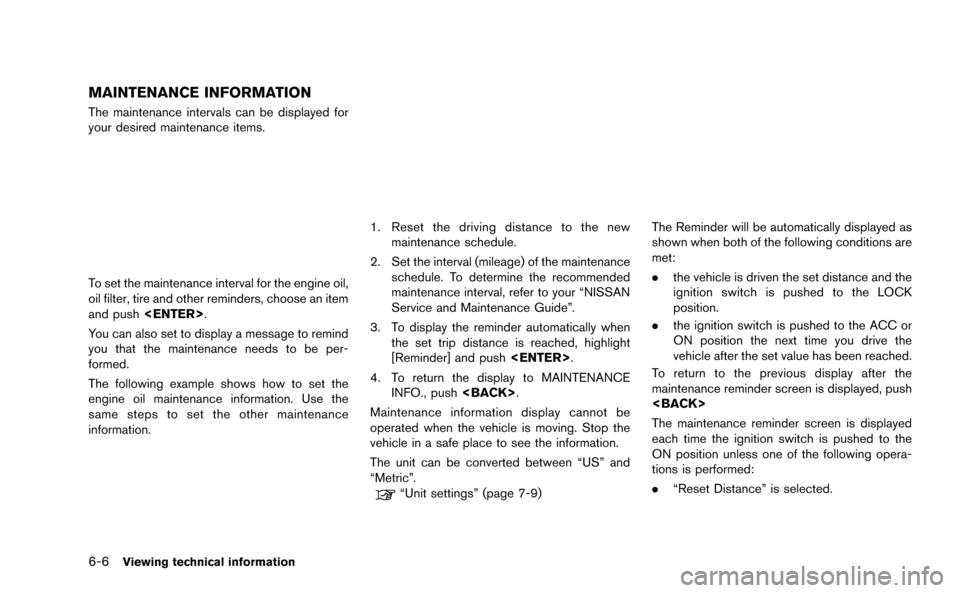
To set the maintenance interval for the engine oil,
oil filter, tire and other reminders, choose an item
and push
You can also set to display a message to remind
you that the maintenance needs to be per-
formed.
The following example shows how to set the
engine oil maintenance information. Use the
same steps to set the other maintenance
information.
1. Reset the driving distance to the new maintenance schedule.
2. Set the interval (mileage) of the maintenance schedule. To determine the recommended
maintenance interval, refer to your “NISSAN
Service and Maintenance Guide”.
3. To display the reminder automatically when the set trip distance is reached, highlight
[Reminder] and push
4. To return the display to MAINTENANCE INFO., push
Maintenance information display cannot be
operated when the vehicle is moving. Stop the
vehicle in a safe place to see the information.
The unit can be converted between “US” and
“Metric”.
“Unit settings” (page 7-9)
The Reminder will be automatically displayed as
shown when both of the following conditions are
met:
. the vehicle is driven the set distance and the
ignition switch is pushed to the LOCK
position.
. the ignition switch is pushed to the ACC or
ON position the next time you drive the
vehicle after the set value has been reached.
To return to the previous display after the
maintenance reminder screen is displayed, push
The maintenance reminder screen is displayed
each time the ignition switch is pushed to the
ON position unless one of the following opera-
tions is performed:
. “Reset Distance” is selected.
Page 170 of 298
.“Reminder” is set to OFF.
. the maintenance interval is set again.
Setting by voice command
1. Push <
>located on the steering wheel.
2. After the tone sounds, speak a command.
To display the maintenance information:
“Information” “Maintenance” (Standard Mode)
“Maintenance” (Alternate Command Mode)
NavTraffic information is a subscription service
offered by SiriusXM Satellite Radio.
This service provides real-time information
regarding traffic flow, accidents, road construc-
tion and other incidents, where available.
NavTraffic combines information from commer-
cial and public traffic data providers including
government departments of transportation, po-
lice, emergency services, road sensors, cameras
and aircraft reports. The traffic information is
broadcast to the vehicle by the SiriusXM
satellites. Available traffic information on the
route the driver selected is shown on the
navigation screen so traffic conditions between
you and the destination are known. Three types
of real-time traffic information for major road-
ways are shown on the navigation system:
* Unscheduled traffic data for example, acci-
dents and disabled vehicles.
* Scheduled traffic data, for example road
construction and road closures.
* Traffic flow information (rate of speed data) .WARNING
NavTraffic information is not a substi-
tute for attentive driving. Traffic condi-
tions change constantly and emergency
situations can arise without warning.
Relying only on NavTraffic information
may lead to a collision and could result
in serious personal injury.
NOTE:
Flow information is provided only for
roads equipped with traffic sensors and
is not available in all markets covered by
the service. Flow data may not be available
on portions of a road that is under
construction.
NavTraffic information is available in limited
markets. To subscribe or to check if this service
is available in the area:
call 1-866-635-2349 or see www.siriusxm.
com/navtraffic
Viewing technical information6-7
VIEWING AVAILABLE TRAFFIC
INFORMATION
Page 171 of 298
6-8Viewing technical information
INFO:
If a contract is not completed for NavTraffic
information service, a message appears, and it
will not be possible to check the information on
the traffic information system.
BASIC OPERATION
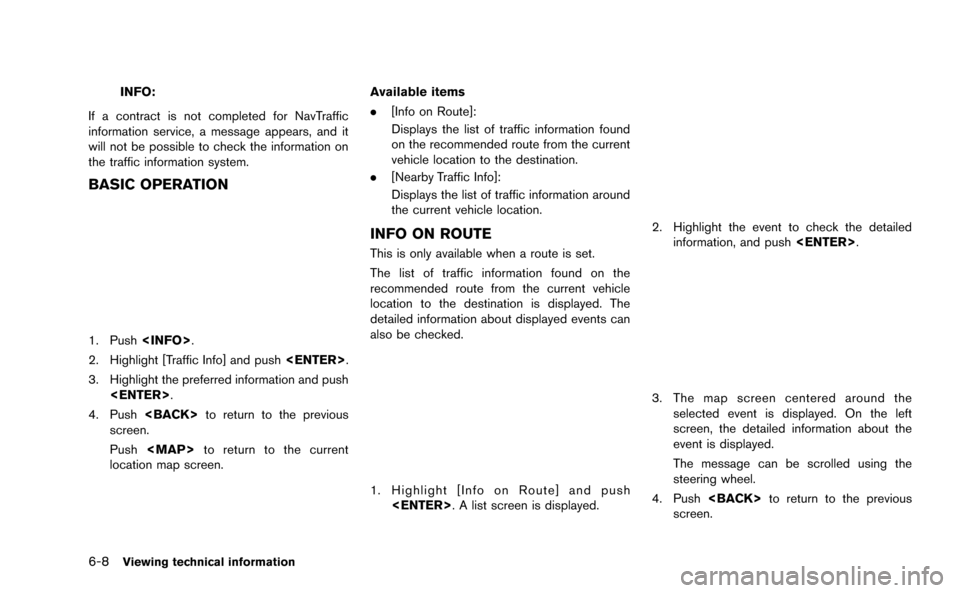
1. Push
2. Highlight [Traffic Info] and push
3. Highlight the preferred information and push
4. Push
screen.
Push
Page 173 of 298
6-10Viewing technical information
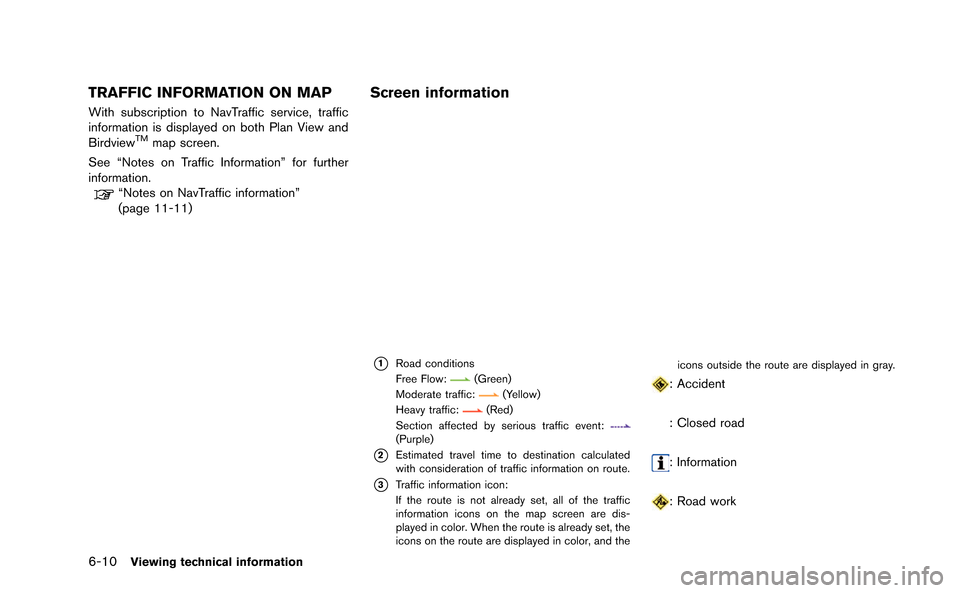
TRAFFIC INFORMATION ON MAP
With subscription to NavTraffic service, traffic
information is displayed on both Plan View and
Birdview
TMmap screen.
See “Notes on Traffic Information” for further
information.
“Notes on NavTraffic information”
(page 11-11)
Screen information
*1Road conditions
Free Flow:(Green)
Moderate traffic:(Yellow)
Heavy traffic:(Red)
Section affected by serious traffic event:
(Purple)
*2Estimated travel time to destination calculated
with consideration of traffic information on route.
*3Traffic information icon:
If the route is not already set, all of the traffic
information icons on the map screen are dis-
played in color. When the route is already set, the
icons on the route are displayed in color, and the icons outside the route are displayed in gray.
: Accident
: Closed road
: Information
: Road work
Page 174 of 298
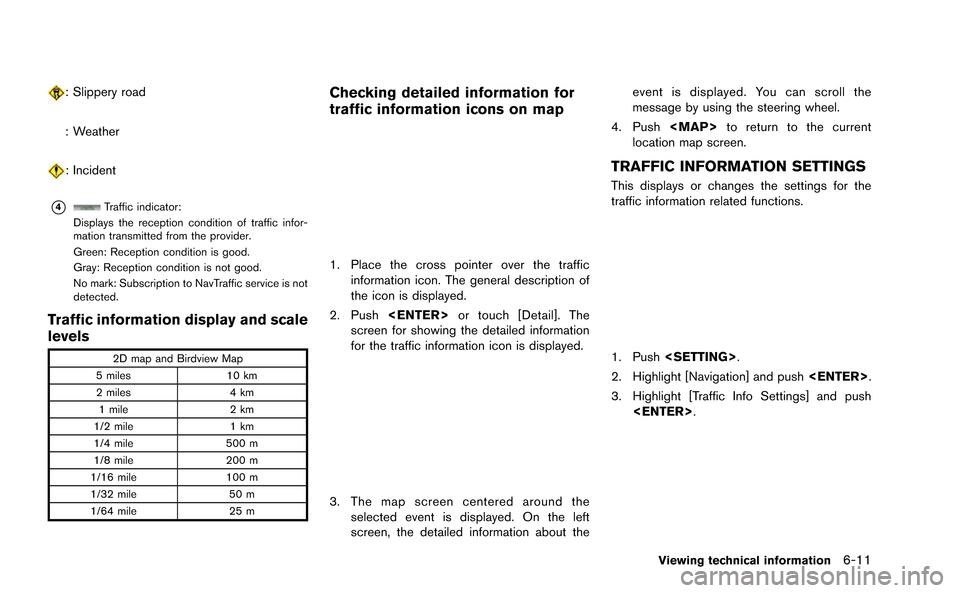
: Slippery road
: Weather
: Incident
*4Traffic indicator:
Displays the reception condition of traffic infor-
mation transmitted from the provider.
Green: Reception condition is good.
Gray: Reception condition is not good.
No mark: Subscription to NavTraffic service is not
detected.
Traffic information display and scale
levels
2D map and Birdview Map
5 miles 10 km
2 miles 4 km
1 mile 2 km
1/2 mile 1 km
1/4 mile 500 m
1/8 mile 200 m
1/16 mile 100 m
1/32 mile 50 m
1/64 mile 25 m
Checking detailed information for
traffic information icons on map
1. Place the cross pointer over the traffic
information icon. The general description of
the icon is displayed.
2. Push
screen for showing the detailed information
for the traffic information icon is displayed.
3. The map screen centered around the selected event is displayed. On the left
screen, the detailed information about the event is displayed. You can scroll the
message by using the steering wheel.
4. Push
Page 175 of 298
6-12Viewing technical information
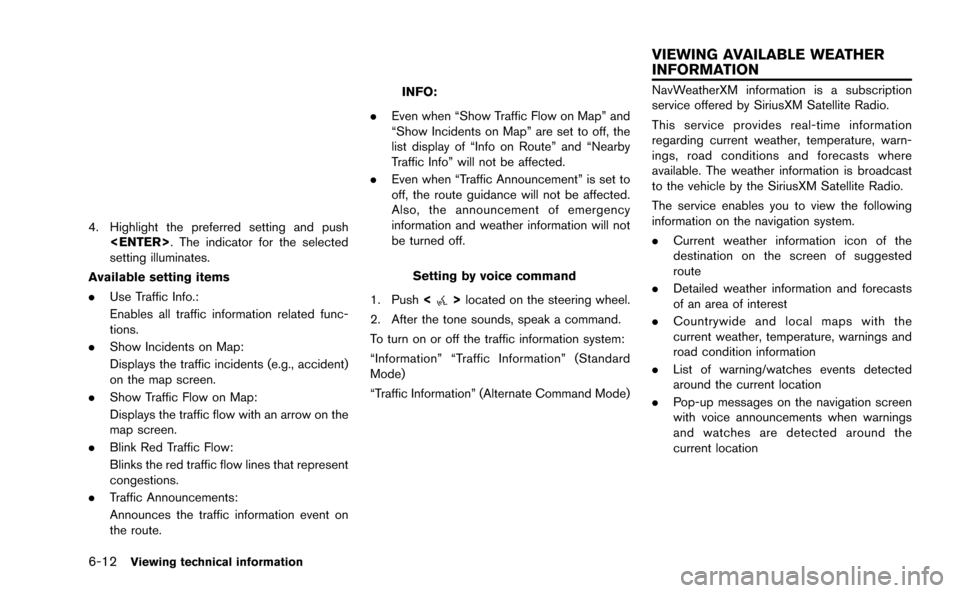
4. Highlight the preferred setting and push
setting illuminates.
Available setting items
. Use Traffic Info.:
Enables all traffic information related func-
tions.
. Show Incidents on Map:
Displays the traffic incidents (e.g., accident)
on the map screen.
. Show Traffic Flow on Map:
Displays the traffic flow with an arrow on the
map screen.
. Blink Red Traffic Flow:
Blinks the red traffic flow lines that represent
congestions.
. Traffic Announcements:
Announces the traffic information event on
the route.
INFO:
. Even when “Show Traffic Flow on Map” and
“Show Incidents on Map” are set to off, the
list display of “Info on Route” and “Nearby
Traffic Info” will not be affected.
. Even when “Traffic Announcement” is set to
off, the route guidance will not be affected.
Also, the announcement of emergency
information and weather information will not
be turned off.
Setting by voice command
1. Push <
>located on the steering wheel.
2. After the tone sounds, speak a command.
To turn on or off the traffic information system:
“Information” “Traffic Information” (Standard
Mode)
“Traffic Information” (Alternate Command Mode)
NavWeatherXM information is a subscription
service offered by SiriusXM Satellite Radio.
This service provides real-time information
regarding current weather, temperature, warn-
ings, road conditions and forecasts where
available. The weather information is broadcast
to the vehicle by the SiriusXM Satellite Radio.
The service enables you to view the following
information on the navigation system.
. Current weather information icon of the
destination on the screen of suggested
route
. Detailed weather information and forecasts
of an area of interest
. Countrywide and local maps with the
current weather, temperature, warnings and
road condition information
. List of warning/watches events detected
around the current location
. Pop-up messages on the navigation screen
with voice announcements when warnings
and watches are detected around the
current location
VIEWING AVAILABLE WEATHER
INFORMATION
Page 178 of 298
![NISSAN GT-R 2015 R35 Multi Function Display Owners Manual 6. Highlight the preferred city from the list andpush <ENTER>.
INFO:
[Select Other City from Menu] is not available
while driving.
Current weather and forecasts
The current weather information and a t](/img/5/423/w960_423-177.png "NISSAN GT-R 2015 R35 Multi Function Display Owners Manual 6. Highlight the preferred city from the list andpush <ENTER>.
INFO:
[Select Other City from Menu] is not available
while driving.
Current weather and forecasts
The current weather information and a t")
6. Highlight the preferred city from the list andpush
INFO:
[Select Other City from Menu] is not available
while driving.
Current weather and forecasts
The current weather information and a three-day
forecast for the current location, the destination
or the preferred city.
1. Highlight [Current Weather and Forecasts] and push
2. Highlight the preferred area and push
INFO:
.[Weather Info on Destination] is notavailable unless a destination is set for
the route guidance.
.When a destination is not set, nearby weather information is displayed.
3. A weather information screen is displayed. Highlight [Forecast] and push
4. The forecast screen is displayed. A three-
day forecast can be confirmed for the
preferred area.
5. Push
screen. Push
Page 179 of 298
6-16Viewing technical information
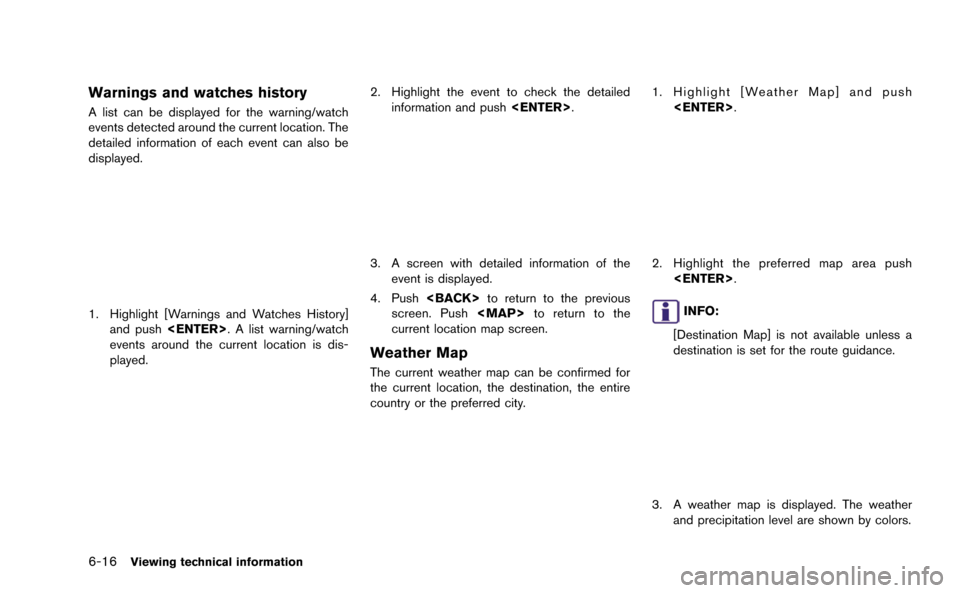
Warnings and watches history
A list can be displayed for the warning/watch
events detected around the current location. The
detailed information of each event can also be
displayed.
1. Highlight [Warnings and Watches History]and push
events around the current location is dis-
played.
2. Highlight the event to check the detailed information and push
3. A screen with detailed information of the
event is displayed.
4. Push
screen. Push
Page 180 of 298
![NISSAN GT-R 2015 R35 Multi Function Display Owners Manual 4. Push<BACK> to return to the previous
screen. Push <MAP>to return to the
current location map screen.
INFO:
Touch [Legend] to display the map legend.
Setting by voice command
1. Push <
>located on t](/img/5/423/w960_423-179.png "NISSAN GT-R 2015 R35 Multi Function Display Owners Manual 4. Push<BACK> to return to the previous
screen. Push <MAP>to return to the
current location map screen.
INFO:
Touch [Legend] to display the map legend.
Setting by voice command
1. Push <
>located on t")
4. Push
screen. Push