warning TOYOTA SUPRA 2023 Owners Manual
[x] Cancel search | Manufacturer: TOYOTA, Model Year: 2023, Model line: SUPRA, Model: TOYOTA SUPRA 2023Pages: 372, PDF Size: 6.32 MB
Page 281 of 372
2815-1. MOBILITY
5
MOBILITY
Winter tires are recommended
for operating on winter roads.
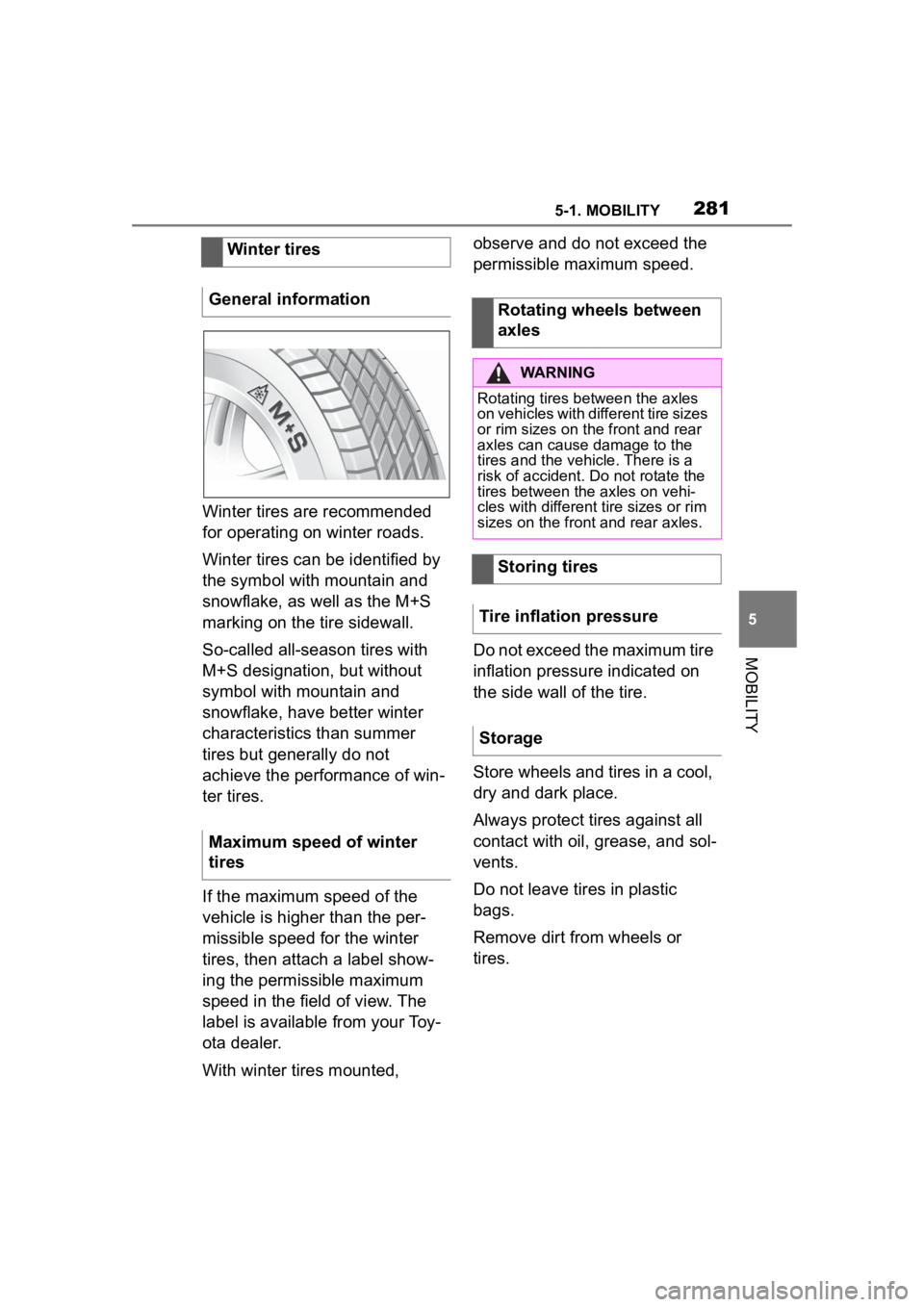
Winter tires can be identified by
the symbol with mountain and
snowflake, as well as the M+S
marking on the tire sidewall.
So-called all-season tires with
M+S designation, but without
symbol with mountain and
snowflake, have better winter
characteristics than summer
tires but generally do not
achieve the performance of win-
ter tires.
If the maximum speed of the
vehicle is higher than the per-
missible speed for the winter
tires, then attach a label show-
ing the permissible maximum
speed in the field of view. The
label is available from your Toy-
ota dealer.
With winter tires mounted, observe and do not exceed the
permissible maximum speed.
Do not exceed the maximum tire
inflation pressure indicated on
the side wall of the tire.
Store wheels and tires in a cool,
dry and dark place.
Always protect tires against all
contact with oil, grease, and sol-
vents.
Do not leave tires in plastic
bags.
Remove dirt from wheels or
tires.
Winter tires
General information
Maximum speed of winter
tires
Rotating wheels between
axles
WARNING
Rotating tires between the axles
on vehicles with different tire sizes
or rim sizes on the front and rear
axles can cause damage to the
tires and the vehicle. There is a
risk of accident. Do not rotate the
tires between the axles on vehi-
cles with different tire sizes or rim
sizes on the front and rear axles.
Storing tires
Tire inflation pressure
Storage
Page 282 of 372
2825-1. MOBILITY
• Park the vehicle as far away as possible from passing traf-
fic and on solid ground.
• Switch on the hazard warning system.
• Secure the vehicle against rolling away by setting the
parking brake.
• Turn the steering wheel until the front wheels are in the
straight-ahead position and
engage the steering wheel
lock.
• Have all vehicle occupants get out of the vehicle and
ensure that they remain out-
side the immediate area in a
safe place, such as behind a
guardrail.
• If necessary, set up a warning triangle at an appropriate dis-
tance.
With the Mobility System, minor
tire damage can be sealed tem-
porarily to enable continued
travel. To accomplish this, seal-
ant is pumped into the tires,
which seals the damage from
the inside. • Follow the instructions on
using the Mobility System
found on the compressor and
sealant container.
• Use of the Mobility System may be ineffective if the tire
puncture measures approx.
1/8 inches/4 mm or more.
• Contact your Toyota dealer if the tire cannot be made driv-
able.
• Do not remove foreign bodies that have penetrated the tire.
Only remove foreign objects if
they are visibly protruding
from the tire.
• Pull the speed limit sticker off the sealant container and
apply it to the steering wheel.
• The use of a sealant can
damage the TPM wheel elec-
tronics. In this case, have the
electronics checked and
replaced at the next opportu-
nity.
• The compressor can be used to check the tire inflation pres-
sure.
Repairing a flat tire
Safety measures
Mobility System
Concept
General information
Page 283 of 372
2835-1. MOBILITY
5
MOBILITY
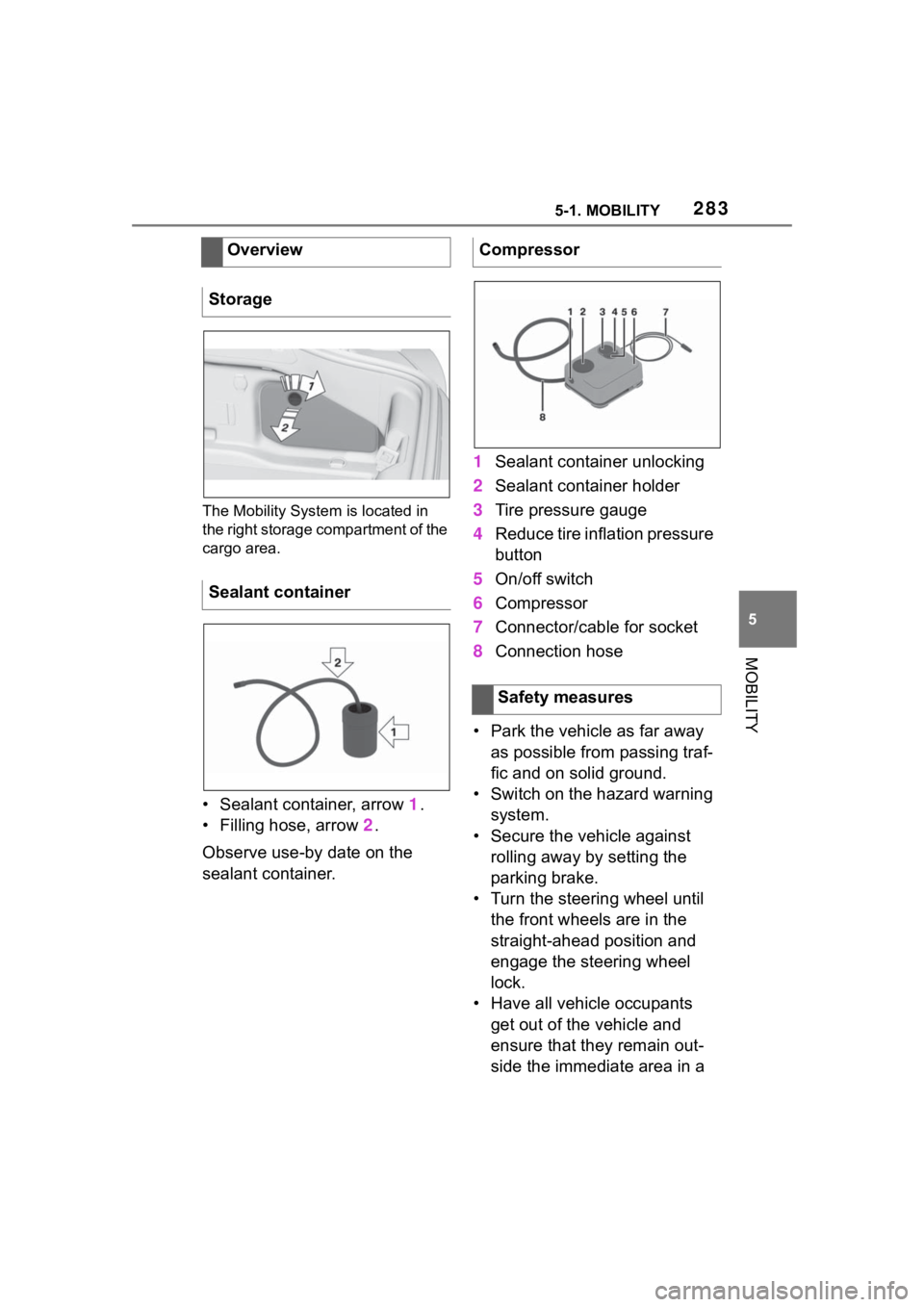
The Mobility System is located in
the right storage compartment of the
cargo area.
• Sealant container, arrow 1.
• Filling hose, arrow 2.
Observe use-by date on the
sealant container. 1
Sealant container unlocking
2 Sealant container holder
3 Tire pressure gauge
4 Reduce tire inflation pressure
button
5 On/off switch
6 Compressor
7 Connector/cable for socket
8 Connection hose
• Park the vehicle as far away as possible from passing traf-
fic and on solid ground.
• Switch on the hazard warning system.
• Secure the vehicle against rolling away by setting the
parking brake.
• Turn the steering wheel until the front wheels are in the
straight-ahead position and
engage the steering wheel
lock.
• Have all vehicle occupants get out of the vehicle and
ensure that they remain out-
side the immediate area in a
Overview
Storage
Sealant container
Compressor
Safety measures
Page 284 of 372
2845-1. MOBILITY
safe place, such as behind a
guardrail.
• If necessary, set up a warning triangle at an appropriate dis-
tance.
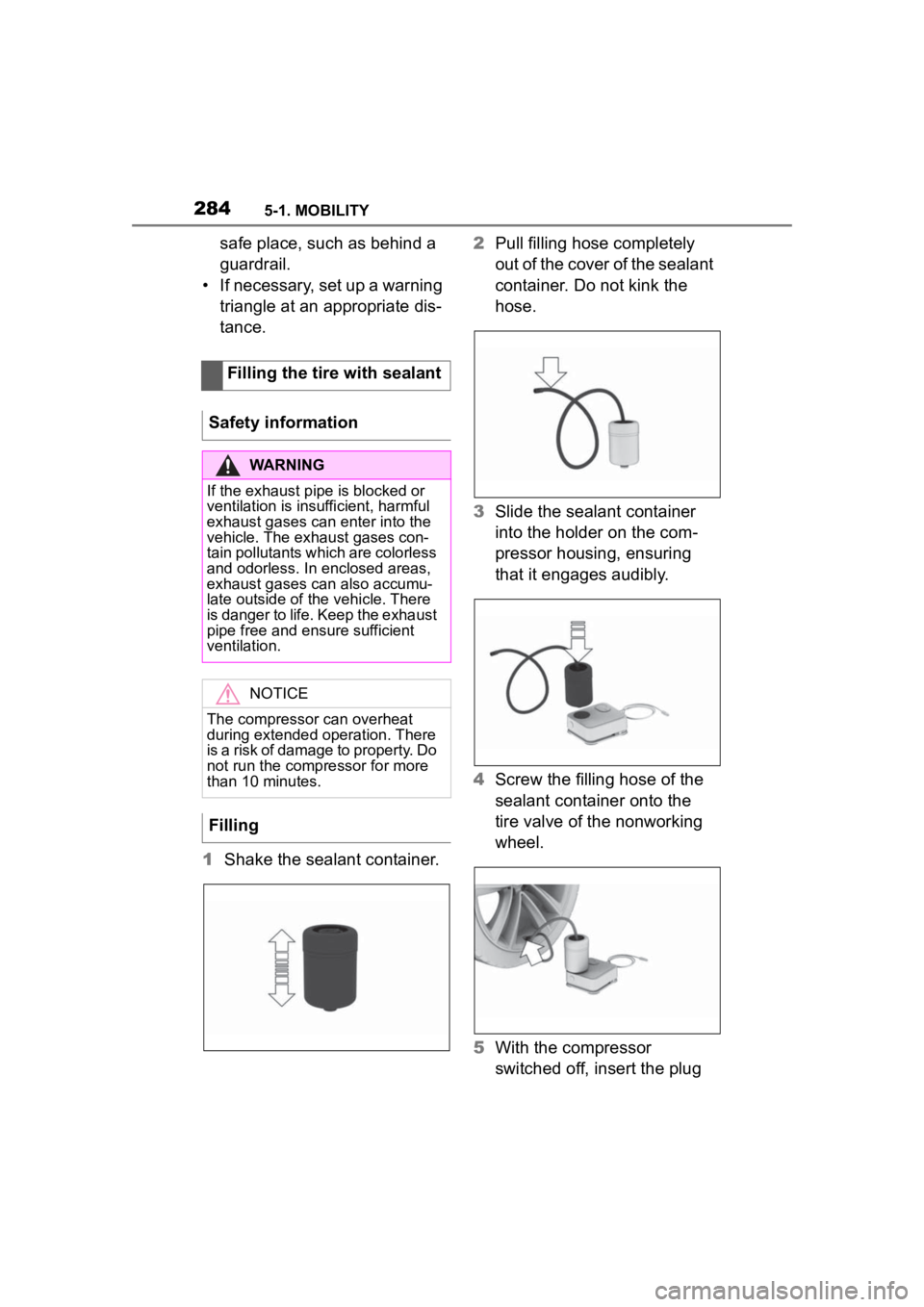
1 Shake the sealant container. 2
Pull filling hose completely
out of the cover of the sealant
container. Do not kink the
hose.
3 Slide the sealant container
into the holder on the com-
pressor housing, ensuring
that it engages audibly.
4 Screw the filling hose of the
sealant container onto the
tire valve of the nonworking
wheel.
5 With the compressor
switched off, insert the plug
Filling the tire with sealant
Safety information
WARNING
If the exhaust pipe is blocked or
ventilation is insufficient, harmful
exhaust gases can enter into the
vehicle. The exhaust gases con-
tain pollutants which are colorless
and odorless. In enclosed areas,
exhaust gases can also accumu-
late outside of the vehicle. There
is danger to life. Keep the exhaust
pipe free and ensure sufficient
ventilation.
NOTICE
The compressor can overheat
during extended operation. There
is a risk of damage to property. Do
not run the compressor for more
than 10 minutes.
Filling
Page 288 of 372
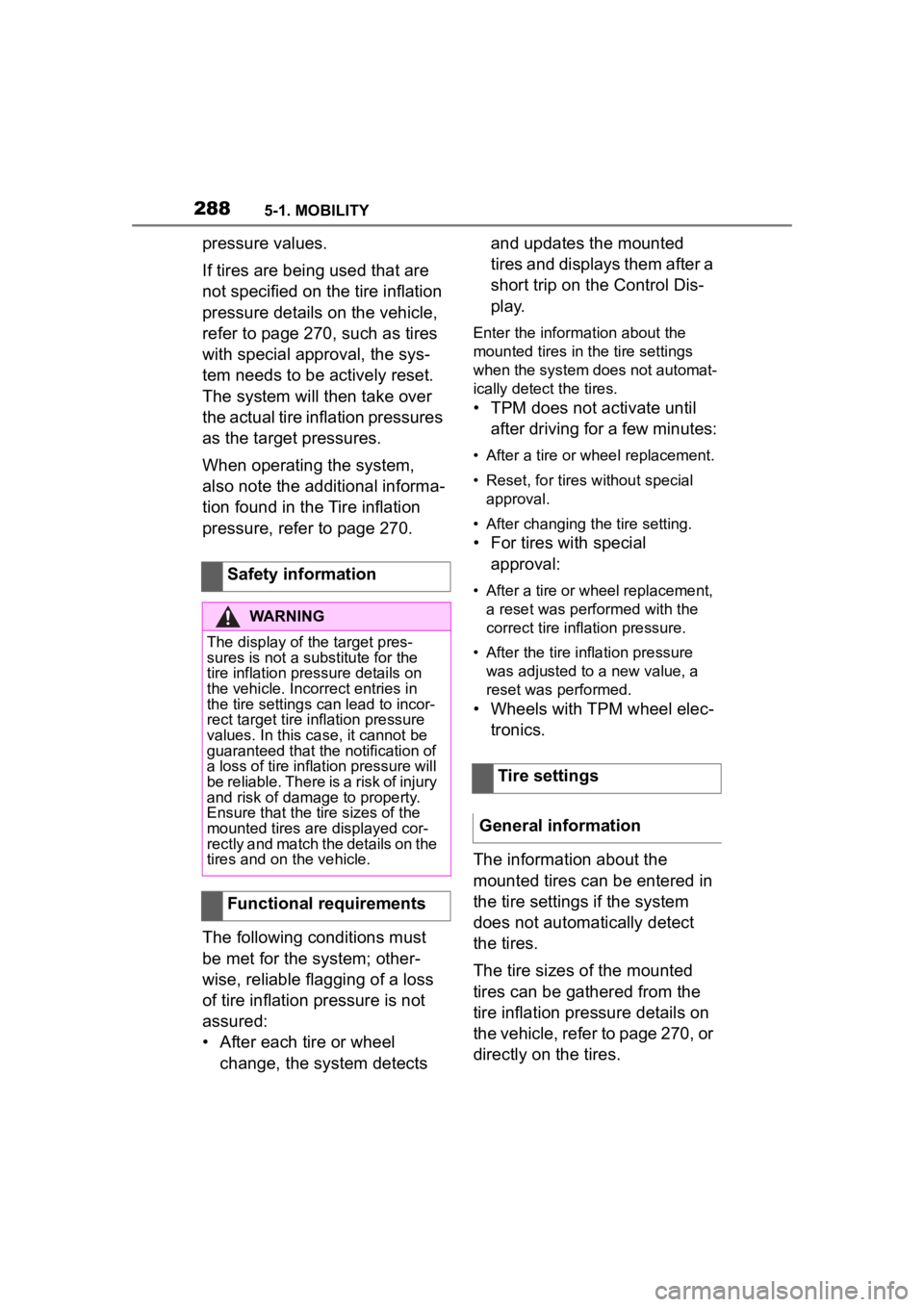
2885-1. MOBILITY
pressure values.
If tires are being used that are
not specified on the tire inflation
pressure details on the vehicle,
refer to page 270, such as tires
with special approval, the sys-
tem needs to be actively reset.
The system will then take over
the actual tire inflation pressures
as the target pressures.
When operating the system,
also note the additional informa-
tion found in the Tire inflation
pressure, refer to page 270.
The following conditions must
be met for the system; other-
wise, reliable flagging of a loss
of tire inflation pressure is not
assured:
• After each tire or wheel change, the system detects and updates the mounted
tires and displays them after a
short trip on the Control Dis-
p l a y.
Enter the inform
ation about the
mounted tires in th e tire settings
when the system does not automat-
ically detect the tires.
• TPM does not activate until
after driving for a few minutes:
• After a tire or wheel replacement.
• Reset, for tires without special approval.
• After changing the tire setting.
• For tires with special approval:
• After a tire or wheel replacement, a reset was perfo rmed with the
correct tire inflation pressure.
• After the tire inflation pressure was adjusted to a new value, a
reset was p erformed.
• Wheels with TPM wheel elec-
tronics.
The information about the
mounted tires can be entered in
the tire settings if the system
does not automatically detect
the tires.
The tire sizes of the mounted
tires can be gathered from the
tire inflation pressure details on
the vehicle, refer to page 270, or
directly on the tires.
Safety information
WARNING
The display of the target pres-
sures is not a sub
stitute for the
tire inflation pressure details on
the vehicle. Incorrect entries in
the tire settings can lead to incor-
rect target tire inflation pressure
values. In this case, it cannot be
guaranteed that the notification of
a loss of tire inflation pressure will
be reliable. There is a risk of injury
and risk of damage to property.
Ensure that the tire sizes of the
mounted tires are displayed cor-
rectly and match the details on the
tires and on the vehicle.
Functional requirements
Tire settings
General information
Page 290 of 372

2905-1. MOBILITY
Tire and system status are indi-
cated by the color of the wheels
and a SMS text message on the
Control Display.
Any existing messages are not
deleted if the displayed target
pressure is not reached after the
tire inflation pressure is cor-
rected.
• The system is active and bases warnings on the dis-
played target pressures.
• For tires with special approval: the system is active
and bases warnings on the
tire inflation pressures stored
during the last reset.
A flat tire or major drop in the
tire inflation pressure has
occurred in the indicated tires.
It may not be possible to identify
tire inflation pressure losses.
Possible causes:
• Malfunction.
• During tire inflation pressure measurement, after confirma-
tion of the tire settings. • For tires with special
approval: the system is being
reset.
Via Toyota Supra Command:
1 "My vehicle"
2 "Vehicle status"
3 "Tire Pressure Monitor"
4 "Tire settings"
5 Selecting tires:
• "Summer tires"
• "Winter tires/all-season tires"
6 "Current:"
When not selecting "Other
tire":
7 "Load state"
8 "Confirm settings"
9 Drive the vehicle.
When selecting "Other tire":
7 "Tire settings"
8 Switch on drive-ready state
and do not drive off.
9 Reset tire inflation pressure:
"Perform reset".
10Drive away.
After driving faster than 19
mph/30 km/h for a short period,
the set tire inflation pressures
are accepted as the target tire
inflation pressures. The reset is
completed automatically while
driving.
After a successfully completed
Tire conditions
General information
All wheels green
One to four yellow wheels
Gray wheels
Reset the tire inflation
pressure
Page 291 of 372
2915-1. MOBILITY
5
MOBILITY
reset, the wheels on the Control
Display are shown in green.
You may interrupt this trip at any
time. When you continue the
reset resumes automatically.
A low tire inflation pressure may
cause the VSC Vehicle Stability
Control System to be switched
on.
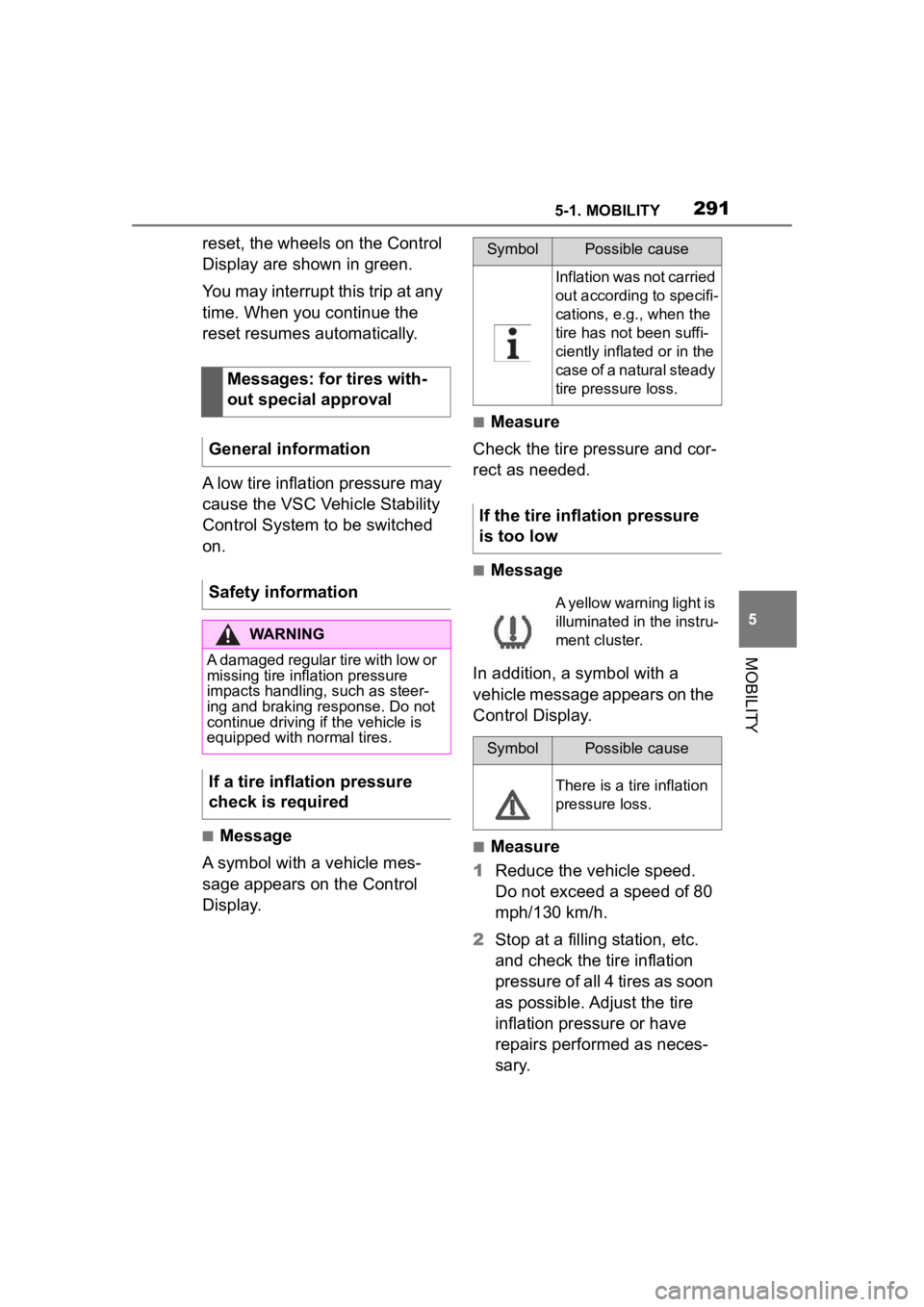
■Message
A symbol with a vehicle mes-
sage appears on the Control
Display.
■Measure
Check the tire pressure and cor-
rect as needed.
■Message
In addition, a symbol with a
vehicle message appears on the
Control Display.
■Measure
1 Reduce the vehicle speed.
Do not exceed a speed of 80
mph/130 km/h.
2 Stop at a filling station, etc.
and check the tire inflation
pressure of all 4 tires as soon
as possible. Adjust the tire
inflation pressure or have
repairs performed as neces-
sary.
Messages: for tires with-
out special approval
General information
Safety information
WARNING
A damaged regular tire with low or
missing tire inflation pressure
impacts handling, such as steer-
ing and braking response. Do not
continue driving if the vehicle is
equipped with normal tires.
If a tire inflation pressure
check is required
SymbolPossible cause
Inflation was not carried
out according to specifi-
cations, e.g., when the
tire has not been suffi-
ciently inflated or in the
case of a natural steady
tire pressure loss.
If the tire inflation pressure
is too low
A yellow warning light is
illuminated in the instru-
ment cluster.
SymbolPossible cause
There is a tire inflation
pressure loss.
Page 292 of 372
2925-1. MOBILITY
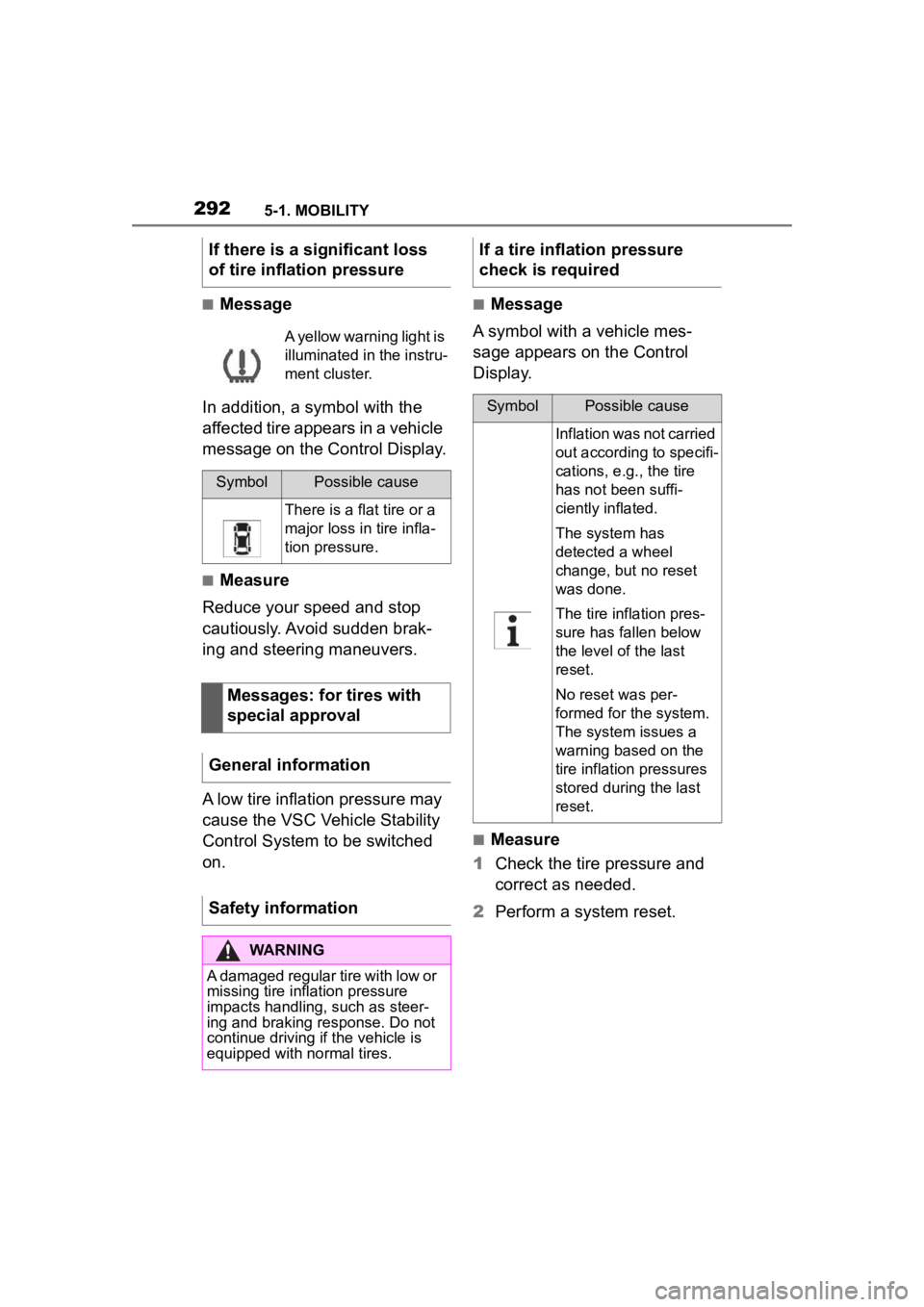
■Message
In addition, a symbol with the
affected tire appears in a vehicle
message on the Control Display.
■Measure
Reduce your speed and stop
cautiously. Avoid sudden brak-
ing and steering maneuvers.
A low tire inflation pressure may
cause the VSC Vehicle Stability
Control System to be switched
on.
■Message
A symbol with a vehicle mes-
sage appears on the Control
Display.
■Measure
1 Check the tire pressure and
correct as needed.
2 Perform a system reset.
If there is a significant loss
of tire inflation pressure
A yellow warning light is
illuminated in the instru-
ment cluster.
SymbolPossible cause
There is a flat tire or a
major loss in tire infla-
tion pressure.
Messages: for tires with
special approval
General information
Safety information
WARNING
A damaged regular tire with low or
missing tire inflation pressure
impacts handling, such as steer-
ing and braking response. Do not
continue driving if the vehicle is
equipped with normal tires.
If a tire inflation pressure
check is required
SymbolPossible cause
Inflation was not carried
out according to specifi-
cations, e.g., the tire
has not been suffi-
ciently inflated.
The system has
detected a wheel
change, but no reset
was done.
The tire inflation pres-
sure has fallen below
the level of the last
reset.
No reset was per-
formed for the system.
The system issues a
warning based on the
tire inflation pressures
stored during the last
reset.
Page 293 of 372
2935-1. MOBILITY
5
MOBILITY
■Message
In addition, a symbol with a
vehicle message appears on the
Control Display.
■Measure
1 Reduce the vehicle speed.
Do not exceed a speed of 80
mph/130 km/h.
2 At the next opportunity, for
instance at a gas station,
check the tire inflation pres-
sure in all four tires and cor-
rect if necessary.
3 Reset the system.
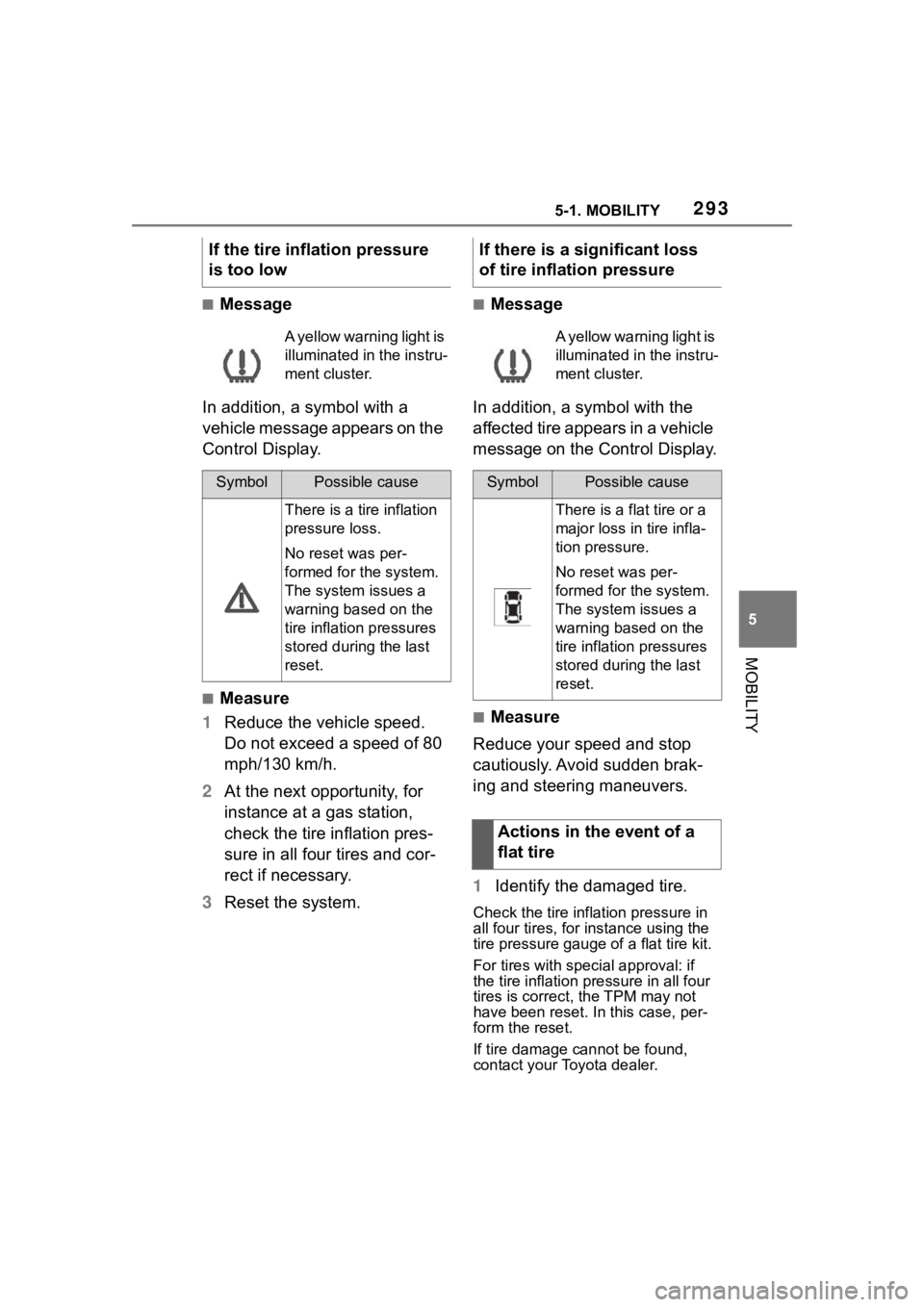
■Message
In addition, a symbol with the
affected tire appears in a vehicle
message on the Control Display.
■Measure
Reduce your speed and stop
cautiously. Avoid sudden brak-
ing and steering maneuvers.
1 Identify the damaged tire.
Check the tire inflation pressure in
all four tires, for instance using the
tire pressure gauge of a flat tire kit.
For tires with special approval: if
the tire inflation pressure in all four
tires is correct, t he TPM may not
have been reset. In this case, per-
form the reset.
If tire damage cannot be found,
contact your Toyota dealer.
If the tire inflation pressure
is too low
A yellow warning light is
illuminated in the instru-
ment cluster.
SymbolPossible cause
There is a tire inflation
pressure loss.
No reset was per-
formed for the system.
The system issues a
warning based on the
tire inflation pressures
stored during the last
reset.
If there is a significant loss
of tire inflation pressure
A yellow warning light is
illuminated in the instru-
ment cluster.
SymbolPossible cause
There is a flat tire or a
major loss in tire infla-
tion pressure.
No reset was per-
formed for the system.
The system issues a
warning based on the
tire inflation pressures
stored during the last
reset.
Actions in the event of a
flat tire
Page 294 of 372
2945-1. MOBILITY
2Repair the flat tire, e.g., with
a flat tire kit or by changing
the wheel.
Use of sealant, for instance from
the flat tire kit, may damage the
TPM wheel electronics. Have
the electronics replaced at the
next opportunity.
The tire inflation pressure
depends on the tire's tempera-
ture.
Driving or exposure to the sun
will increase the tire's tempera-
ture, thus increasing the tire
inflation pressure.
The tire inflation pressure is
reduced when the tire tempera-
ture falls again.
These circumstances may
cause a warning when tempera-
tures fall very sharply.
Following a temperature-related
warning, the target pressures
are displayed on the Control
Display again after a short dis-
tance.
The system cannot indicate sud-
den serious tire damage caused
by external circumstances. Tires with special approval: the
system will not function correctly
if a reset was not performed, for
example a flat tire may be indi-
cated although the tire inflation
pressures are correct.
• A wheel without TPM wheel
electronics, such as an emer-
gency wheel, is mounted:
have the wheels checked, if
needed.
• Malfunction: have the system checked.
• Interference caused by sys- tems or devices with the
same radio frequency: after
leaving the area of the inter-
ference, the system automati-
cally becomes active again.
• For tires with special approval: the system was
unable to complete the reset.
System limits
Temperature
Sudden tire pressure lossFailure to perform a reset
Malfunction
Message
The yellow warning
light flashes and is then
illuminated continu-
ously. A vehicle mes-
sage is displayed. It
may not be possible to
identify tire pressure
losses.
Measure