warning TOYOTA SUPRA 2023 Manual Online
[x] Cancel search | Manufacturer: TOYOTA, Model Year: 2023, Model line: SUPRA, Model: TOYOTA SUPRA 2023Pages: 372, PDF Size: 6.32 MB
Page 197 of 372
1973-1. CONTROLS
3
CONTROLS
the consequences thereof.
After coming to a halt, the brake
is released automatically.
It can be necessary to bring the
vehicle in certain situations to a
halt quicker.
To do this, for a short time the
braking pressure applied when
stepping on the brake pedal
must be higher than the braking
pressure achieved by the auto-
matic braking function. This
interrupts automatic braking.
It can be necessary to interrupt
automatic braking in certain situ-
ations, for instance for an eva-
sive maneuver.
Interrupt automatic braking:
By pressing the brake pedal.
By pressing the accelerator
pedal.
The system can detect decreas-
ing alertness or fatigue of the
driver during long, monotonous trips, for instance on highways.
In this situation, it is recom-
mended that the driver takes a
break.
The system is switched on each
time drive-ready state is
switched on.
After travel has begun, the sys-
tem monitors certain aspects of
the driver's behavior, so that
decreasing alertness or fatigue
can be detected.
This procedure takes the follow-
ing criteria into account:
Personal driving style, for
instance steering behavior.
Driving conditions, for
instance length of trip.
Starting at approx. 43 mph/70
km/h, the system is active and
can also display a recommenda-
tion to take a break.
At standstill
Harder vehicle braking
Interrupting automatic
braking
Driver attention control
General information
Safety information
WARNING
The system cannot serve as a
substitute for the driver’s personal
judgment in assessing one's
physical state. An increasing lack
of alertness or fatigue may not be
detected or not be detected in
time. There is a risk of an acci-
dent. Make sure that the driver is
rested and alert. Adjust driving
style to traffic conditions.
Function
Page 198 of 372
1983-1. CONTROLS
The Driver attention control is
active automatically with each
switching on of drive-ready state
and can thus display a break
recommendation.
The break recommendation can
also be switched on or off and
adjusted via Toyota Supra Com-
mand.
Via Toyota Supra Command:
1"My Vehicle"
2 "Vehicle settings"
3 "Driver attention control"
4 Select desired setting:
"Standard": the break recom-
mendation is made with a
defined value.
"Sensitive": the break recom-
mendation is issued earlier.
"Off": no break recommenda-
tion is made.
If the driver becomes less alert
or fatigued, a message is dis-
played in the Control Display
with the recommendation to
take a break.
During the display, the following
settings can be selected:
"Do not ask again"
"Places to stop"
"Remind me later"
The break recommendation is
repeated after 20 minutes.
After a break, another recom-
mendation to take a break can-
not be displayed until after
approximately 45 minutes.
The function may be limited in
the following situations and may
be output an incorrect warning
or no warning at all.
When the clock is set incor-
rectly.
When the vehicle speed is
mainly below about 43
mph/70 km/h.
With a sporty driving style,
such as during rapid accelera-
tion or when cornering fast.
In active driving situations,
such as when changing lanes
frequently.
When the road surface is
poor.
In the event of strong side
winds.
The system is reset approx. 45
minutes after parking the vehi-
cle, for instance in the case of a
break during longer trips on
highways.
Break recommendation
Settings
Display
System limits
Page 200 of 372
2003-1. CONTROLS
This system supports driving off
on uphill grades.
1Hold the vehicle in place with
the foot brake.
2 Release the foot brake and
drive off without delay.
After the foot brake is released,
the vehicle is held in place for
approx. 2 seconds.
Depending on the vehicle load-
ing, the vehicle may roll back
slightly.
Within the physical limits, the
system helps to keep the vehicle
on a steady course by reducing
engine speed and by braking
the individual wheels.
VSC detects the following unsta-
ble driving conditions, for
instance:
Fishtailing, which can lead to
oversteering.
Loss of traction of the front
wheels, which can lead to
understeering.
Hill-start assist control
Concept
Driving off
VSC Vehicle Stability Con-
trol System
Concept
General information
Safety information
WARNING
The system cannot serve as a
substitute for the driver’s personal
judgment in assessing the traffic
situation. Based on the limits of
the system, it cannot inde-
pendently react to all traffic situa-
tions. There is a risk of accident.
Adjust driving style to traffic condi-
tions. Watch the surrounding traf-
fic situation closely, be ready to
take over steering and braking at
any time, and actively intervene
where appropriate.
WARNING
When driving with a roof load, for
instance with roof-mounted lug-
gage rack, the vehicle's center of
gravity is higher, which increases
the risk of the vehicle tipping in
critical driving sit uations. There is
a risk of accidents or risk of dam-
age to property. Do not deactivate
VSC Vehicle Stability Control Sys-
tem when driving with roof load.
Page 201 of 372
2013-1. CONTROLS
3
CONTROLS
When VSC is deactivated, driv-
ing stability is reduced during
acceleration and when driving in
curves.
To increase vehicle stability,
activate VSC again as soon as
possible.When VSC is deactivated, VSC
OFF is displayed in the instru-
ment cluster.
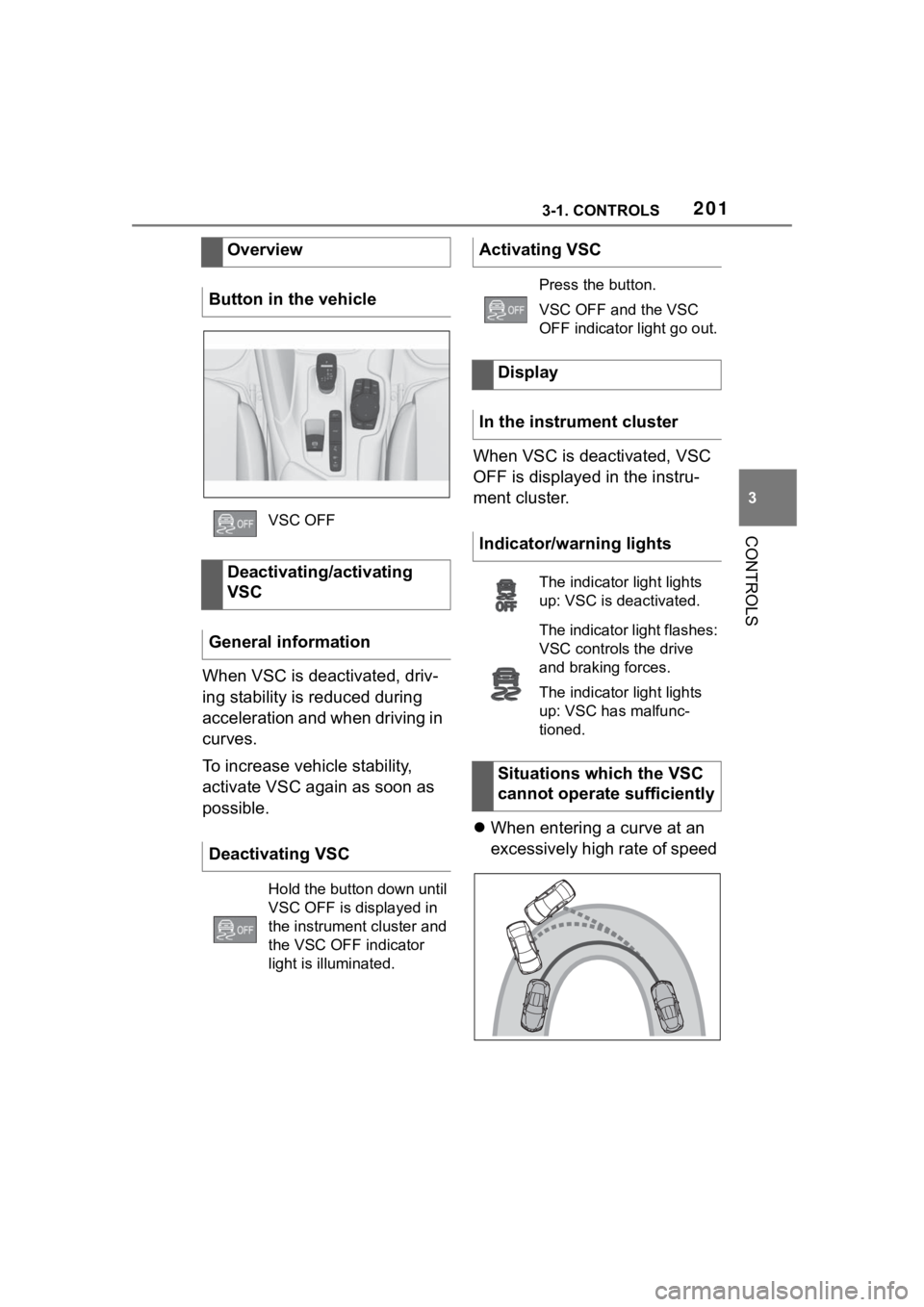
When entering a curve at an
excessively high rate of speed
Overview
Button in the vehicle
VSC OFF
Deactivating/activating
VSC
General information
Deactivating VSC
Hold the button down until
VSC OFF is displayed in
the instrument cluster and
the VSC OFF indicator
light is illuminated.
Activating VSC
Press the button.
VSC OFF and the VSC
OFF indicator light go out.
Display
In the instrument cluster
Indicator/warning lights
The indicator light lights
up: VSC is deactivated.
The indicator light flashes:
VSC controls the drive
and braking forces.
The indicator light lights
up: VSC has malfunc-
tioned.
Situations which the VSC
cannot operate sufficiently
Page 203 of 372
2033-1. CONTROLS
3
CONTROLS
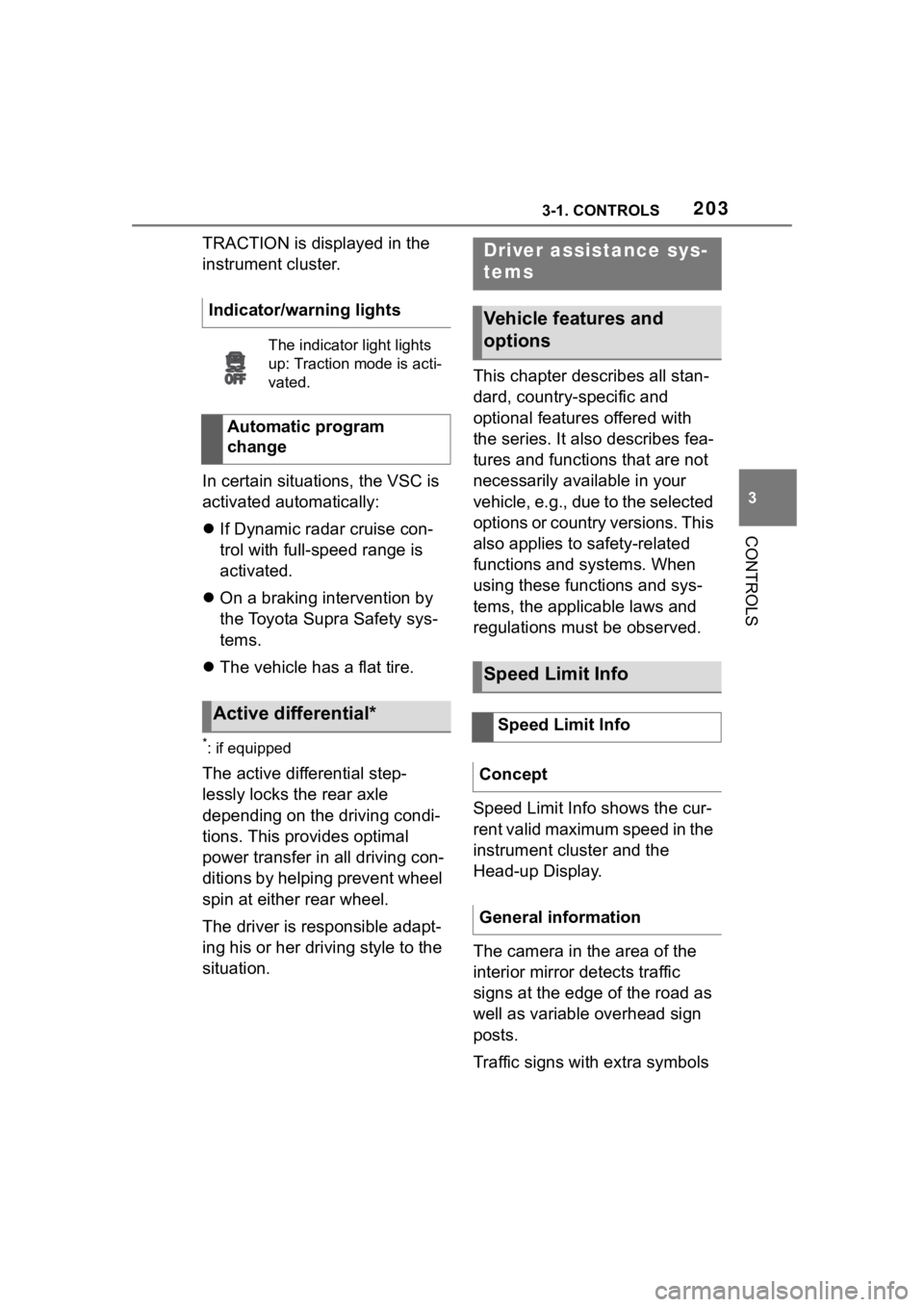
TRACTION is displayed in the
instrument cluster.
In certain situations, the VSC is
activated automatically:
If Dynamic radar cruise con-
trol with full-speed range is
activated.
On a braking intervention by
the Toyota Supra Safety sys-
tems.
The vehicle has a flat tire.
*: if equipped
The active differential step-
lessly locks the rear axle
depending on the driving condi-
tions. This provides optimal
power transfer in all driving con-
ditions by helping prevent wheel
spin at either rear wheel.
The driver is responsible adapt-
ing his or her driving style to the
situation. This chapter describes all stan-
dard, country-specific and
optional features offered with
the series. It also describes fea-
tures and functions that are not
necessarily available in your
vehicle, e.g., due to the selected
options or country versions. This
also applies to safety-related
functions and systems. When
using these functions and sys-
tems, the applicable laws and
regulations must be observed.
Speed Limit Info shows the cur-
rent valid maximum speed in the
instrument cluster and the
Head-up Display.
The camera in the area of the
interior mirror detects traffic
signs at the edge of the road as
well as variable overhead sign
posts.
Traffic signs with extra symbols
Indicator/warning lights
The indicator
light lights
up: Traction mode is acti-
vated.
Automatic program
change
Active differential*
Driver assistance sys-
tems
Vehicle features and
options
Speed Limit Info
Speed Limit Info
Concept
General information
Page 204 of 372
2043-1. CONTROLS
are considered and compared
with the vehicle's onboard data.
The traffic sign will then be
either displayed or ignored
depending on the situation in the
instrument cluster and the
Head-up Display.
The system takes into account
any information that is stored in
the navigation system and also
displays speed limits present on
routes without signs.
The system is controlled by the
following sensors:
• Cameras behind the wind-shield.
Additional information:
Sensors of the vehicle, refer to
page 42. Depending on the vehicle equip-
ment, Speed Limit Info is dis-
played permanently in the
instrument cluster or via Toyota
Supra Command.
1
"My vehicle"
2 "System settings"
3 "Displays"
4 "Instrument panel"
5 "Road signs"
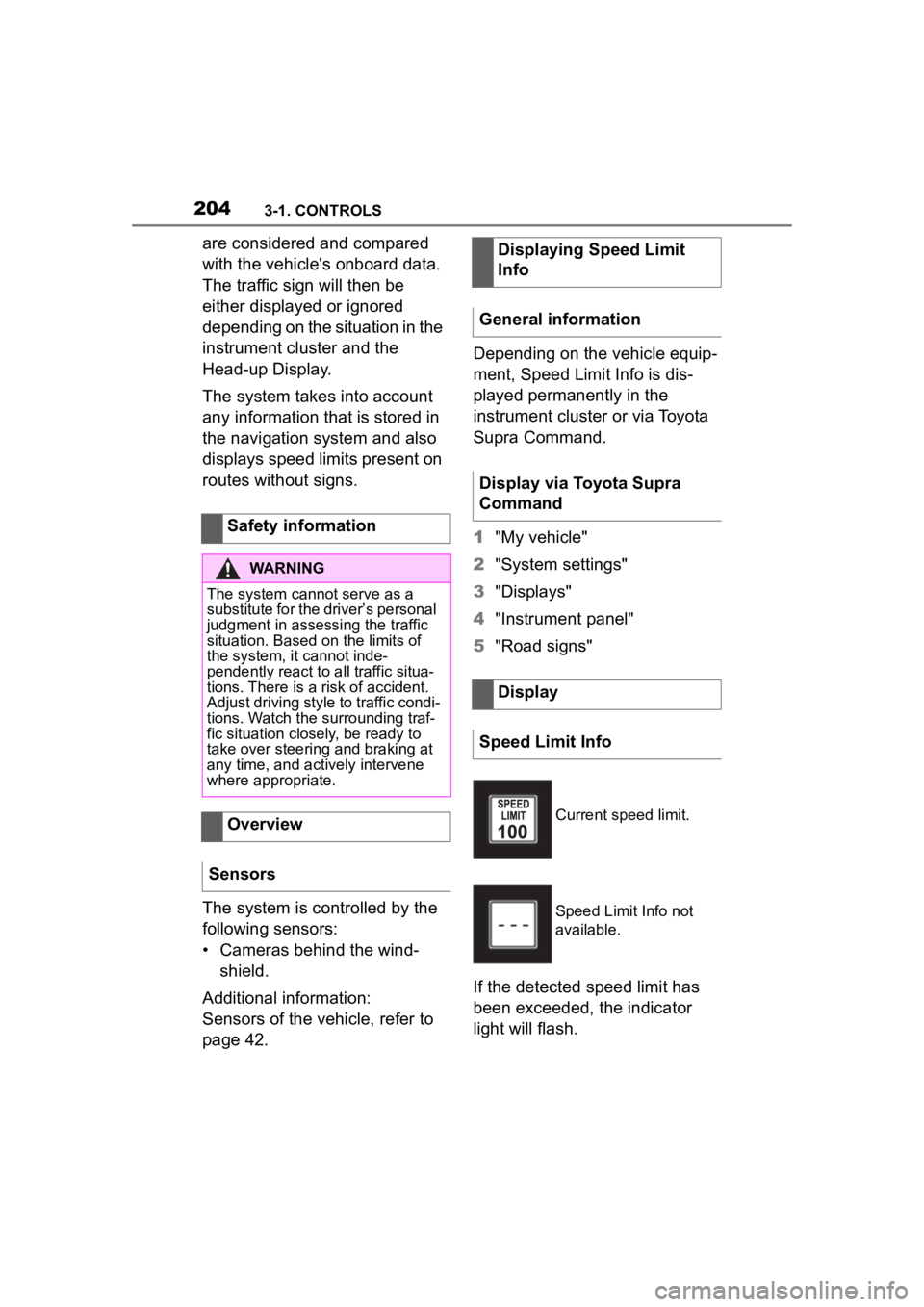
If the detected speed limit has
been exceeded, the indicator
light will flash.
Safety information
WARNING
The system cannot serve as a
substitute for the driver’s personal
judgment in assessing the traffic
situation. Based on the limits of
the system, it cannot inde-
pendently react to all traffic situa-
tions. There is a
risk of accident.
Adjust driving style to traffic condi-
tions. Watch the surrounding traf-
fic situation closely, be ready to
take over steering and braking at
any time, and actively intervene
where appropriate.
Overview
Sensors
Displaying Speed Limit
Info
General information
Display via Toyota Supra
Command
Display
Speed Limit Info
Current speed limit.
Speed Limit Info not
available.
Page 206 of 372
2063-1. CONTROLS
matically as needed.
The system can be activated
starting at 20 mph/30 km/h.
Depending on the vehicle set-
tings, the characteristics of the
Cruise Control may change.General information
Safety information
WARNING
The system cannot serve as a
substitute for the driver’s personal
judgment in assessing the traffic
situation. Based on the limits of
the system, it cannot inde-
pendently react to all traffic situa-
tions. There is a
risk of accident.
Adjust driving style to traffic condi-
tions. Watch the surrounding traf-
fic situation closely, be ready to
take over steering and braking at
any time, and actively intervene
where appropriate.
WARNING
The use of the system can lead to
an increased risk of accidents in
the following situations, for
instance:
●On winding roads.
●In heavy traffic.
●On slippery roads, in fog, snow,
or wet conditions, or on a loose
road surface.
There is a risk of accidents or risk
of damage to property. Only use
the system if driving at constant
speed is possible.
WARNING
The desired speed can be incor-
rectly adjusted or called up by
mistake. There is a risk of an acci-
dent. Adjust the desired speed to
the traffic conditions. Watch traf-
fic closely and actively intervene
where appropriate.
WARNING
When towing with Cruise Control
switched on, individual functions
may not work correctly. There is a
risk of accident. Switch off all
Cruise Control before towing.
Overview
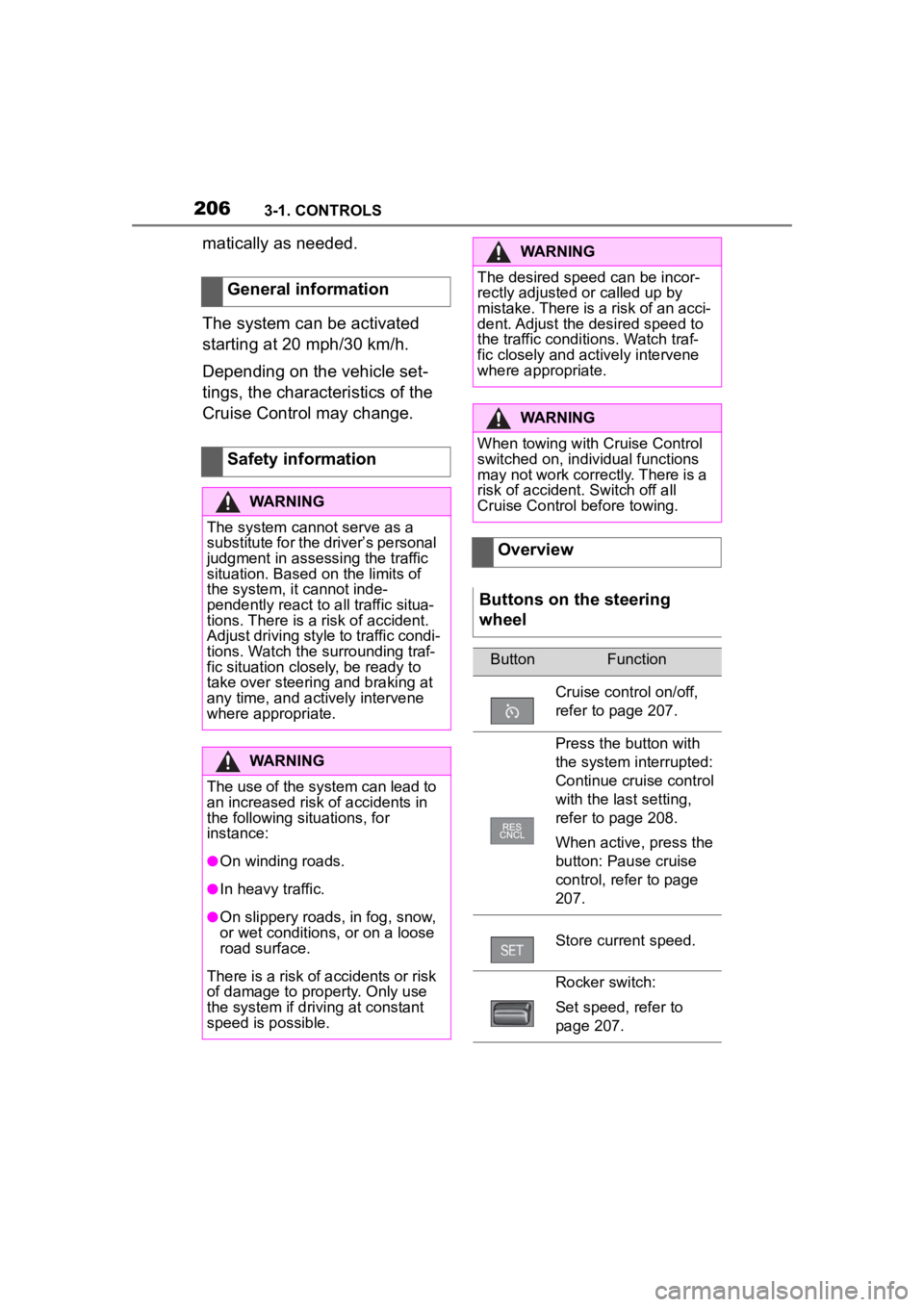
Buttons on the steering
wheel
ButtonFunction
Cruise control on/off,
refer to page 207.
Press the button with
the system interrupted:
Continue cruise control
with the last setting,
refer to page 208.
When active, press the
button: Pause cruise
control, refer to page
207.
Store current speed.
Rocker switch:
Set speed, refer to
page 207.
Page 210 of 372
2103-1. CONTROLS
to detect this within the given
system limits.Safety information
WARNING
The system cannot serve as a
substitute for the driver’s personal
judgment in assessing the traffic
situation. Based on the limits of
the system, it cannot inde-
pendently react to all traffic situa-
tions. There is a risk of accident.
Adjust driving style to traffic condi-
tions. Watch the surrounding traf-
fic situation closely, be ready to
take over steering and braking at
any time, and actively intervene
where appropriate.
WARNING
An unsecured vehicle can begin
to move and possibly roll away.
There is a risk of an accident.
Before exiting, secure the vehicle
against rolling.
In order to ensure that the vehicle
is secured against rolling away,
follow the following:
●Set the parking brake.
●On uphill grades or on a down-
hill slope, turn the front wheels
in the direction of the curb.
●On uphill grades or on a down-
hill slope, also secure the vehi-
cle, for instance with a wheel
chock.
WARNING
The desired speed can be incor-
rectly adjusted or called up by
mistake. There is a risk of an acci-
dent. Adjust the desired speed to
the traffic conditions. Watch traf-
fic closely and actively intervene
where appropriate.
WARNING
Risk of accident due to too high
speed differences to other vehi-
cles, for instance in the following
situations:
●When fast approaching a slowly
moving vehicle.
There is a risk of injuries or dan-
ger to life. Watch t raffic closely
and actively intervene where
appropriate.
●Vehicle suddenly swerving into
own lane.
●When fast approaching stand-
ing vehicles.
WARNING
When towing with Toyota Supra
Safety enabled or Cruise Control
switched on, individual functions
may not work correctly. There is a
risk of accident. Switch off all Toy-
ota Supra Safety and Cruise Con-
trol before towing.
Page 213 of 372
2133-1. CONTROLS
3
CONTROLS
The stored speed is displayed
on the speedometer.
VSC Vehicle Stability Control
System is switched on, if neces-
sary.
The speed can also be stored
by pressing a button.
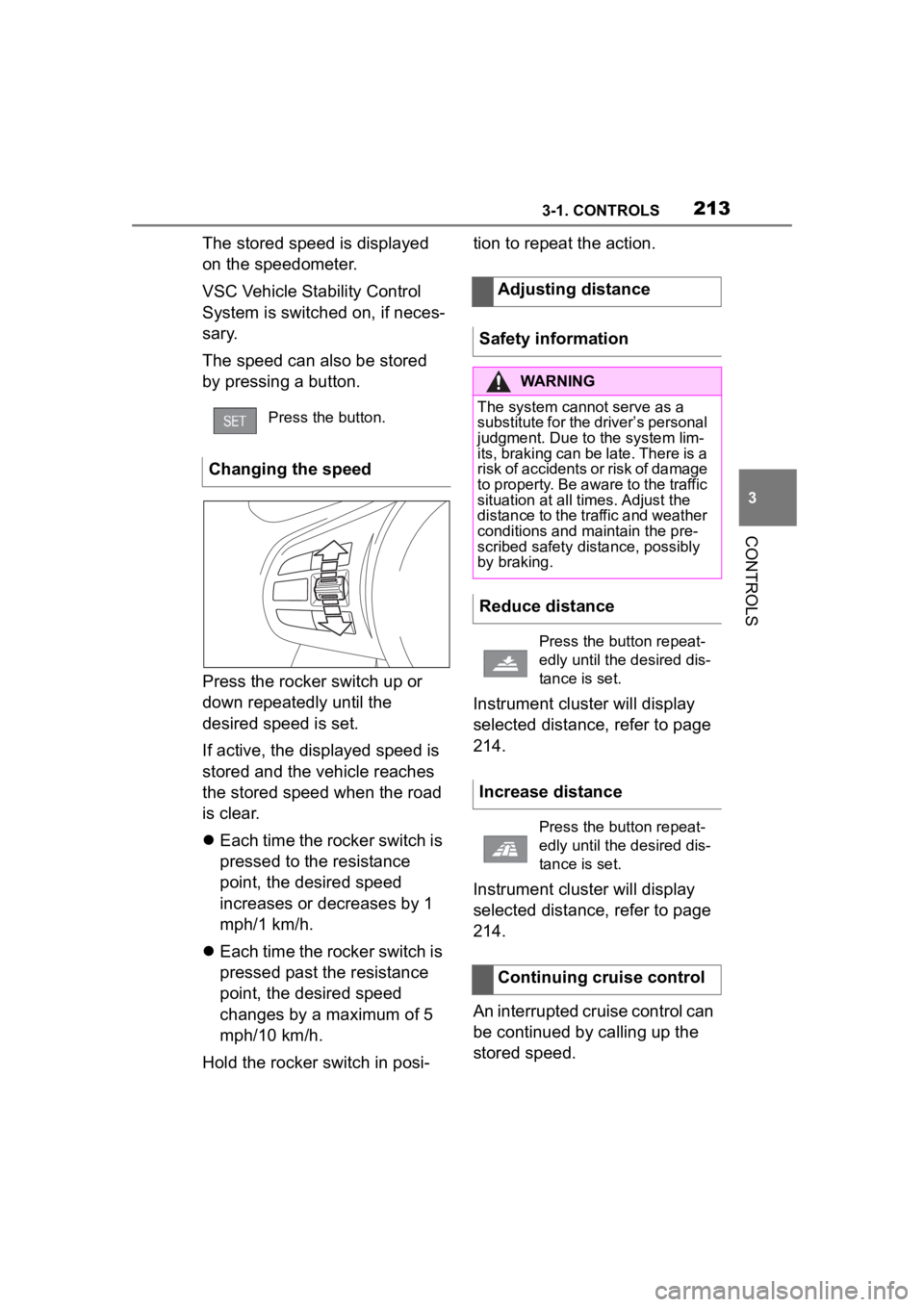
Press the rocker switch up or
down repeatedly until the
desired speed is set.
If active, the displayed speed is
stored and the vehicle reaches
the stored speed when the road
is clear.
Each time the rocker switch is
pressed to the resistance
point, the desired speed
increases or decreases by 1
mph/1 km/h.
Each time the rocker switch is
pressed past the resistance
point, the desired speed
changes by a maximum of 5
mph/10 km/h.
Hold the rocker switch in posi- tion to repeat the action.
Instrument cluster will display
selected distance, refer to page
214.
Instrument cluster will display
selected distance, refer to page
214.
An interrupted cruise control can
be continued by calling up the
stored speed.
Press the button.
Changing the speed
Adjusting distance
Safety information
WARNING
The system cannot serve as a
substitute for the driver’s personal
judgment. Due to the system lim-
its, braking can be late. There is a
risk of accidents or risk of damage
to property. Be aware to the traffic
situation at all times. Adjust the
distance to the traffic and weather
conditions and maintain the pre-
scribed safety distance, possibly
by braking.
Reduce distance
Press the button repeat-
edly until the desired dis-
tance is set.
Increase distance
Press the button repeat-
edly until the desired dis-
tance is set.
Continuing cruise control
Page 215 of 372
2153-1. CONTROLS
3
CONTROLS
As soon as the detected vehicle
drives off, the vehicle symbol in
the distance indicator will move
away.
To accelerate, activate ACC, for
instance by briefly stepping on
the accelerator pedal or press-
ing the rocker switch.Some system information can
also be displayed in the
Head-up Display.
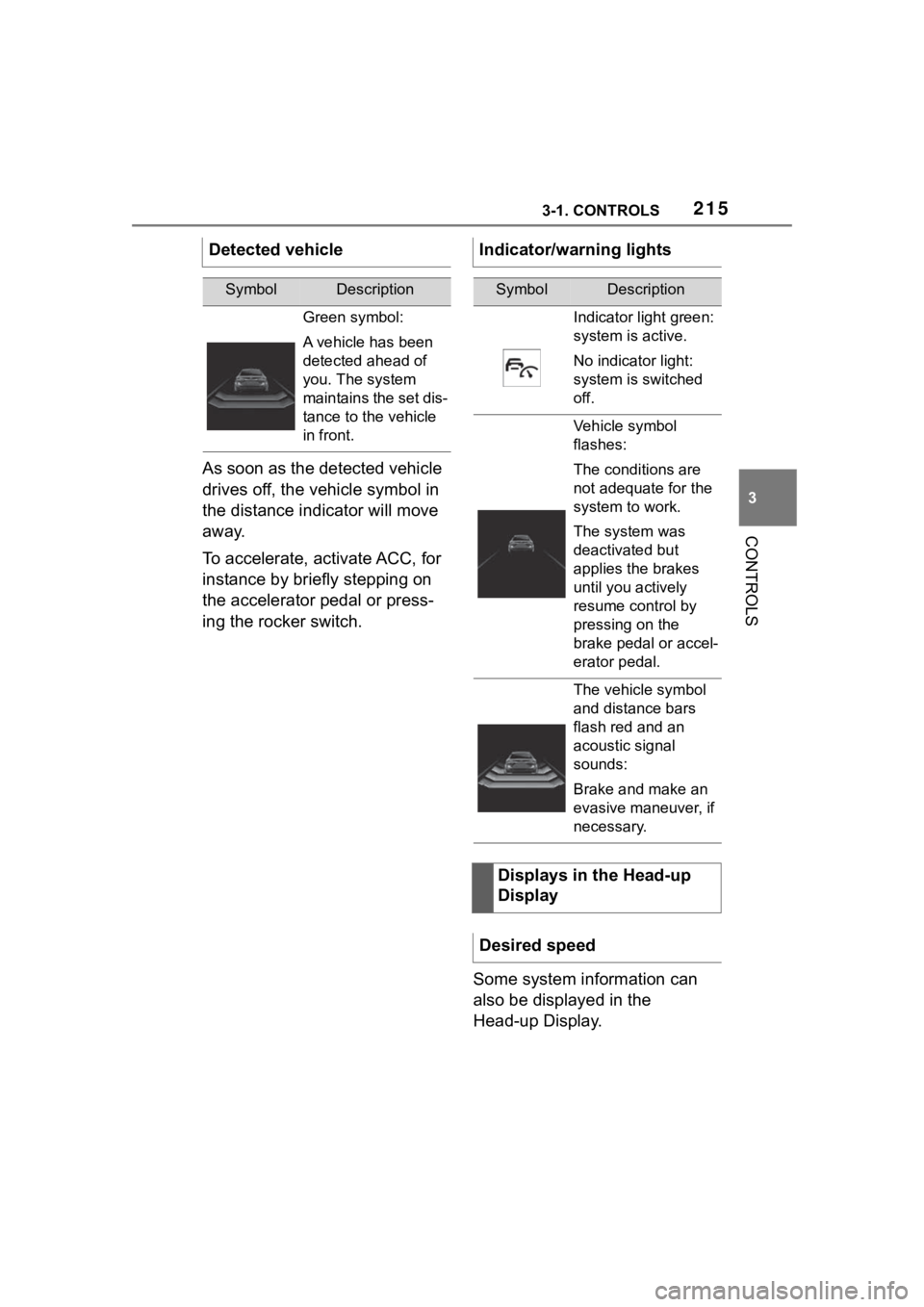
Detected vehicle
SymbolDescription
Green symbol:
A vehicle has been
detected ahead of
you. The system
maintains the set dis-
tance to the vehicle
in front.
Indicator/warning lights
SymbolDescription
Indicator light green:
system is active.
No indicator light:
system is switched
off.
Vehicle symbol
flashes:
The conditions are
not adequate for the
system to work.
The system was
deactivated but
applies the brakes
until you actively
resume control by
pressing on the
brake pedal or accel-
erator pedal.
The vehicle symbol
and distance bars
flash red and an
acoustic signal
sounds:
Brake and make an
evasive maneuver, if
necessary.
Displays in the Head-up
Display
Desired speed