ESP TOYOTA SUPRA 2019 Workshop Manual
[x] Cancel search | Manufacturer: TOYOTA, Model Year: 2019, Model line: SUPRA, Model: TOYOTA SUPRA 2019Pages: 456, PDF Size: 88.65 MB
Page 212 of 456
212
Supra Owner's Manual3-1. CONTROLS
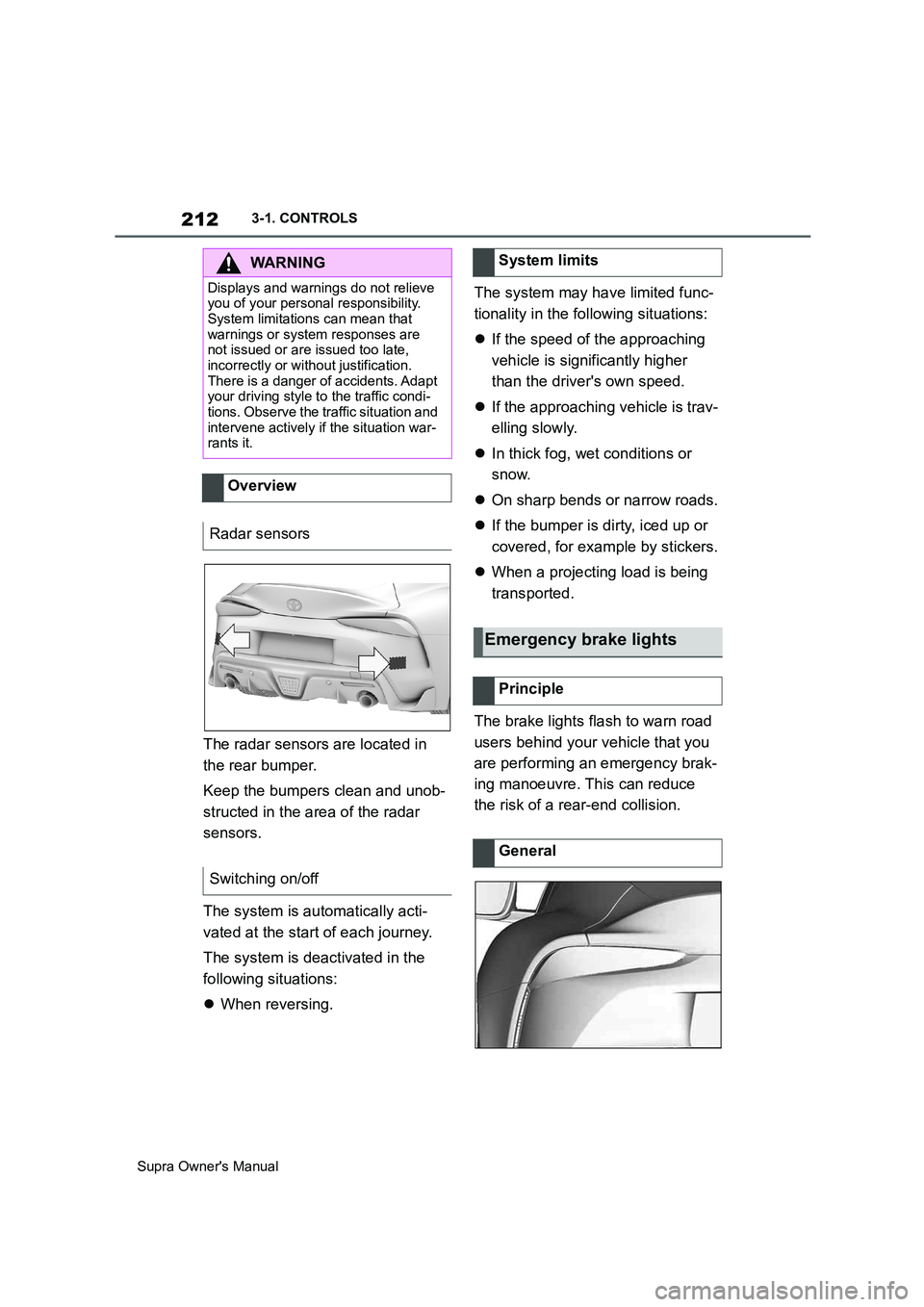
The radar sensors are located in
the rear bumper.
Keep the bumpers clean and unob-
structed in the area of the radar
sensors.
The system is automatically acti-
vated at the start of each journey.
The system is deactivated in the
following situations:
When reversing.The system may have limited func-
tionality in the following situations:
If the speed of the approaching
vehicle is significantly higher
than the driver's own speed.
If the approaching vehicle is trav-
elling slowly.
In thick fog, wet conditions or
snow.
On sharp bends or narrow roads.
If the bumper is dirty, iced up or
covered, for example by stickers.
When a projecting load is being
transported.
The brake lights flash to warn road
users behind your vehicle that you
are performing an emergency brak-
ing manoeuvre. This can reduce
the risk of a rear-end collision.
WARNING
Displays and warnings do not relieve
you of your personal responsibility.
System limitations can mean that
warnings or system responses are
not issued or are issued too late,
incorrectly or without justification.
There is a danger of accidents. Adapt
your driving style to the traffic condi-
tions. Observe the traffic situation and
intervene actively if the situation war-
rants it.
Overview
Radar sensors
Switching on/off
System limits
Emergency brake lights
Principle
General
Page 213 of 456
213
3
Supra Owner's Manual3-1. CONTROLS
CONTROLS
Normal braking: brake lights illu-
minate.
Heavy braking: brake lights flash.
Shortly before the vehicle comes to
a standstill, the hazard warning
lights are activated.
To switch off the hazard warning
lights:
Accelerate.
Press the hazard warning lights
button.
The system can automatically bring
the vehicle to a standstill in certain
accident situations without the
involvement of the driver. The risk
of a further collision and its conse-
quences can thereby be reduced.
After the vehicle has come to a halt,
the brake is released automatically.
In certain situations, it may be nec-
essary to bring the vehicle to a
standstill more quickly.
To do this, for a short time the brak-
ing pressure applied when stepping
on the brake pedal must be higher
than the braking pressure achieved by the automatic braking function.
This action interrupts the automatic
braking process.
In certain situations, it may be nec-
essary to cancel automatic braking,
for example for an evasive
manoeuvre.
Cancel automatic braking:
By depressing the brake pedal.
By depressing the accelerator
pedal.
The system can detect decreasing
attentiveness or the onset of fatigue
in the driver on long monotonous
journeys, for example on motor-
ways. In this situation, it is recom-
mended that you take a break.
Autonomous Emergency
Braking
Principle
At a standstill
Harder vehicle braking
Cancelling automatic braking
Driver Attention Control
General
Safety note
WARNING
The system does not relieve you of
your personal responsibility to assess
your physical condition correctly.
Increasing inattention or fatigue might
not be detected, or may not be
detected in good time. There is a dan-
ger of accidents. Make sure that the
driver is rested and alert. Adapt your
driving style to the traffic conditions.
Page 215 of 456
215
3
Supra Owner's Manual3-1. CONTROLS
CONTROLS
mph.
If a sporty driving style is
adopted, for example sharp
acceleration or fast cornering.
In active driving situations, for
example frequent lane changes.
In poor road conditions.
In strong crosswinds.
The system is reset approximately
45 minutes after the vehicle is
stopped, for example when taking a
break during a long motorway jour-
ney.This chapter describes all standard,
country-specific and special equip-
ment available for the model series.
It may therefore describe equip-
ment and functions which are not
installed in your vehicle, for exam-
ple on account of the optional
equipment selected or the country
specification. This also applies to
safety-relevant functions and sys-
tems. Please comply with the rele-
vant laws and regulations when
using the corresponding functions
and systems.
ABS prevents the wheels from lock-
ing when the brakes are applied.
Steering control is retained even in
the event of full braking, thereby
enhancing active road safety.
ABS is ready to operate each time
the engine is started.
Situations which the ABS cannot
operate sufficiently:
When entering a curve at an
excessively high rate of speedDriving Stability Control
Systems
Vehicle equipment
Anti-lock Brake System ABS
Page 216 of 456
216
Supra Owner's Manual3-1. CONTROLS
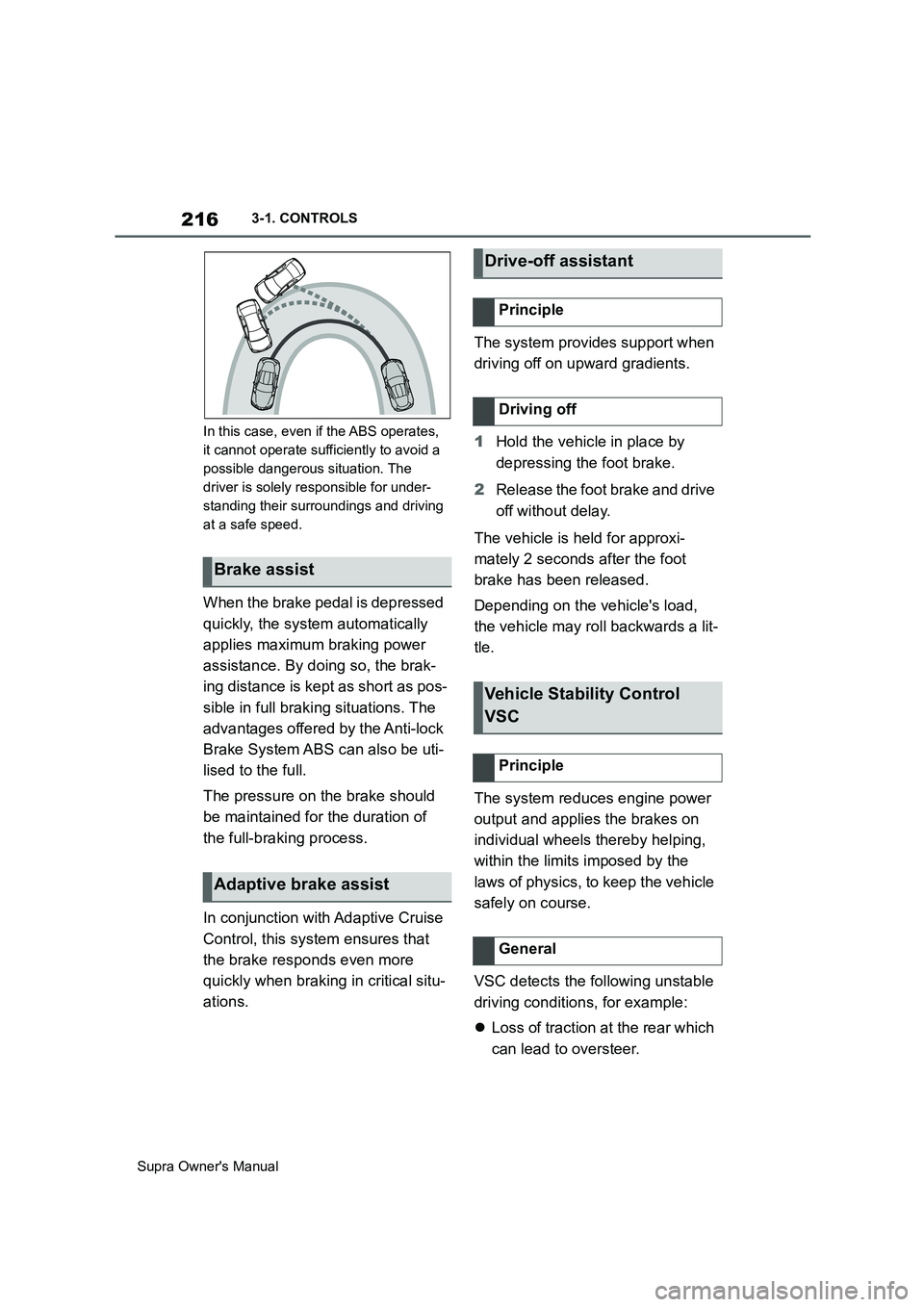
In this case, even if the ABS operates,
it cannot operate sufficiently to avoid a
possible dangerous situation. The
driver is solely responsible for under-
standing their surroundings and driving
at a safe speed.
When the brake pedal is depressed
quickly, the system automatically
applies maximum braking power
assistance. By doing so, the brak-
ing distance is kept as short as pos-
sible in full braking situations. The
advantages offered by the Anti-lock
Brake System ABS can also be uti-
lised to the full.
The pressure on the brake should
be maintained for the duration of
the full-braking process.
In conjunction with Adaptive Cruise
Control, this system ensures that
the brake responds even more
quickly when braking in critical situ-
ations.The system provides support when
driving off on upward gradients.
1Hold the vehicle in place by
depressing the foot brake.
2Release the foot brake and drive
off without delay.
The vehicle is held for approxi-
mately 2 seconds after the foot
brake has been released.
Depending on the vehicle's load,
the vehicle may roll backwards a lit-
tle.
The system reduces engine power
output and applies the brakes on
individual wheels thereby helping,
within the limits imposed by the
laws of physics, to keep the vehicle
safely on course.
VSC detects the following unstable
driving conditions, for example:
Loss of traction at the rear which
can lead to oversteer.
Brake assist
Adaptive brake assist
Drive-off assistant
Principle
Driving off
Vehicle Stability Control
VSC
Principle
General
Page 217 of 456
217
3
Supra Owner's Manual3-1. CONTROLS
CONTROLS
Loss of grip of the front wheels
which can lead to understeer.
Driving stability during acceleration
and cornering is restricted if VSC is
deactivated.
To assist driving stability, re-acti-
vate VSC as soon as possible.
VSC OFF is displayed in the instru-
ment cluster when VSC is deacti-
vated. Safety notes
WARNING
The system does not relieve you of
your personal responsibility to assess
the traffic situation correctly. Due to
system limitations, it cannot respond
independently and appropriately in all
traffic conditions. There is a danger of
accidents. Adapt your driving style to
the traffic conditions. Observe the
traffic situation and intervene actively
if the situation warrants it.
WARNING
When driving with a roof load, for
example with a roof rack, the higher
centre of gravity can mean that driv-
ing safety is no longer guaranteed in
critical driving situations. There is a
danger of accidents or damage to
property. Do not deactivate Vehicle
Stability Control VSC when driving
with a roof load.
Overview
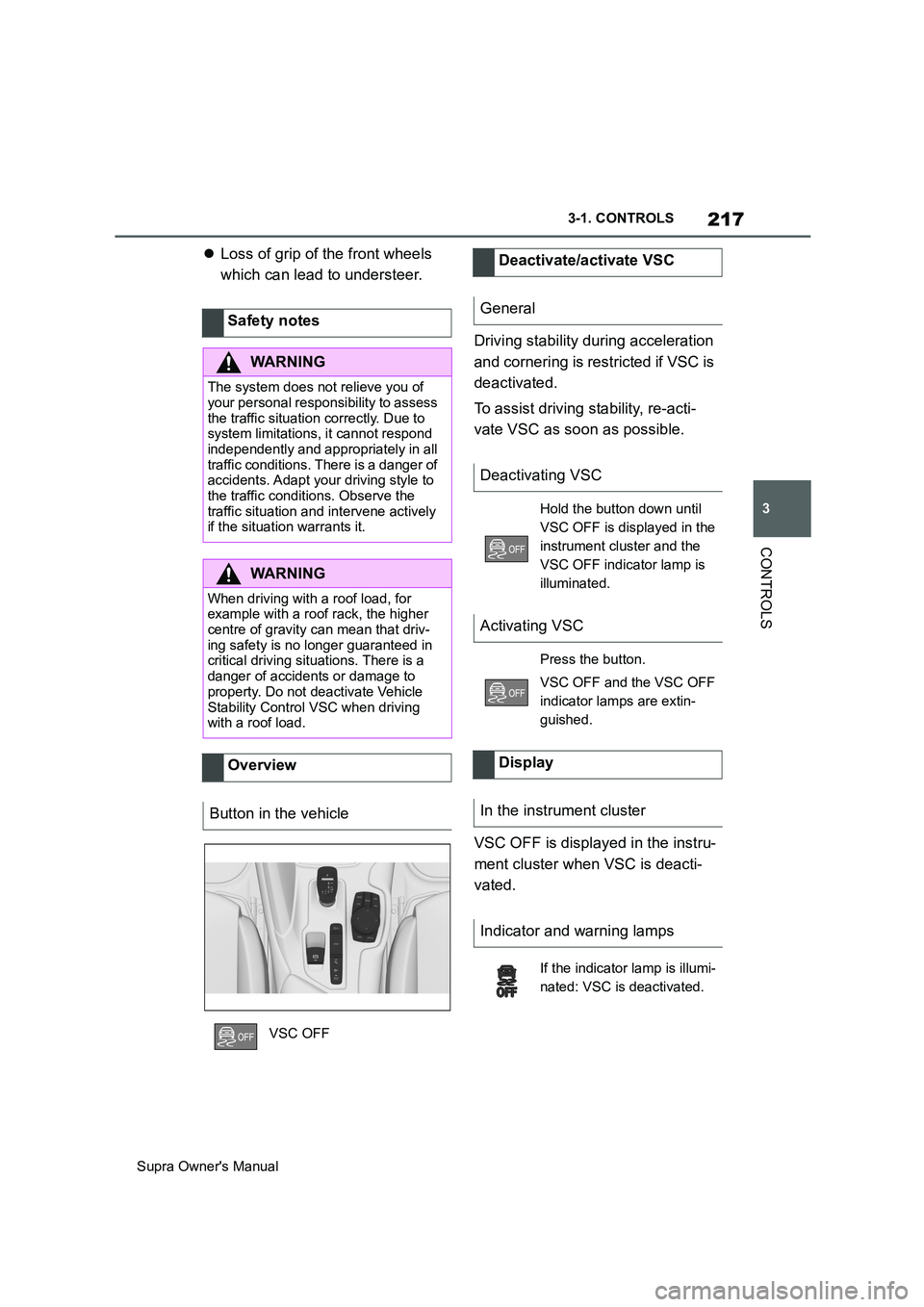
Button in the vehicle
VSC OFF
Deactivate/activate VSC
General
Deactivating VSC
Hold the button down until
VSC OFF is displayed in the
instrument cluster and the
VSC OFF indicator lamp is
illuminated.
Activating VSC
Press the button.
VSC OFF and the VSC OFF
indicator lamps are extin-
guished.
Display
In the instrument cluster
Indicator and warning lamps
If the indicator lamp is illumi-
nated: VSC is deactivated.
Page 218 of 456
218
Supra Owner's Manual3-1. CONTROLS
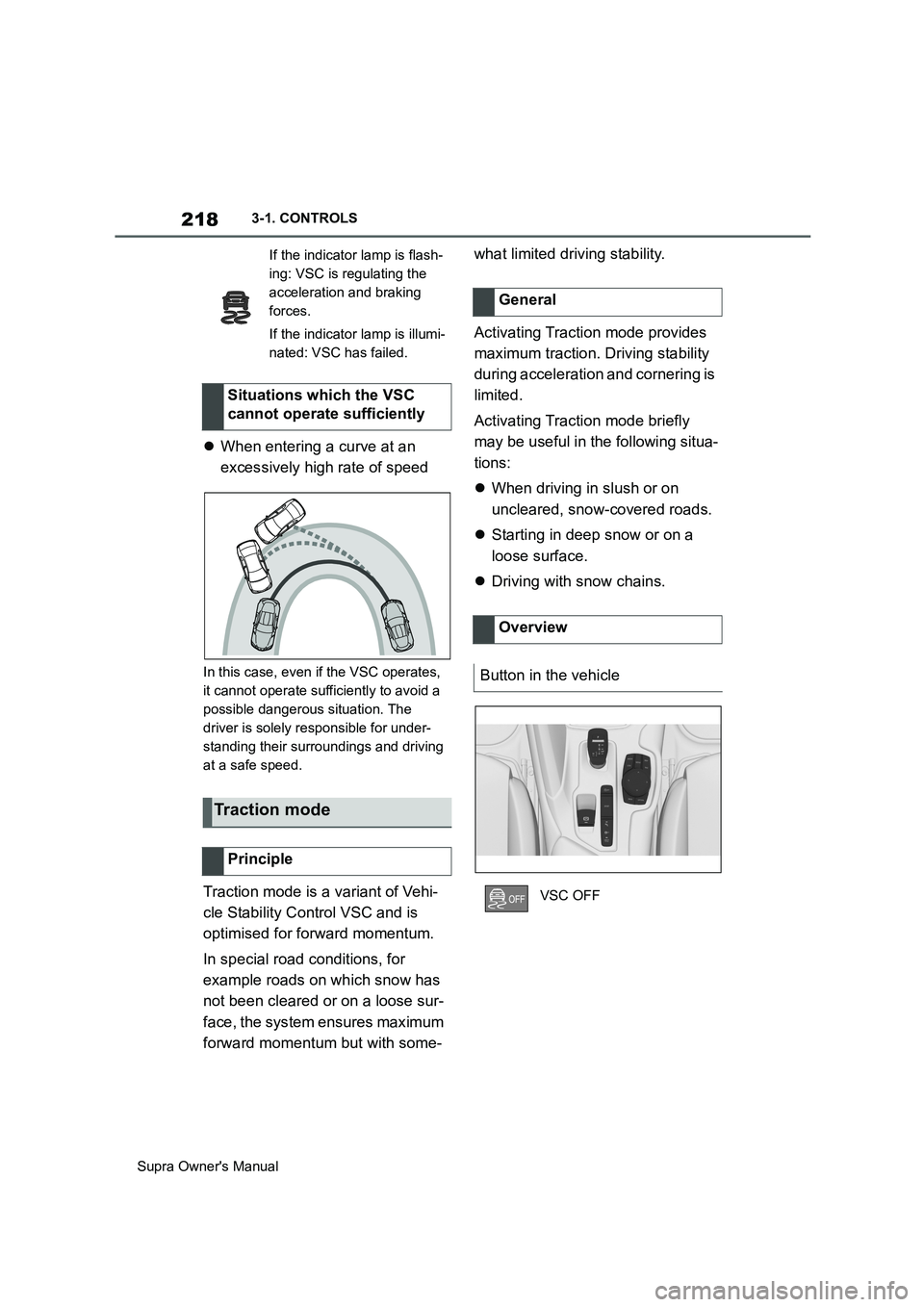
When entering a curve at an
excessively high rate of speed
In this case, even if the VSC operates,
it cannot operate sufficiently to avoid a
possible dangerous situation. The
driver is solely responsible for under-
standing their surroundings and driving
at a safe speed.
Traction mode is a variant of Vehi-
cle Stability Control VSC and is
optimised for forward momentum.
In special road conditions, for
example roads on which snow has
not been cleared or on a loose sur-
face, the system ensures maximum
forward momentum but with some-what limited driving stability.
Activating Traction mode provides
maximum traction. Driving stability
during acceleration and cornering is
limited.
Activating Traction mode briefly
may be useful in the following situa-
tions:
When driving in slush or on
uncleared, snow-covered roads.
Starting in deep snow or on a
loose surface.
Driving with snow chains.
If the indicator lamp is flash-
ing: VSC is regulating the
acceleration and braking
forces.
If the indicator lamp is illumi-
nated: VSC has failed.
Situations which the VSC
cannot operate sufficiently
Traction mode
Principle
General
Overview
Button in the vehicle
VSC OFF
Page 219 of 456
219
3
Supra Owner's Manual3-1. CONTROLS
CONTROLS
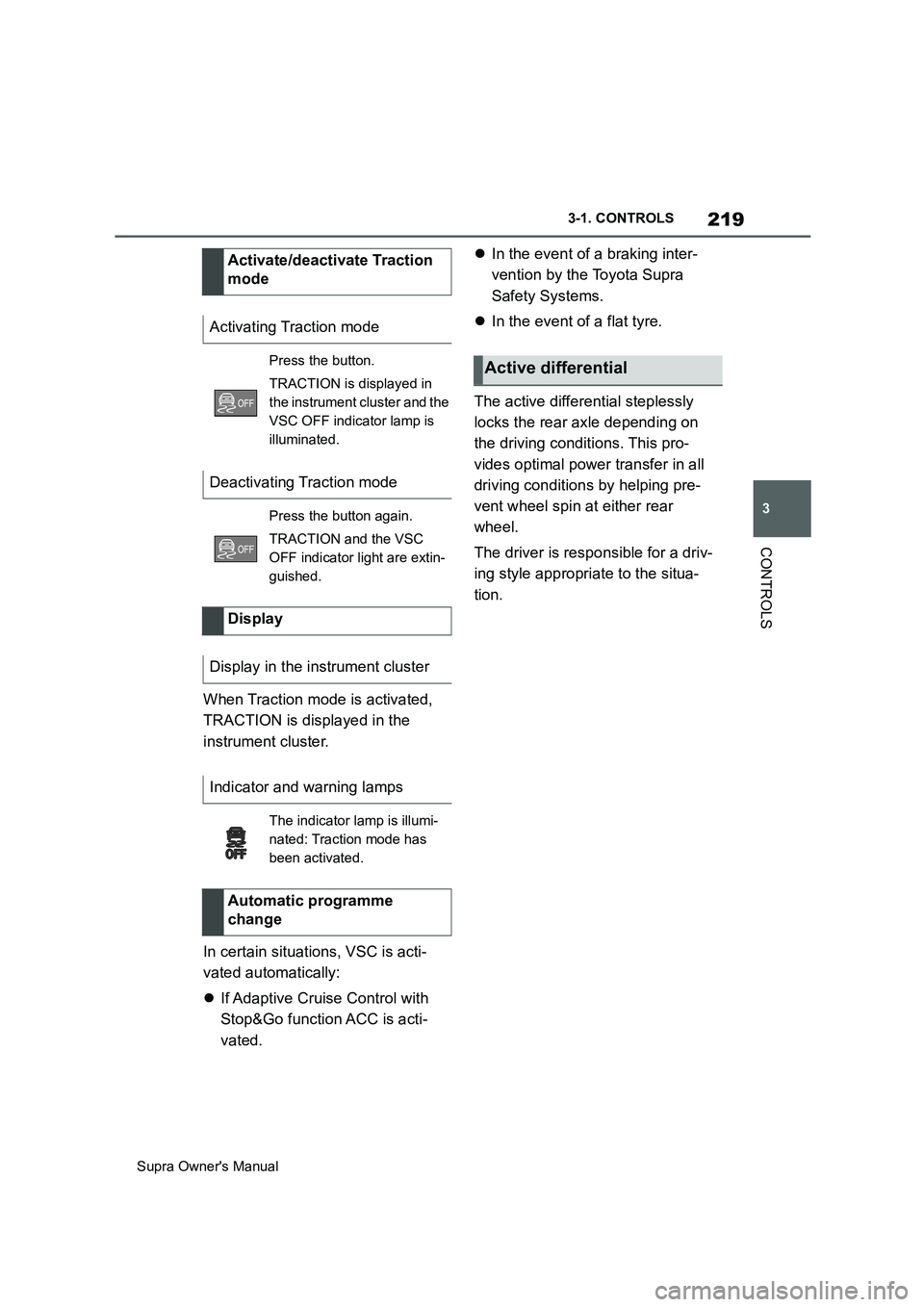
When Traction mode is activated,
TRACTION is displayed in the
instrument cluster.
In certain situations, VSC is acti-
vated automatically:
If Adaptive Cruise Control with
Stop&Go function ACC is acti-
vated.In the event of a braking inter-
vention by the Toyota Supra
Safety Systems.
In the event of a flat tyre.
The active differential steplessly
locks the rear axle depending on
the driving conditions. This pro-
vides optimal power transfer in all
driving conditions by helping pre-
vent wheel spin at either rear
wheel.
The driver is responsible for a driv-
ing style appropriate to the situa-
tion. Activate/deactivate Traction
mode
Activating Traction mode
Press the button.
TRACTION is displayed in
the instrument cluster and the
VSC OFF indicator lamp is
illuminated.
Deactivating Traction mode
Press the button again.
TRACTION and the VSC
OFF indicator light are extin-
guished.
Display
Display in the instrument cluster
Indicator and warning lamps
The indicator lamp is illumi-
nated: Traction mode has
been activated.
Automatic programme
change
Active differential
Page 220 of 456
220
Supra Owner's Manual3-1. CONTROLS
This chapter describes all standard,
country-specific and special equip-
ment available for the model series.
It may therefore describe equip-
ment and functions which are not
installed in your vehicle, for exam-
ple on account of the optional
equipment selected or the country
specification. This also applies to
safety-relevant functions and sys-
tems. Please comply with the rele-
vant laws and regulations when
using the corresponding functions
and systems.
The system can be used to set a
speed limit so that speed restric-
tions are not exceeded.
The system enables speeds from a
value of 30 km/h/20 mph and above
to be set as a speed limit. Below
the set speed limit, the vehicle can
be driven without restriction.The current speed is adopted as
the speed limit.
When switching on at a standstill or
driving at low speed, 30 km/h/20
mph is set as the speed limit.
When activating the speed limit it is
possible that Vehicle Stability Con-
trol VSC will be switched on and
the drive mode switched to NOR-
MAL.
The system switches off automati-
Driver Assistance Sys-
tems
Vehicle equipment
Manual Speed Limiter
Principle
General
Overview
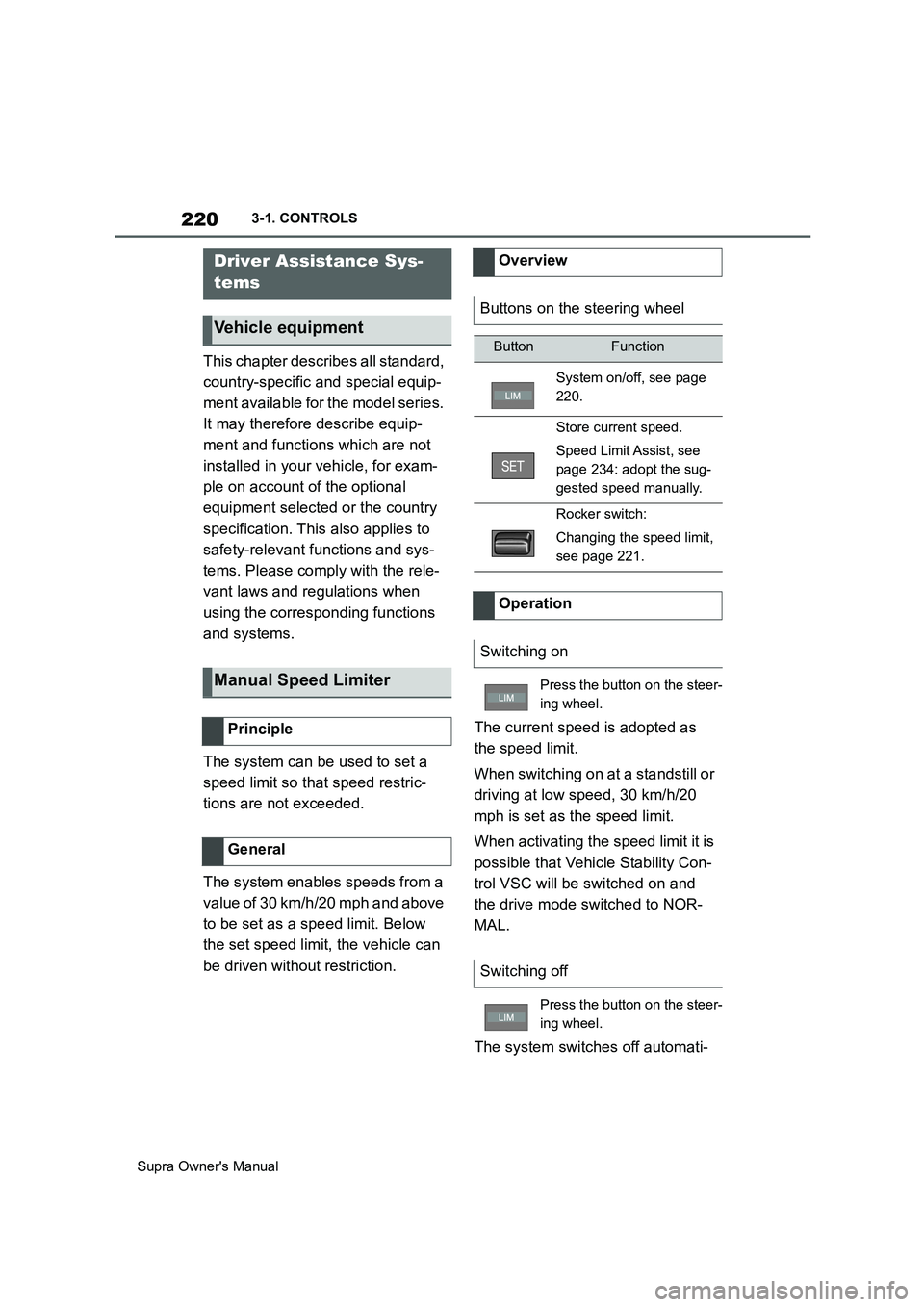
Buttons on the steering wheel
ButtonFunction
System on/off, see page
220.
Store current speed.
Speed Limit Assist, see
page 234: adopt the sug-
gested speed manually.
Rocker switch:
Changing the speed limit,
see page 221.
Operation
Switching on
Press the button on the steer-
ing wheel.
Switching off
Press the button on the steer-
ing wheel.
Page 222 of 456
222
Supra Owner's Manual3-1. CONTROLS
Depending on the vehicle specifica-
tions, the set speed limit will be dis-
played.
This system allows a desired speed
to be set using the buttons on the
steering wheel. The desired speed
is then maintained by the system.
To do this, the system automatically
accelerates and brakes the vehicle as necessary.
Depending on the vehicle settings,
the characteristics of the Cruise
Control may change. Warning when the speed limit
is exceeded
Visual warning
If the speed limit is exceeded:
the indicator lamp in the
instrument cluster flashes for
as long as you exceed the set
speed limit.
Displays in the instrument
cluster
Indicator lamp
If the indicator lamp is illu-
minated: the system is
switched on.
If the indicator lamp is
flashing: set speed limit is
exceeded.
Grey indicator lamp: the
system is interrupted.
Status display
Cruise Control
Principle
General
Safety notes
WARNING
The system does not relieve you of
your personal responsibility to assess
the traffic situation correctly. Due to
system limitations, it cannot respond
independently and appropriately in all
traffic conditions. There is a danger of
accidents. Adapt your driving style to
the traffic conditions. Observe the
traffic situation and intervene actively
if the situation warrants it.
WARNING
Using the system in the following situ-
ations may increase the risk of an
accident, for example:
●On stretches of road with many cor-
ners and bends.
●In heavy traffic.
●If the road is icy, if there is fog or
snow, if conditions are wet or on a
loose road surface.
There is a danger of accidents or
damage to property. Only use the sys-
tem if it is possible to drive at a con-
stant speed.
Page 225 of 456
225
3
Supra Owner's Manual3-1. CONTROLS
CONTROLS
saved speed is not excessively
large. Otherwise, there may be
inadvertent braking or acceleration.
Cruise Control is resumed with the
saved values.
The saved speed value is deleted
and can no longer be called up in
the following instances:
When the system is switched off.
When drive-ready state is
switched off.
With the corresponding equipment,
the set speed limit is displayed digi-
tally for a short time.
Some information from the system
can also be shown in the Head-Up
Display.The desired speed is also main-
tained on a downhill stretch. The
vehicle may drive slower than the
desired speed on uphill gradients if
the engine power is not sufficient.
This system allows you to set a
desired speed and a desired dis-
tance from the vehicle in front,
using the buttons on the steering
wheel.
When the road ahead is clear, the
system maintains the desired
speed by braking or accelerating
the vehicle automatically, as
required.
If there is a vehicle driving in front,
the system adapts your own vehicle
speed in order to maintain the set
distance from the vehicle ahead.
The speed is adapted as far as the
given situation allows.
A radar sensor is fitted in the front
bumper and a camera on the
rear-view mirror for detecting vehi-
While the system is inter-
rupted, press the button.
Displays in the instrument
cluster
Indicator lamp
Green indicator lamp: the
system is active.
Grey indicator lamp: the
system is interrupted.
No indicator lamp: the sys-
tem is switched off.
Status display
Displays in the Head-Up Dis-
play
The symbol is displayed
when the desired speed set
has been reached.
System limits
Adaptive Cruise Control
with Stop & Go ACC
Principle
General